Log in

Use ZeroTwo with PDFs

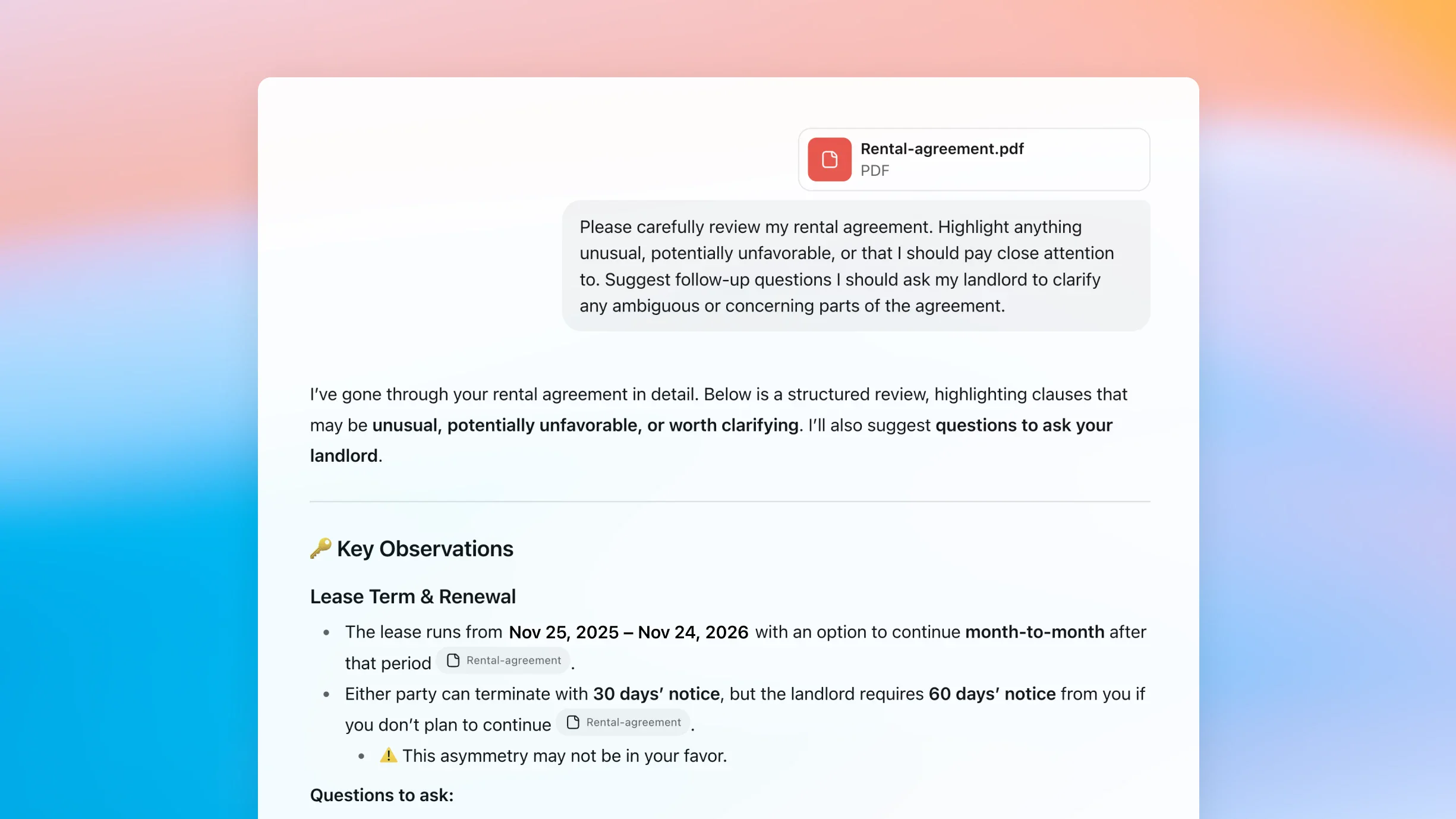
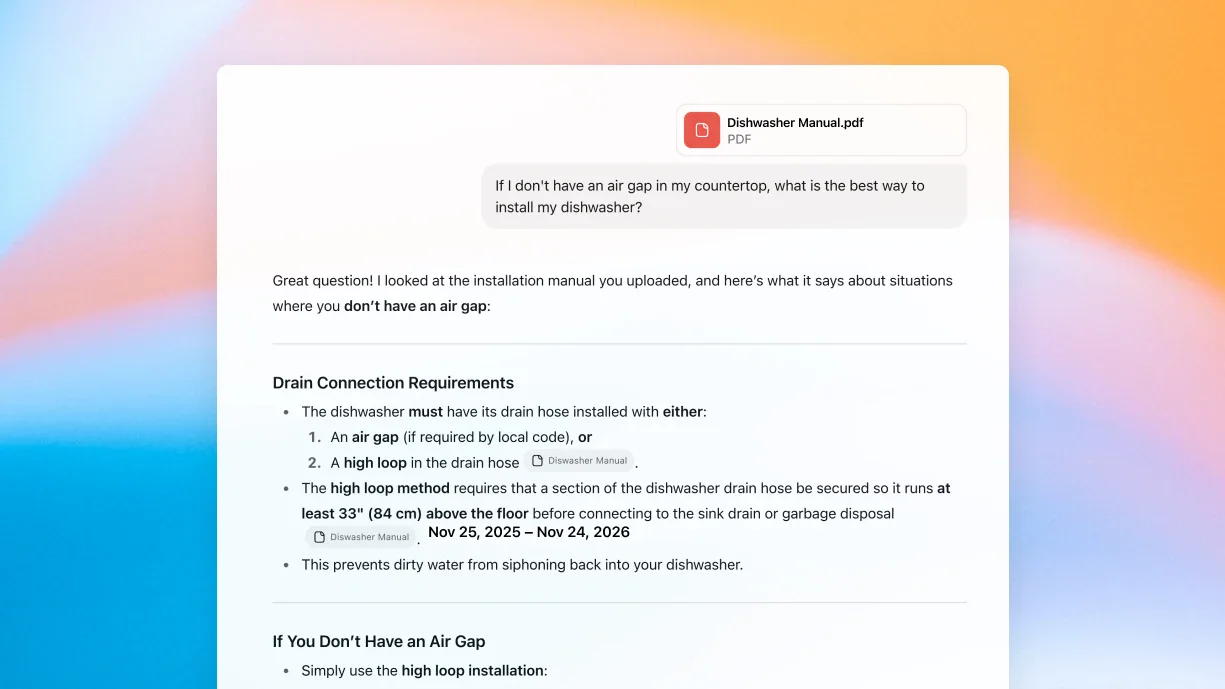
From legal contracts to research papers to user manuals, ZeroTwo can help you navigate big documents, understand the content, and get the information you need quickly. Just upload any PDF to ZeroTwo and start asking questions.
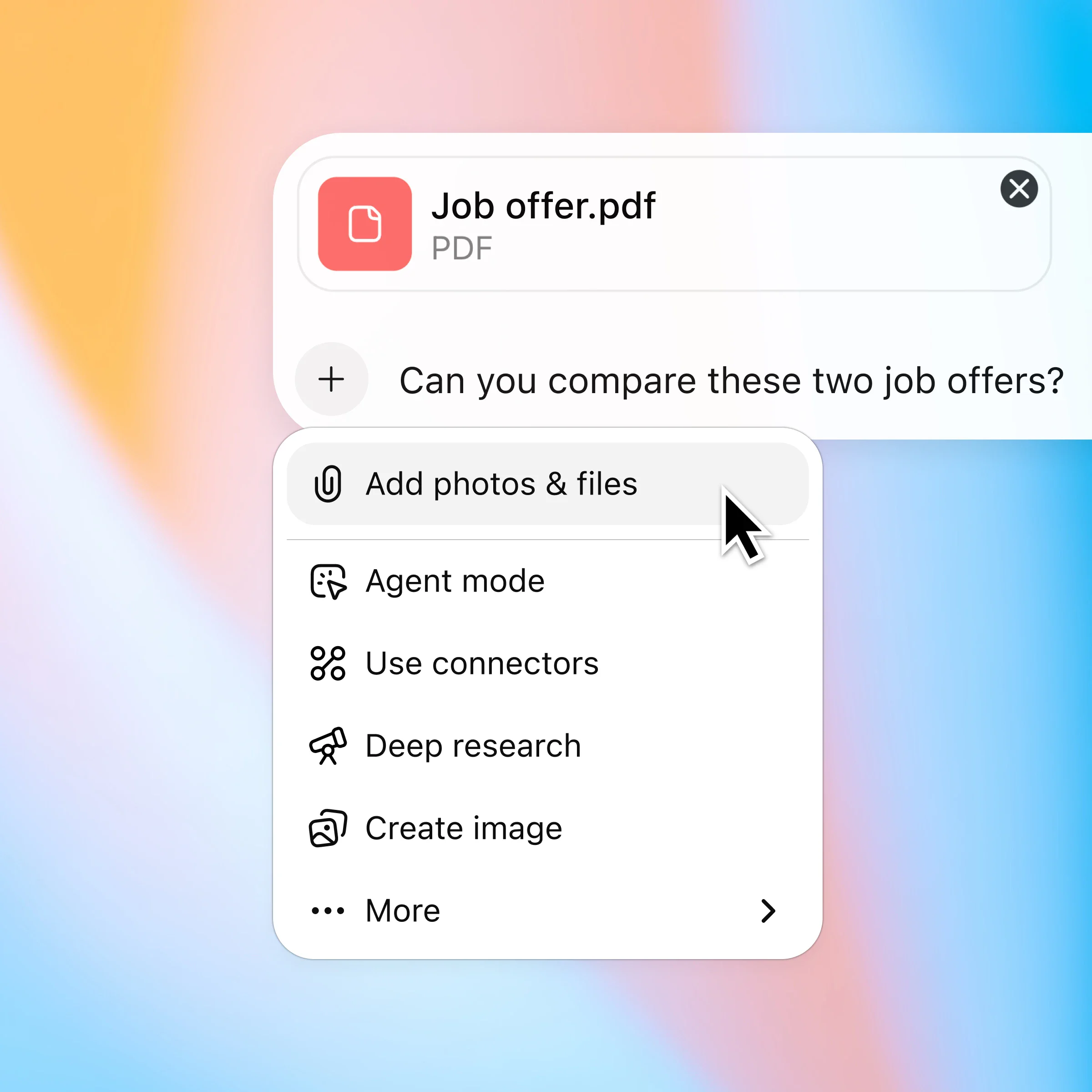
ZeroTwo AI | AI agent platform | A chat interface with ZeroTwo showing an uploaded PDF file named 'Job offer.pdf' and a user prompt asking, 'Can you compare these two job offers?' A dropdown menu is open with the cursor hovering over 'Add photos & files,' alongside options like AI Agent mode, Use connectors, and Deep research.
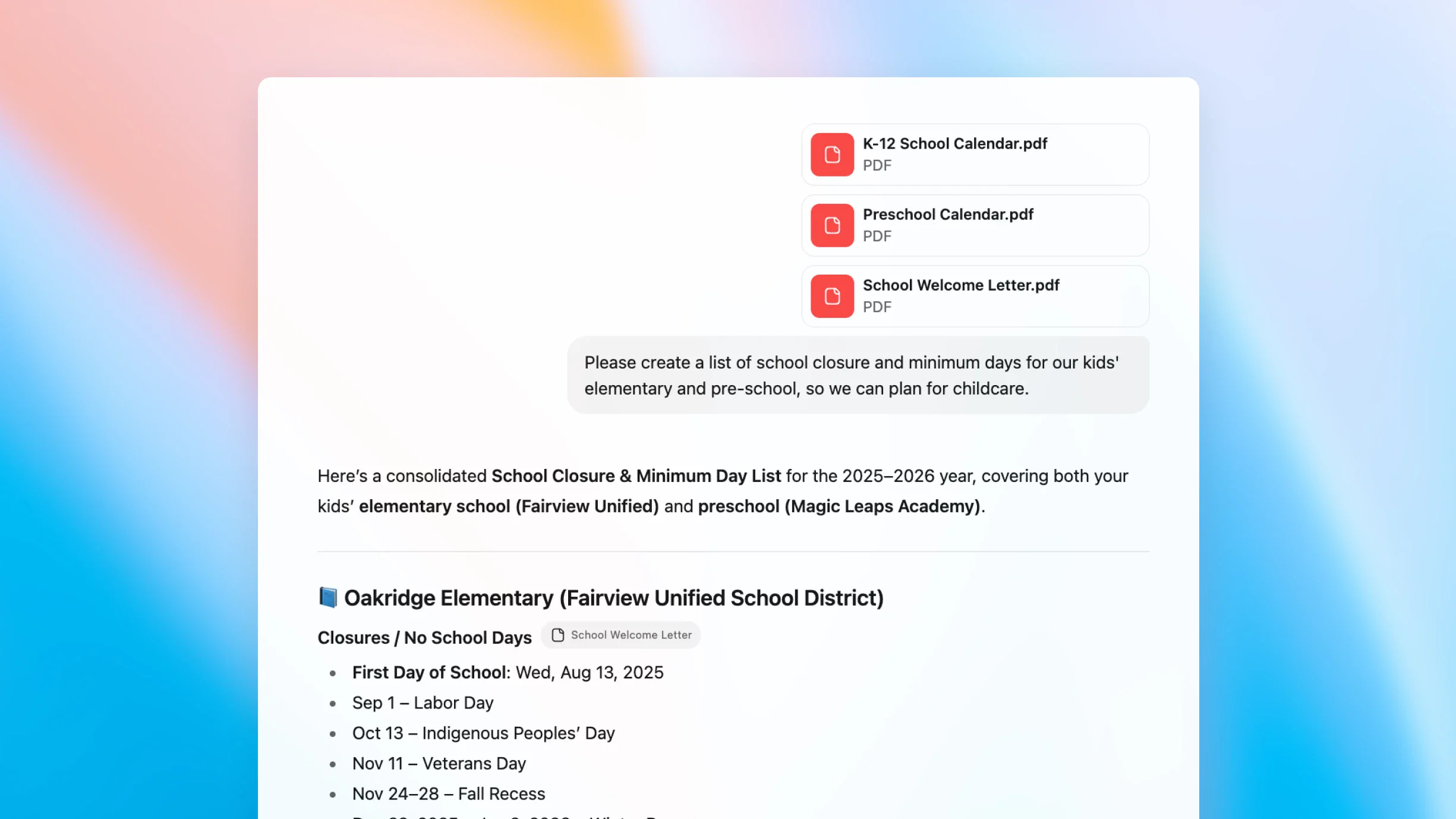
ZeroTwo AI | AI agent platform | ZeroTwo interface displaying a user request to compile school closure and minimum day information based on three uploaded PDFs: 'K-12 School Calendar,' 'Preschool Calendar,' and 'School Welcome Letter.' The assistant responds with a consolidated list for the 2025–2026 school year, beginning with closure dates for Oakridge Elementary (Fairview Unified School District).
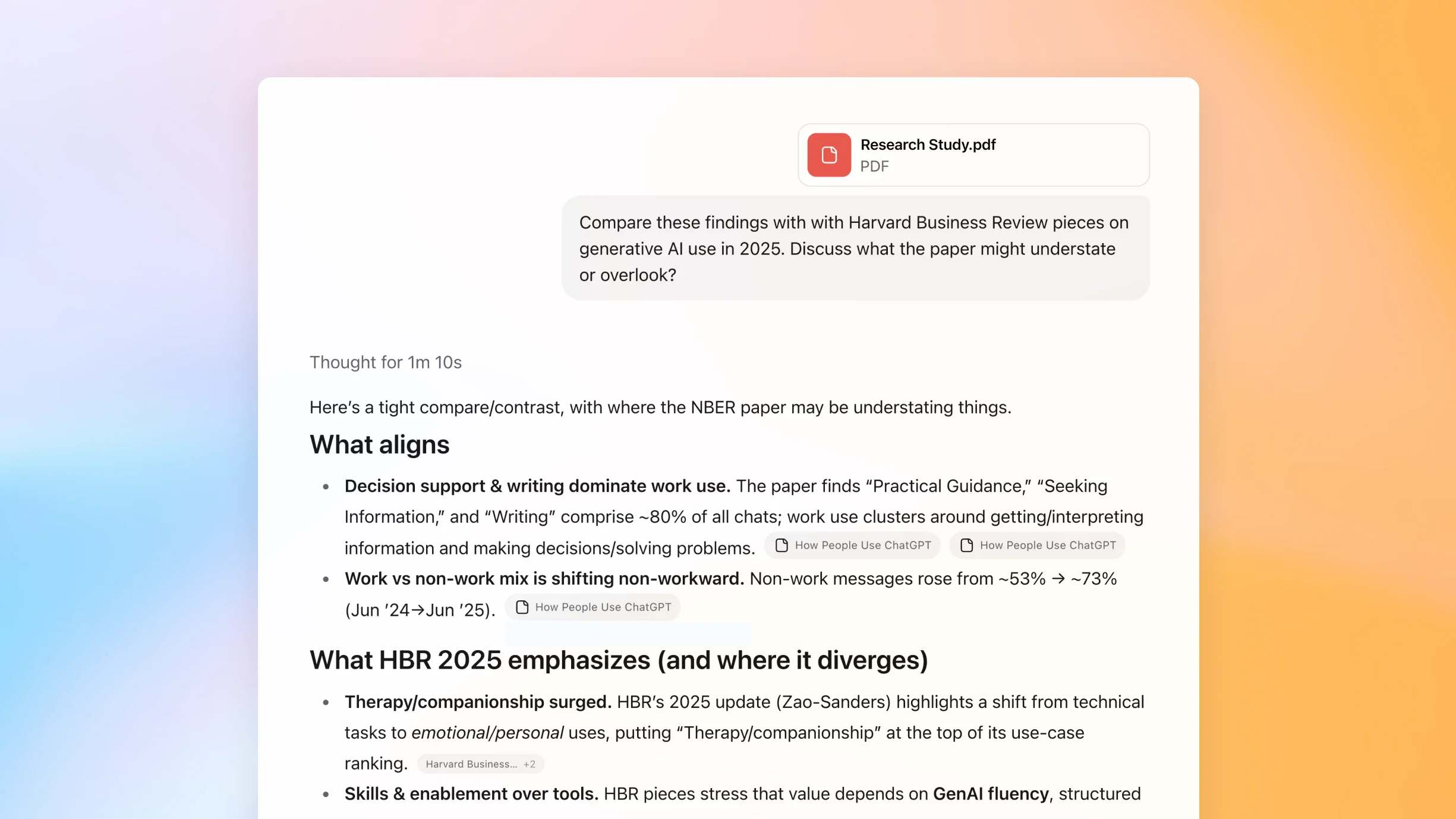
ZeroTwo AI | AI agent platform | Research papers example
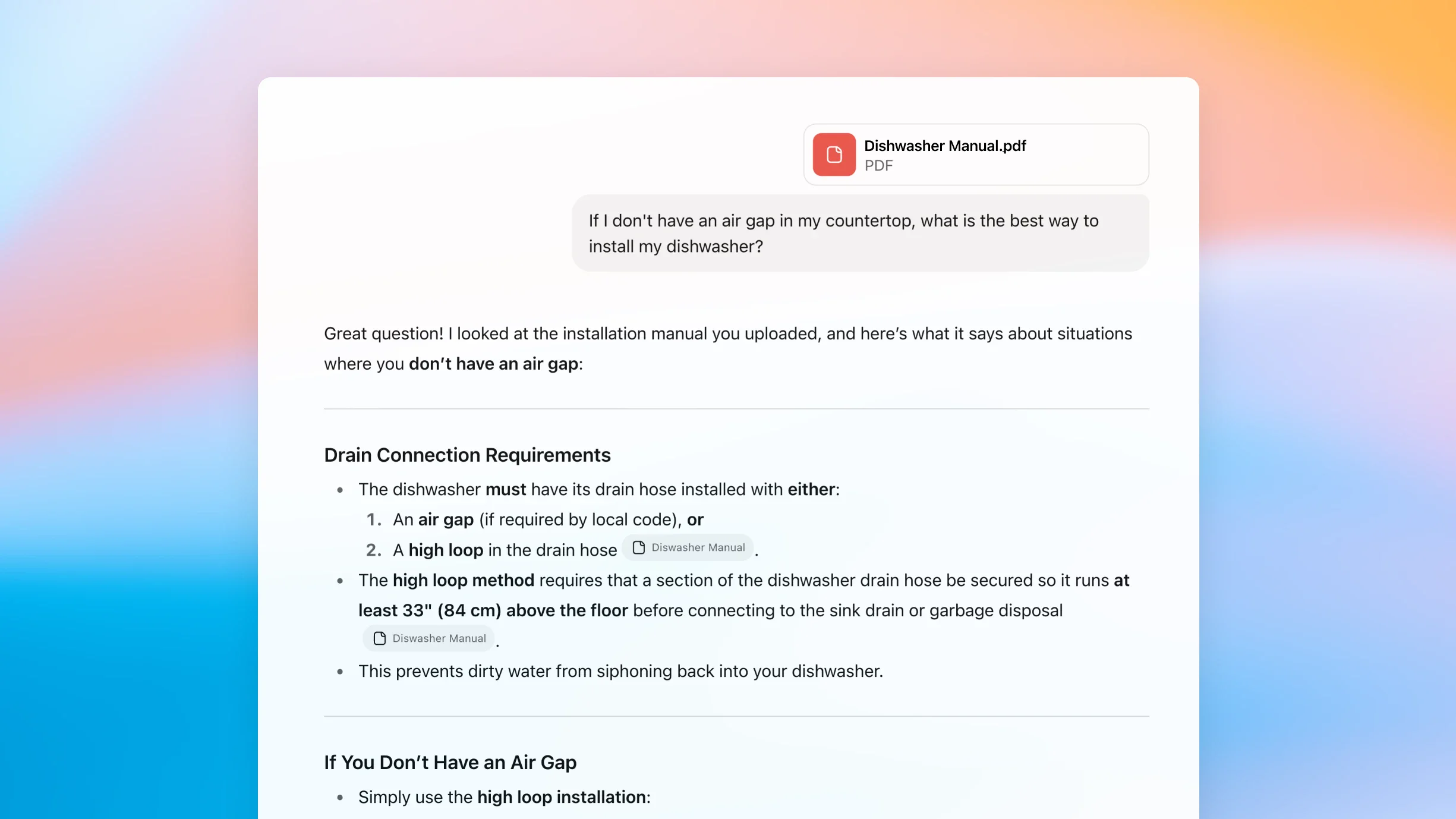
ZeroTwo AI | AI agent platform | User manuals example

Chat with any PDF and get answers instantly

Smarter than search

ZeroTwo doesn't just search PDFs — it reads and understands them so it can answer your questions based on its knowledge of the content.

Natural conversation

From quick insights to in-depth analysis, ZeroTwo is a knowledgeable partner that can help you summarize, clarify, analyze, and refine through conversation.

Seamless integration

PDFs are just one part of your workflow: ZeroTwo can cross-reference across formats and connect with emails, notes, spreadsheets, and more.

How to use ZeroTwo with your PDF
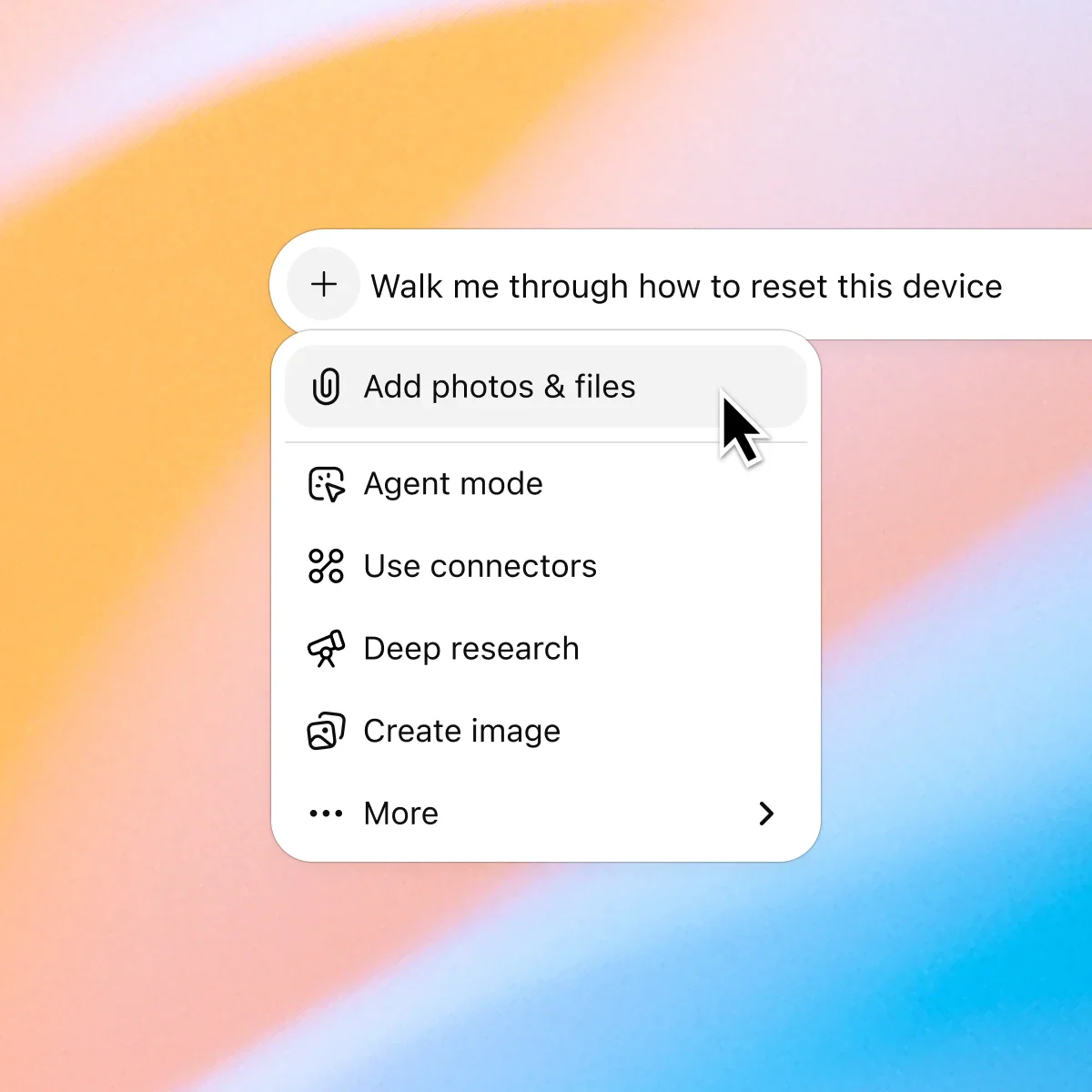
ZeroTwo AI | A prompt typed into ZeroTwo saying, 'Walk me through how to reset this device,' with a dropdown menu open. A cursor highlights the option to 'Add photos & files' among other tool options like AI Agent mode, Use apps, and Deep research.
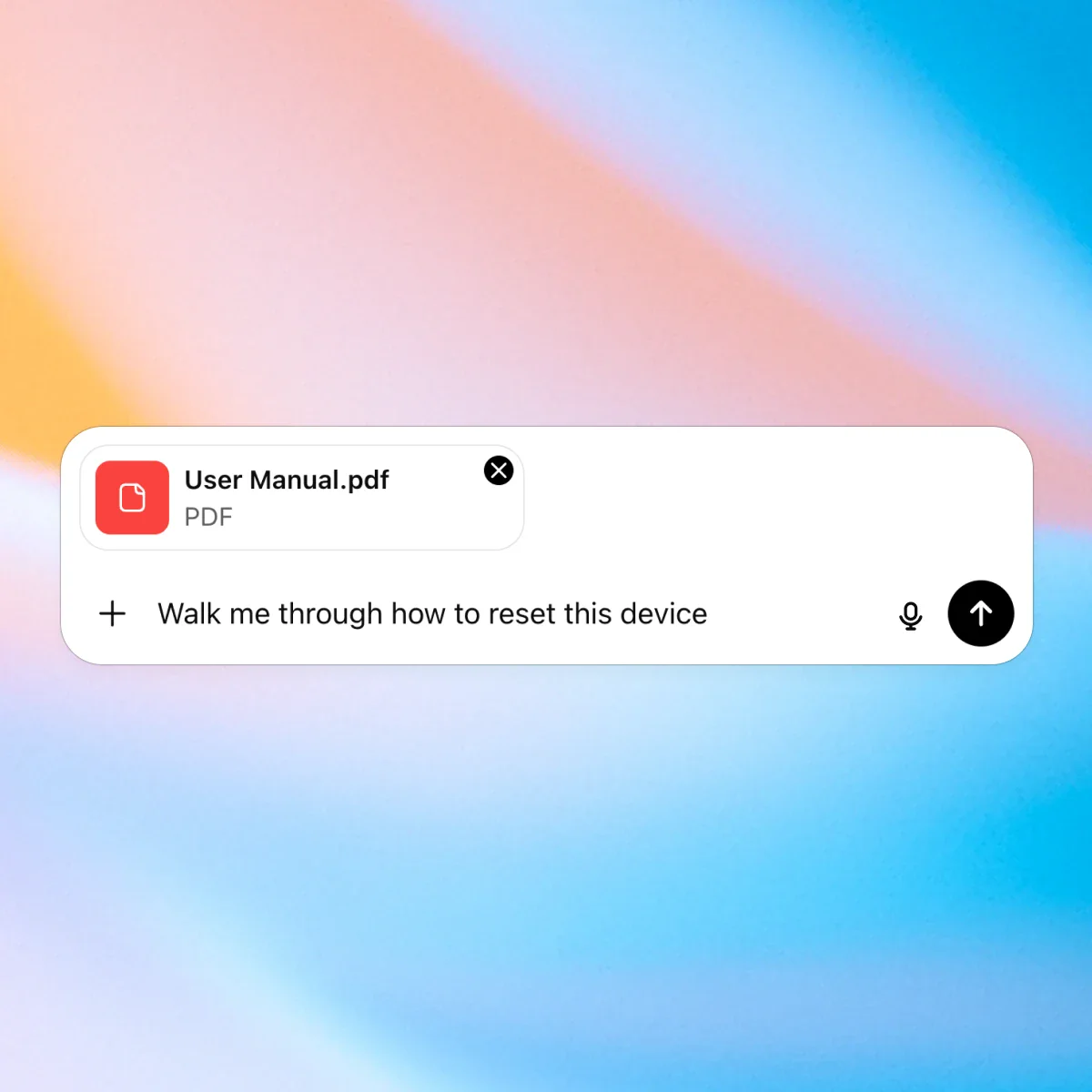
ZeroTwo AI | A file named 'User Manual.pdf' is uploaded into a ZeroTwo chat, paired with the typed prompt, 'Walk me through how to reset this device.' The interface is ready to submit the request for document-based assistance.
ZeroTwo AI | A ZeroTwo interface showing step-by-step reset instructions for a device. The response includes sections for 'Electrical Reset' and 'Control Panel Reset (Test Cycle Method),' detailing how to power cycle or use the dishwasher's control panel to perform a reset.

Click the '+' and select 'Add photos & files' and choose the PDF(s) you want to discuss.

ZeroTwo AI | A prompt typed into ZeroTwo saying, 'Walk me through how to reset this device,' with a dropdown menu open. A cursor highlights the option to 'Add photos & files' among other tool options like AI Agent mode, Use apps, and Deep research.

More ways to chat with PDFs

More ways to use ZeroTwo

  • Chat with presentations

    Learn how to connect Spotify to ZeroTwo so you can ask for songs, get personalized playlists, and discover music without leaving the chat.

  • Chat with spreadsheets

    Learn how you can use ZeroTwo to chat with your spreadsheets to understand data faster, fix formulas confidently, and turn raw numbers into clear insights and templates.

  • Recipes and cooking with ZeroTwo

    Tap into ready-made chats for pantry meals, budget cooking, meal prep, substitutions, and fast, reliable recipe help.