Do more with Spotify in ZeroTwo
Connect your Spotify account to ZeroTwo and start listening your way. Ask for songs, playlists, or podcasts, and get personalized recommendations without leaving the chat.
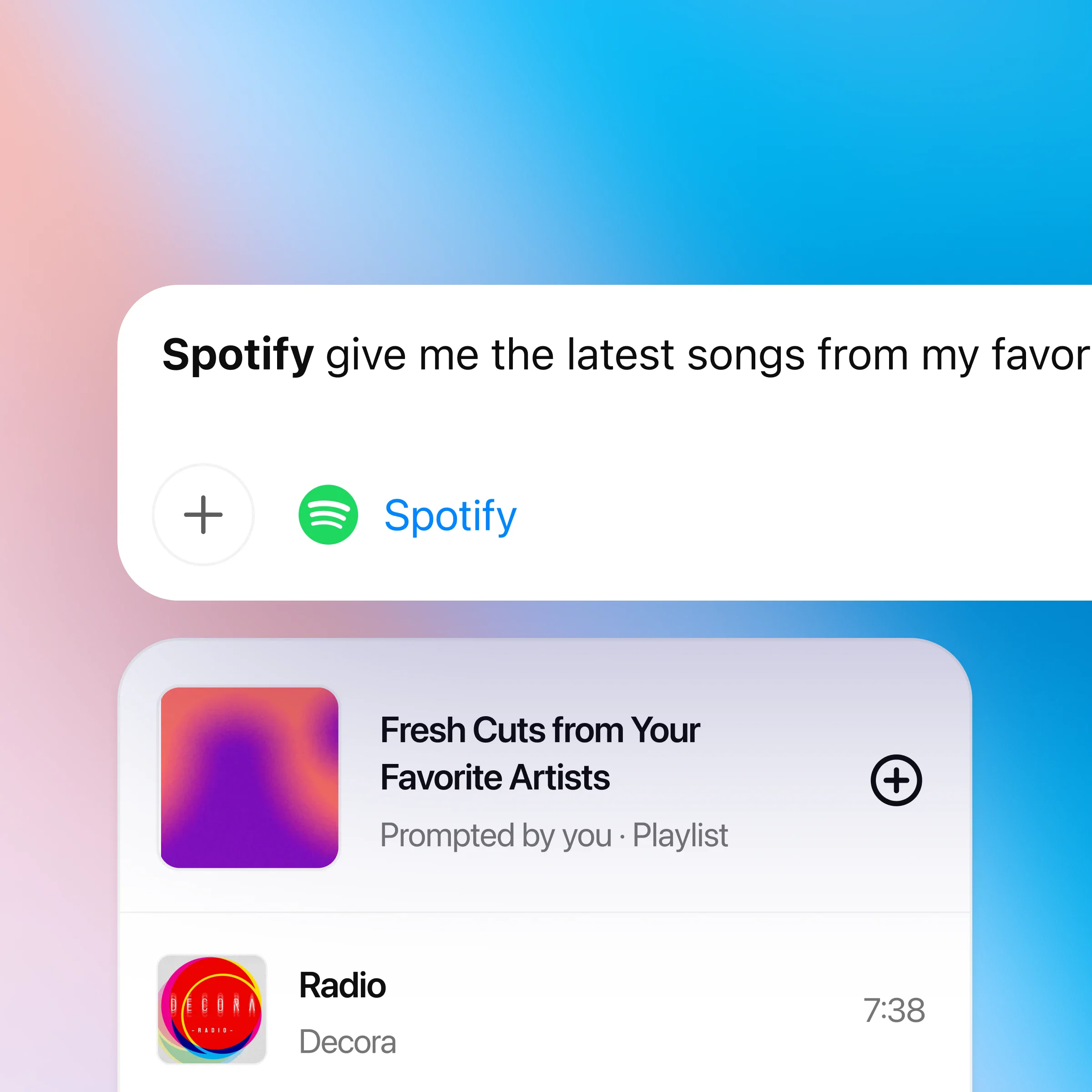
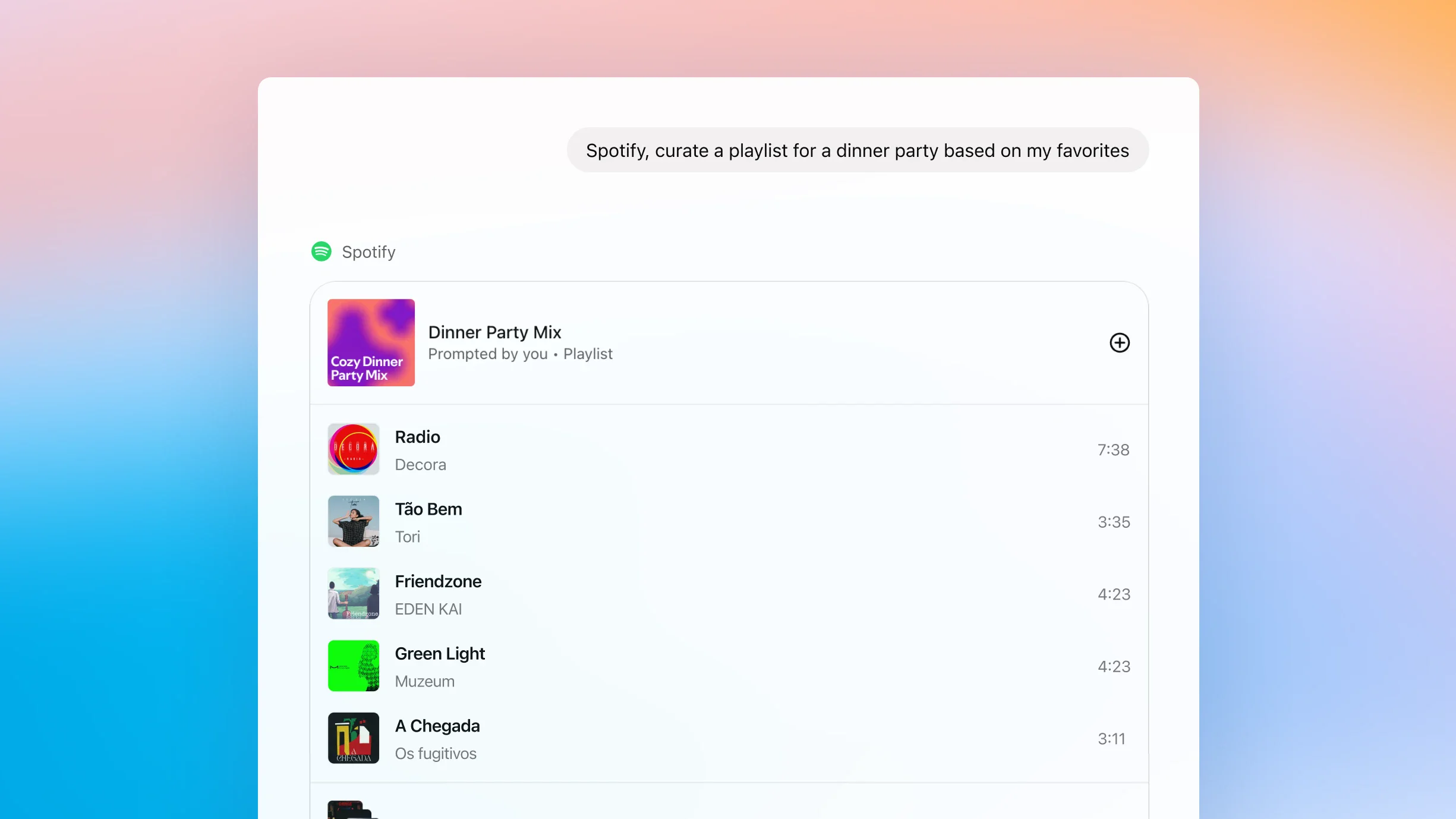
How to use ZeroTwo with Spotify
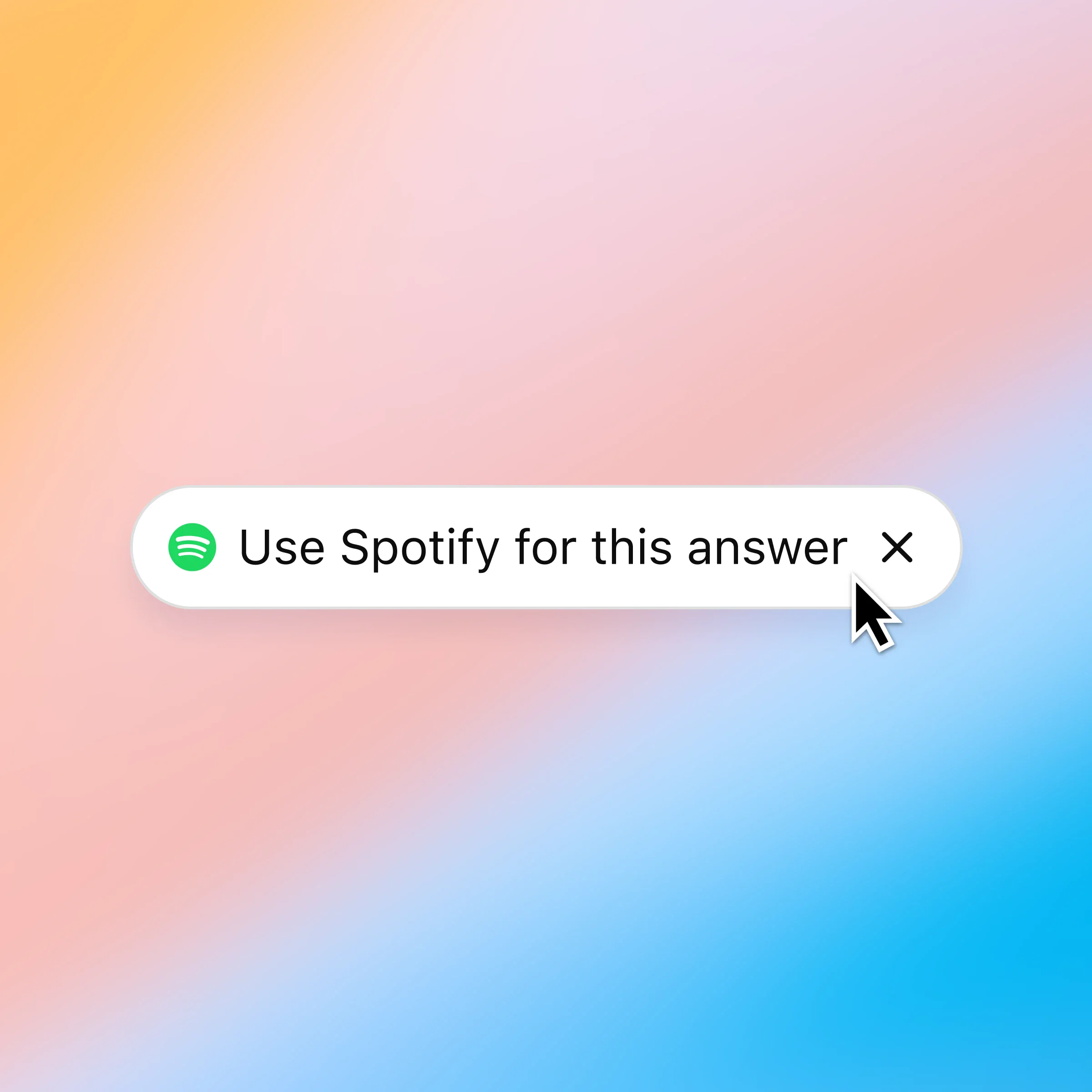
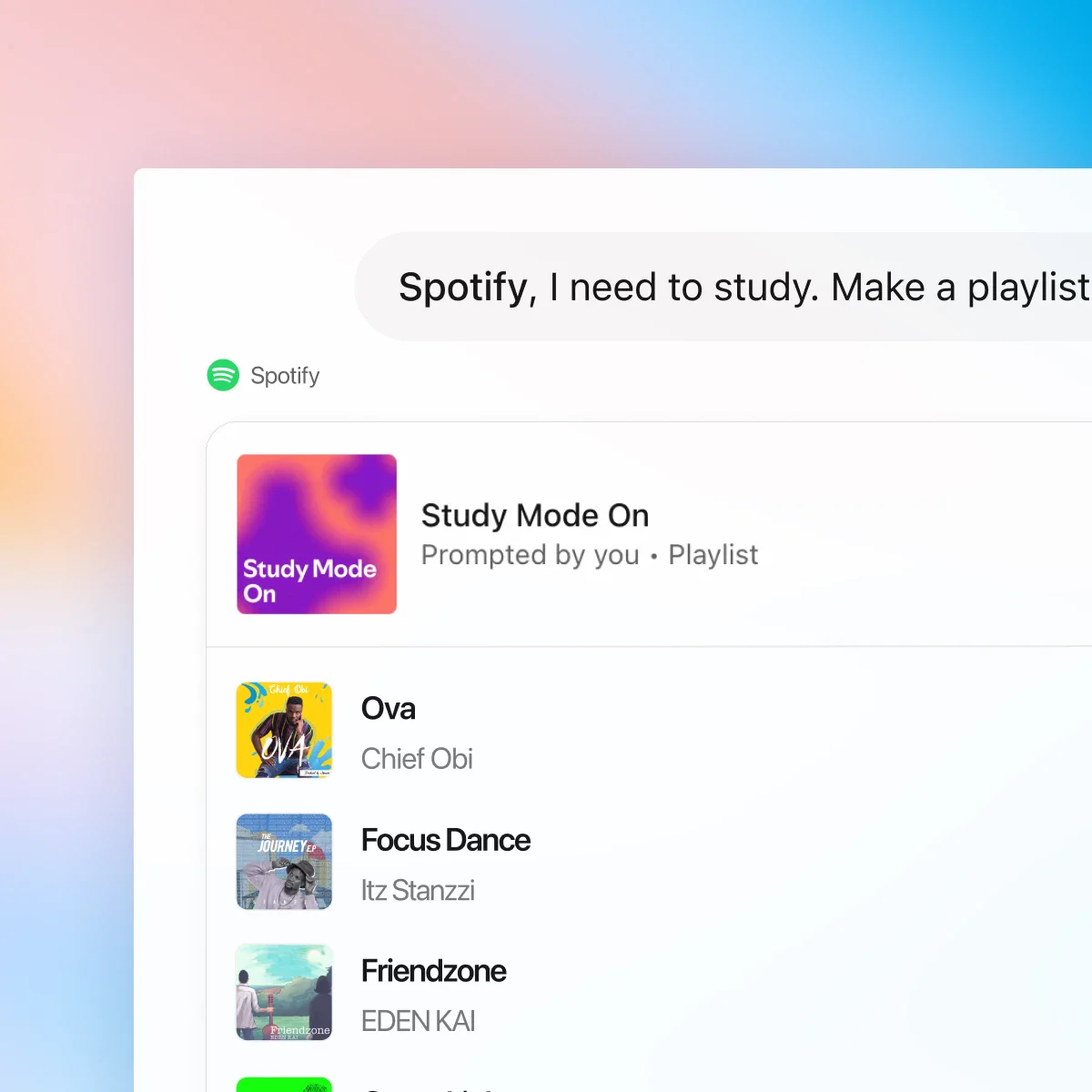
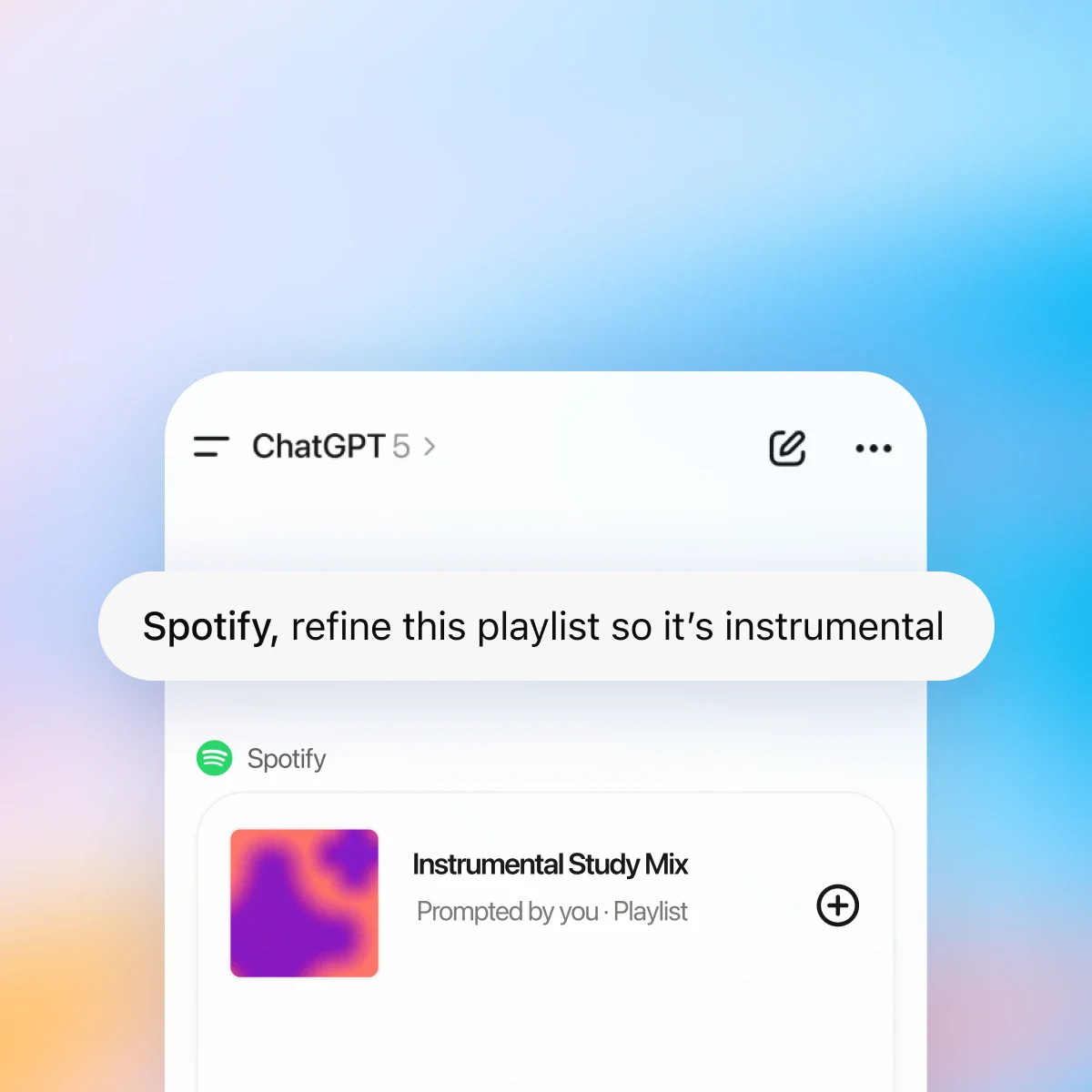
First, make sure you are logged in to ZeroTwo. The first time you mention Spotify in chat, ZeroTwo will prompt you to connect your Spotify account so it can personalize recommendations and playlists.
Chat with Spotify and find what fits your mood
Personalized to your taste
ZeroTwo and Spotify work together to surface songs and podcasts based on your history, favorite artists, and listening patterns.
Effortless discovery
Go from "I need a playlist for…" to listening in seconds. Get new recommendations without ever leaving the chat.
Conversational playlists
Create, edit, and name playlists through chat. Ask for a mix that fits your vibe — from focused study sessions to late-night drives.
More ways to chat with Spotify
More ways to use ZeroTwo
- Create with Canva in ZeroTwo
Create, preview, and edit Canva designs directly in your ZeroTwo conversations. Go from an idea to a ready-to-share presentation or post — all in one flow.
- Chat with PDFs
Upload your PDFs to ZeroTwo and get help analyzing and summarizing big documents, so you can get the information you need quickly.
- Image inspiration
Use ZeroTwo to spark creative ideas and generate images without leaving chat.
What the Spotify connector actually does
Connecting Spotify gives ZeroTwo read access to your library, playlists and listening history, plus the ability to build and queue playlists on your behalf. That turns vague requests into real output: it can read what you already listen to, reason about why a particular set of tracks fits a mood or a tempo, and assemble a playlist that reflects both rather than returning a generic genre mix. Playback control and playlist creation ask before they act, so nothing lands in your account without you seeing it first.
Getting better results
The prompts that work best give a constraint the model can act on — a length, an activity, an era, an energy curve — rather than an adjective. “Ninety minutes that starts calm and builds for a morning run” produces something usable; “good workout music” does not. You can also point at your own history: asking it to draw from what you played most in a given year, or to find the thread connecting two playlists you already like, uses the part of the connector a search box cannot.