Log in

Do more with Canva in ZeroTwo

Create, preview, and edit Canva designs directly in your ZeroTwo conversations. Go from an idea to a ready-to-share presentation or post—all in one flow.
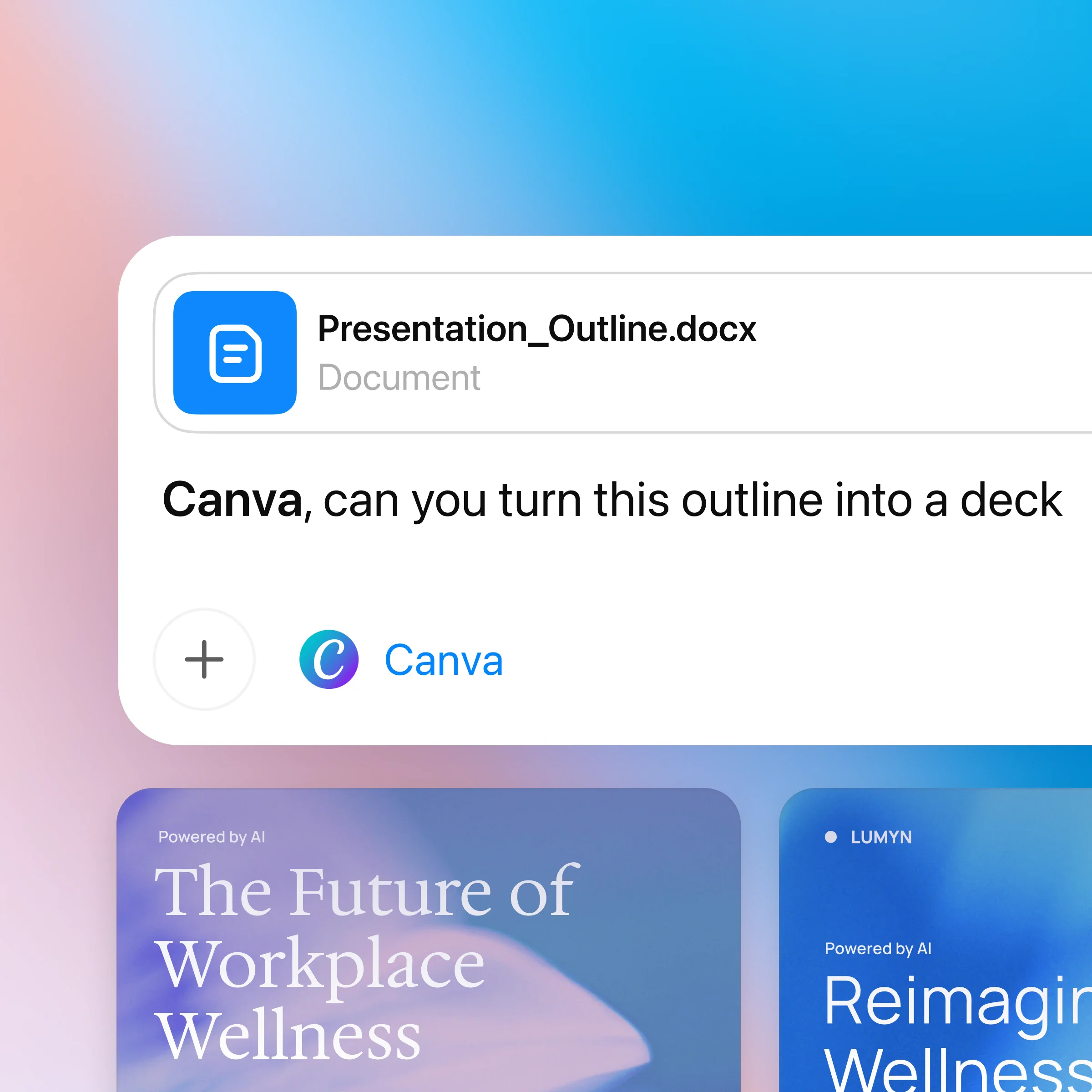
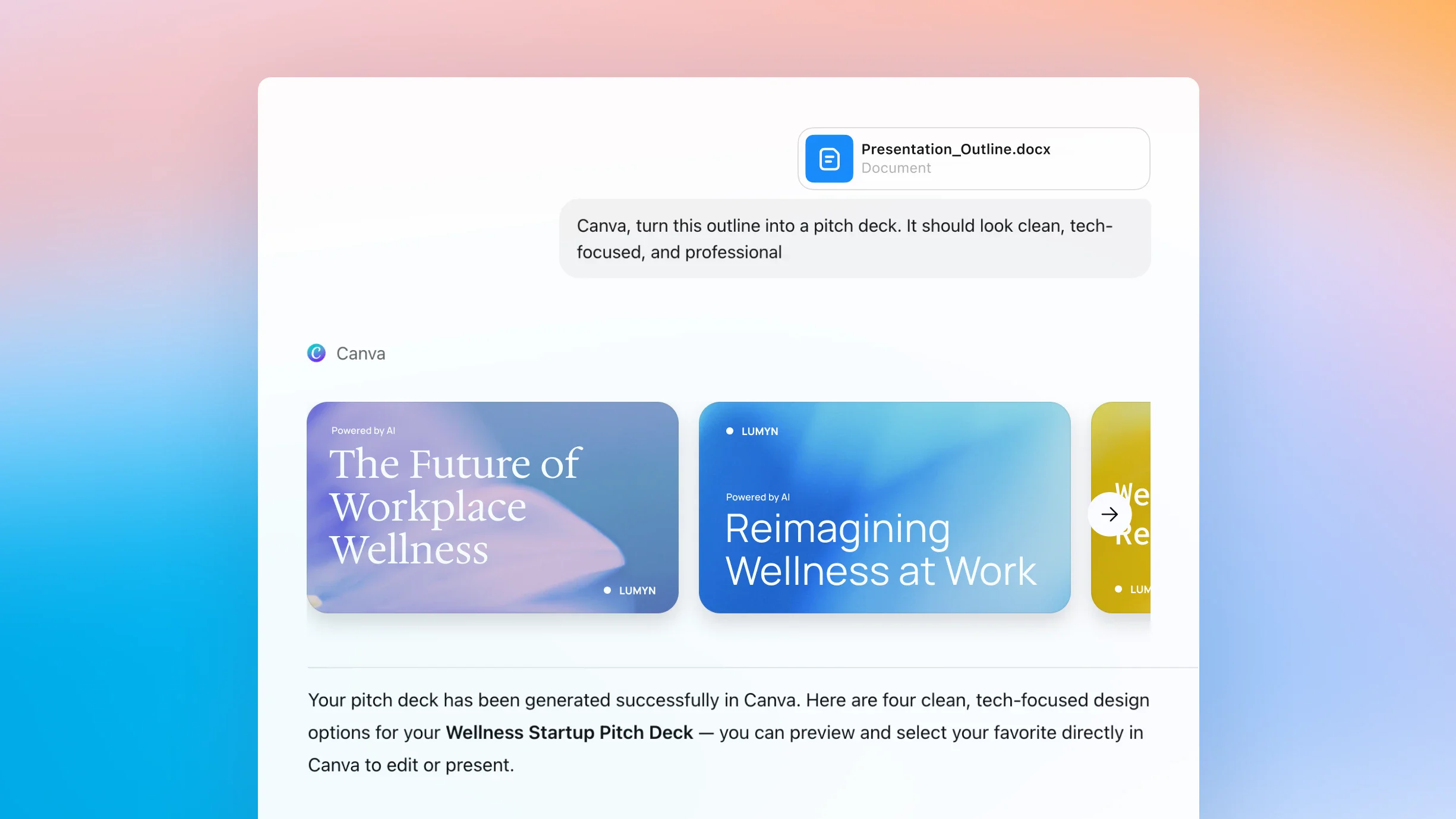
ZeroTwo AI | AI agent platform | ZeroTwo UI displaying the user asking the Canva app to turn a document outline into a pitch deck. Below the prompt, Canva returns several tech-styled slide previews directly in the chat.
ZeroTwo AI | AI agent platform | ZeroTwo UI displaying the user asking the Canva app to generate a clean, tech-focused pitch deck from an attached outline document. Canva responds with several polished presentation theme options as slide previews within the conversation.

How to use ZeroTwo with Canva

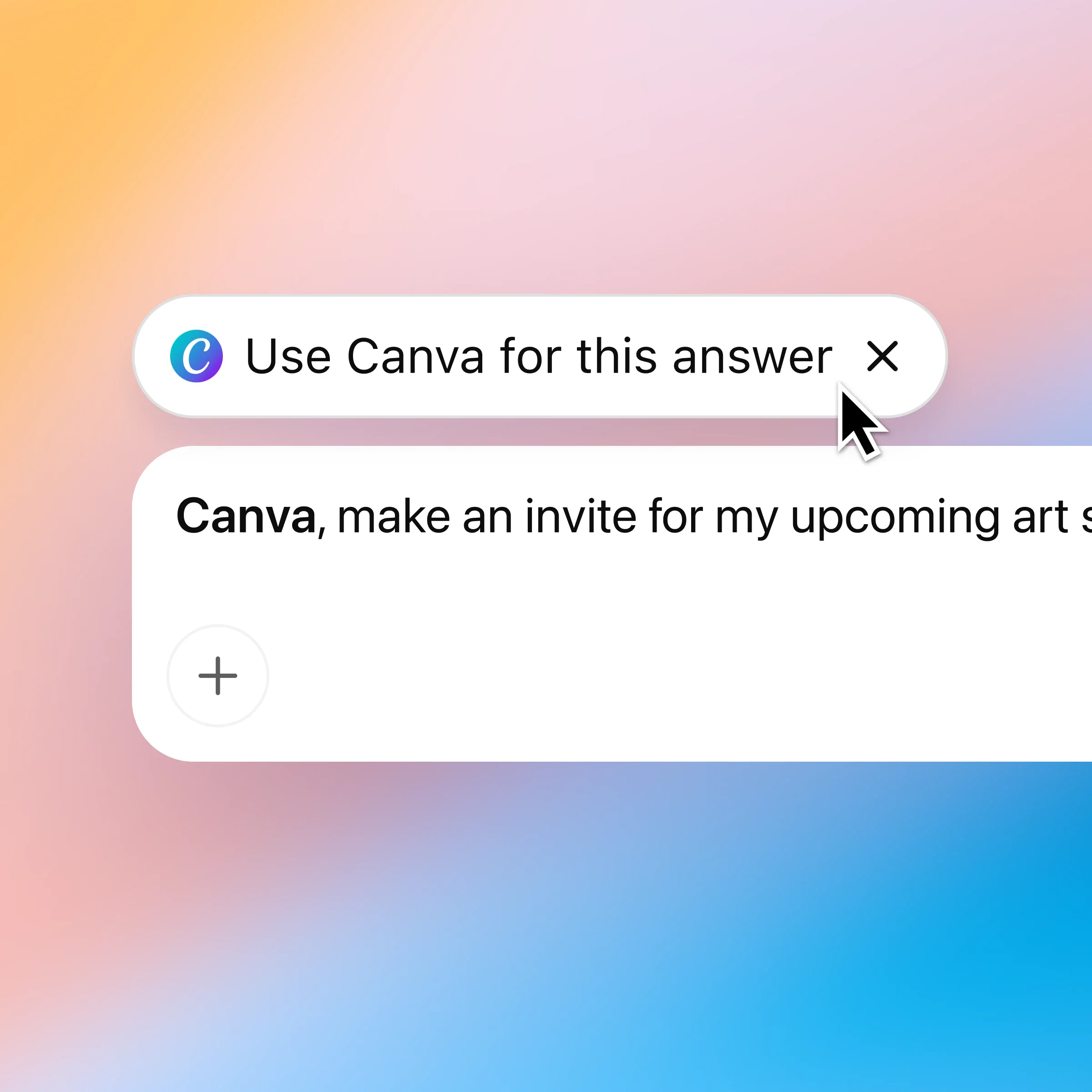
ZeroTwo AI | AI agent platform | ZeroTwo UI showing a floating "Use Canva for this answer" pill with a cursor hovering to route the current request to the Canva app. The element indicates that subsequent prompts will be handled by Canva inside ZeroTwo.
ZeroTwo AI | AI agent platform | ZeroTwo UI displaying the user prompting the Canva app to make an invite for an upcoming art show. The interface emphasizes that creation starts from a natural-language request inside ZeroTwo.
ZeroTwo AI | AI agent platform | ZeroTwo UI showing the user instructing the Canva app to "simplify the layout and make it clean." The scene depicts editing a design by conversing with Canva directly within the chat.
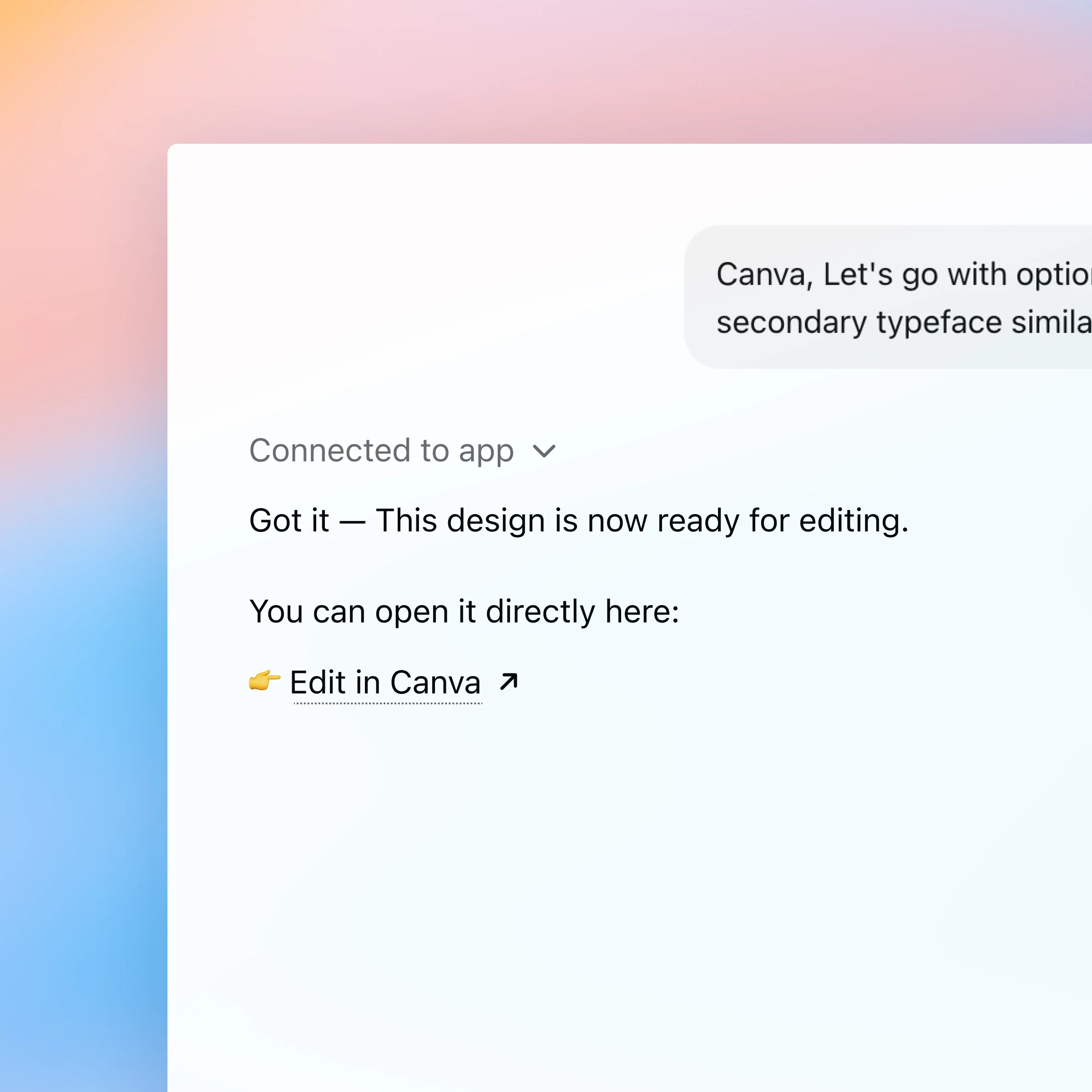
ZeroTwo AI | AI agent platform | ZeroTwo UI displaying a message from the Canva app confirming a design is ready. A clearly labeled "Edit in Canva" link is provided for the user to open and continue collaborating.

First, make sure you are logged in to ZeroTwo. When you first mention Canva in chat, ZeroTwo will prompt you to connect your Canva account so you can start designing right away.

ZeroTwo AI | AI agent platform | ZeroTwo UI showing a floating "Use Canva for this answer" pill with a cursor hovering to route the current request to the Canva app. The element indicates that subsequent prompts will be handled by Canva inside ZeroTwo.

Chat with Canva and turn ideas into designs

Effortless creative development

Turn ideas into polished designs. From pitch decks to social posts, ZeroTwo and Canva help you move from first draft to finished visuals faster.

Build designs straight from briefs

Upload outlines or reference earlier chats. Canva uses your content and context to create designs that stay on message.

Seamless content transformation

Translate, resize, or rework designs without starting over — all while keeping your original layout and style intact.

More ways to chat with Canva

Start creating