Download ZeroTwo for desktop
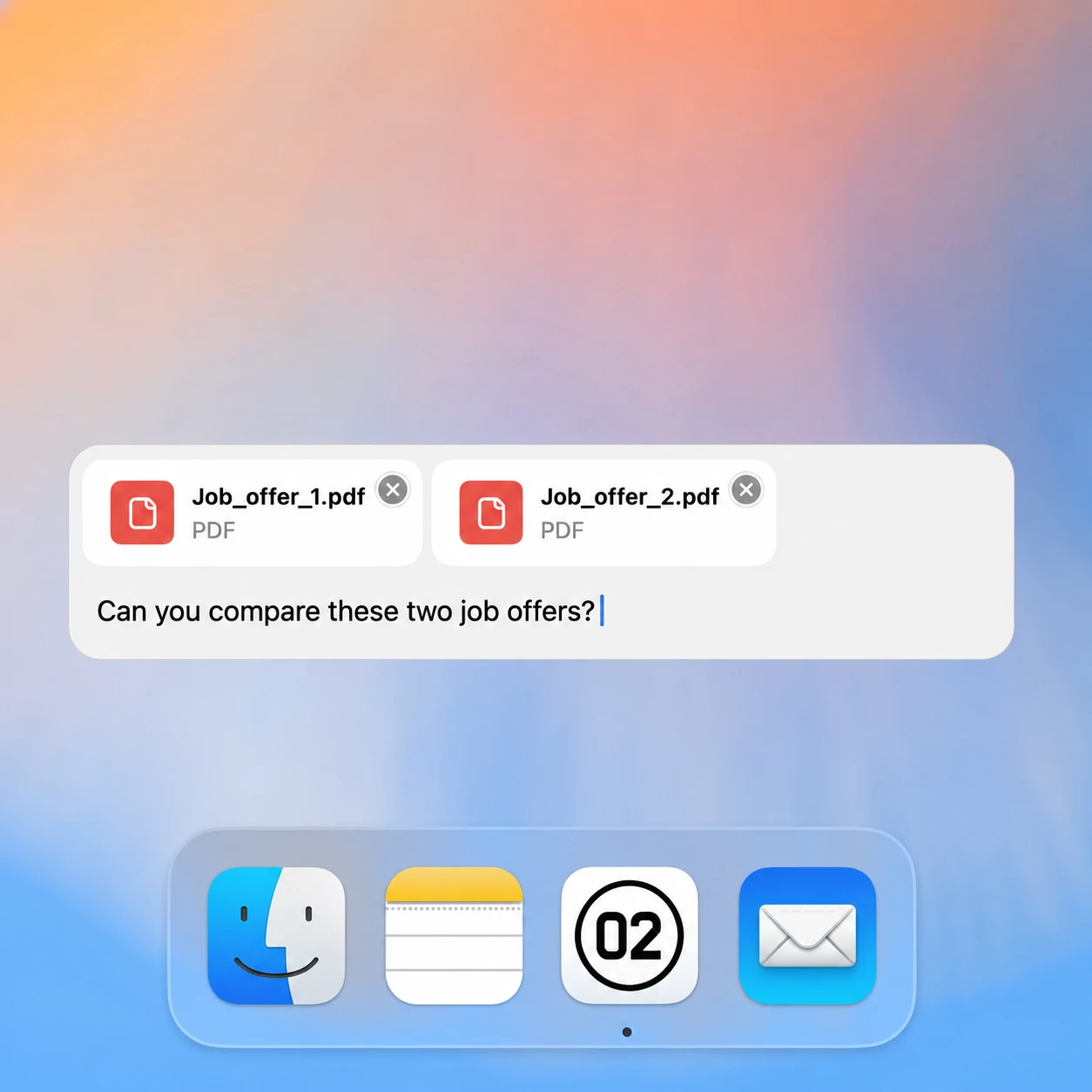
Chat about your files, screenshots, and anything on your screen — with 35+ AI models right from your desktop.
ZeroTwo keeps itself up to date after installing, so every option gets you the newest version.
Windows shows “Windows protected your PC”?
That’s SmartScreen’s reputation check on a newly released build, not a problem with the file. Click More info and confirm the publisher reads ZeroTwo Innovations Inc. — then choose Run anyway. If the publisher shows anything else, don’t run it, and let us know.
Picking and installing the right build
Which file to download
macOS ships as a .dmg built for Apple Silicon. Windows ships as a signed x64 installer, which also runs on Windows on ARM through emulation — there is no separate ARM build to go looking for. Linux ships two ways: an AppImage for x64, which runs as a single file without installing anything system-wide, and a .deb for Debian and Ubuntu derivatives. Choose the .deb if you want the app managed by your package manager, and the AppImage if you would rather keep one file you can move or delete.
Verifying what you downloaded
The macOS build is signed with a Developer ID and notarized by Apple, so Gatekeeper opens it without complaint. The Windows installer is signed as well, and the publisher should read ZeroTwo Innovations Inc. If SmartScreen does warn you, check the publisher name before anything else — a correct publisher on a recent build is a reputation warning, while a missing or unfamiliar publisher is a reason to stop and tell us.
Desktop, mobile, or the web app
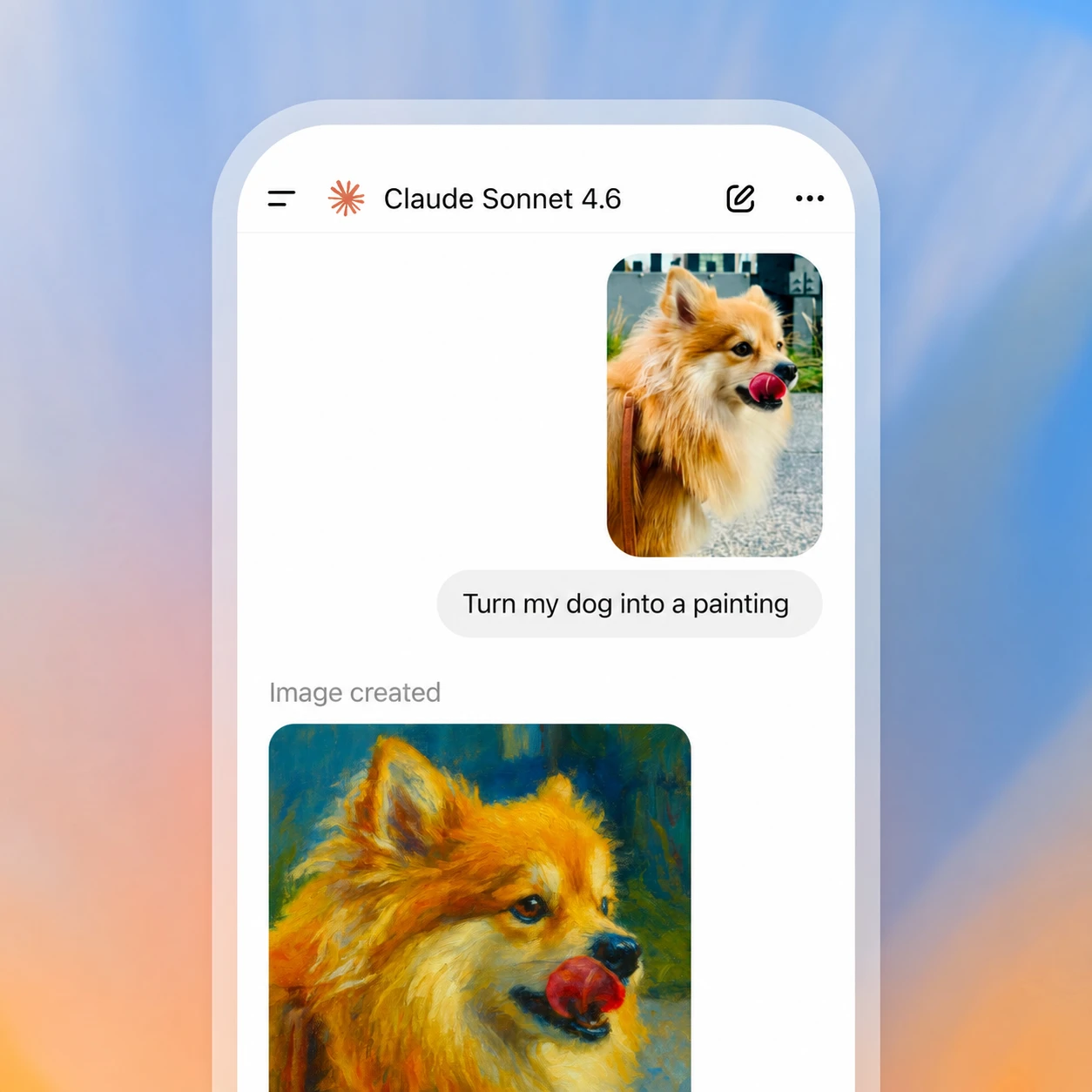
All three sign in to the same account and share the same conversations, so nothing has to be migrated between them. The desktop app is the one worth installing when your work involves local files, screenshots, or anything already open on your screen, because it can see that context directly. Mobile covers the in-between moments — voice conversations, questions about a photo, picking a thread back up away from a desk. The web app needs no installation at all, which makes it the practical answer on a managed machine where you cannot install software.
If an install will not start
On Linux, an AppImage needs its executable bit set before it will run. If a download fails partway through, delete the partial file before retrying — a resumed installer is a common cause of “corrupt package” errors. On a work laptop, installers are often blocked by device policy rather than by anything wrong with the file; the web app works with no install and is the quickest way around that.
Step-by-step install guides
The ZeroTwo Help Center covers each platform: How to download ZeroTwo for Mac, How to install ZeroTwo on Windows, Where to download ZeroTwo for iPhone and iPad, and How to install the ZeroTwo Android app.
After you install
ZeroTwo Learn has the quickstart guide, step-by-step training walkthroughs and use cases for your first project.