Use ZeroTwo with spreadsheets
Make ZeroTwo your spreadsheet assistant. Ask questions instead of writing formulas to explore and understand your data—and get help building templates, cleaning data, visualizing trends, and working smarter in Excel or Google Sheets.
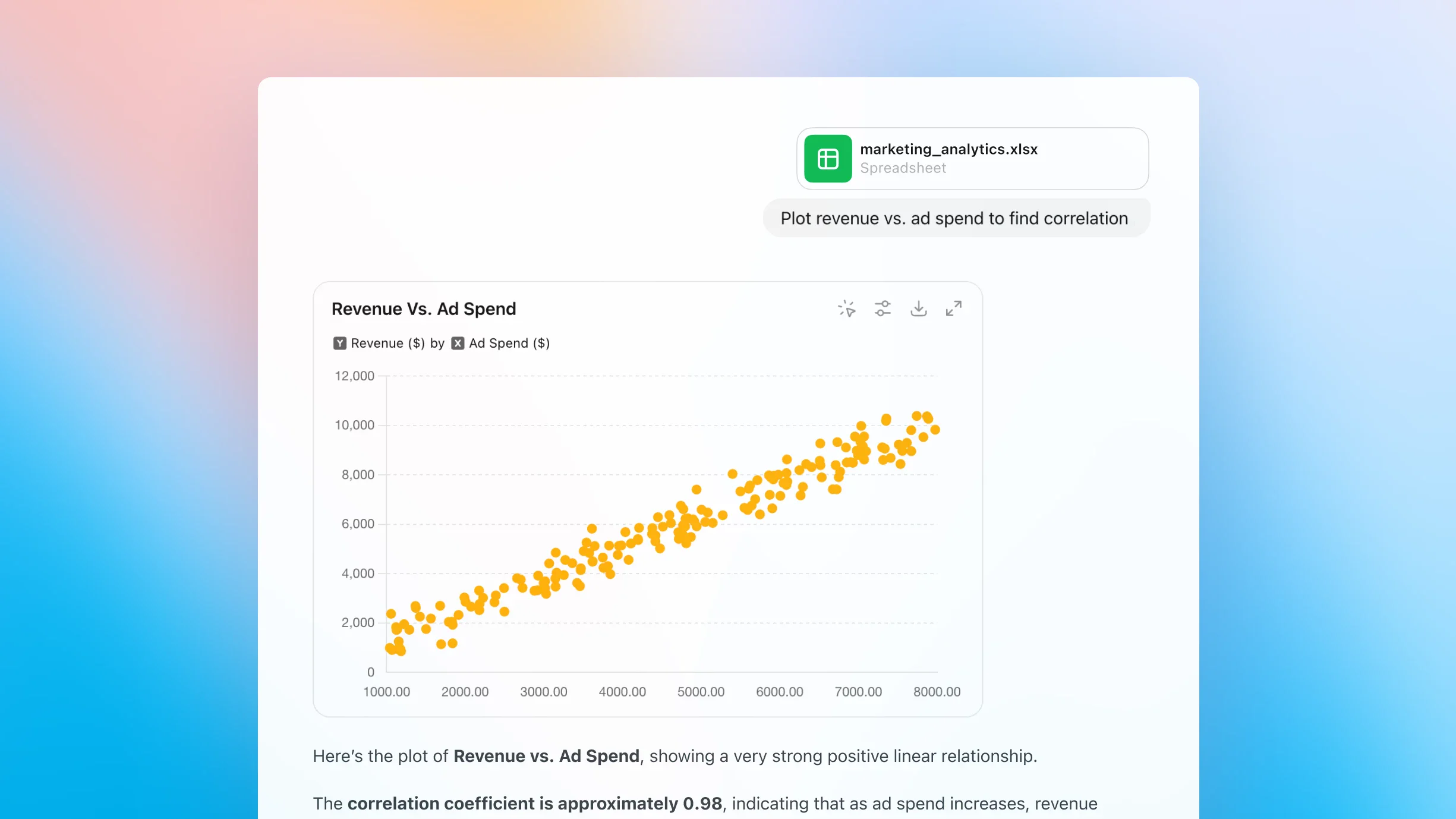
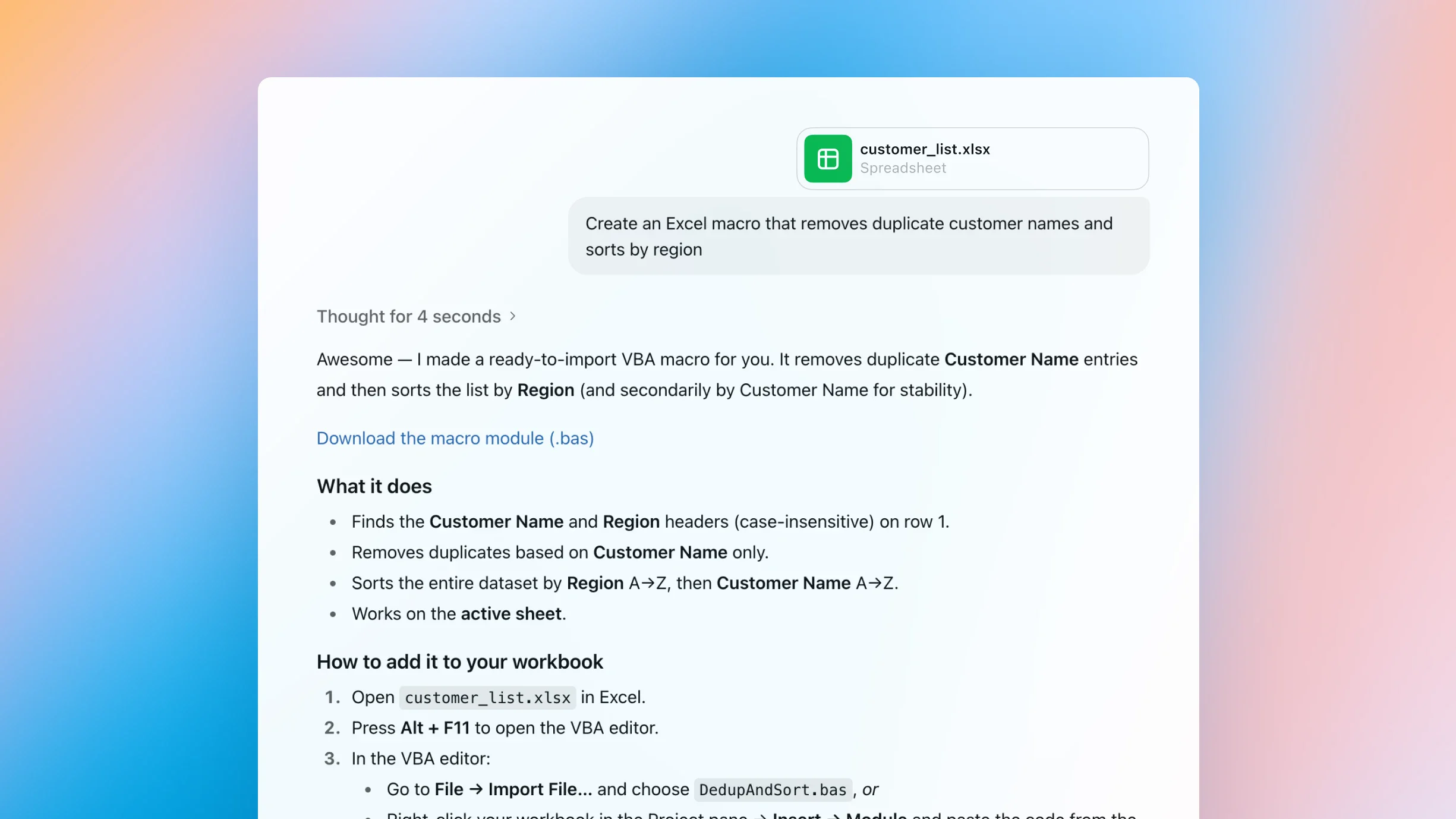
Chat with any spreadsheet and get answers, instantly
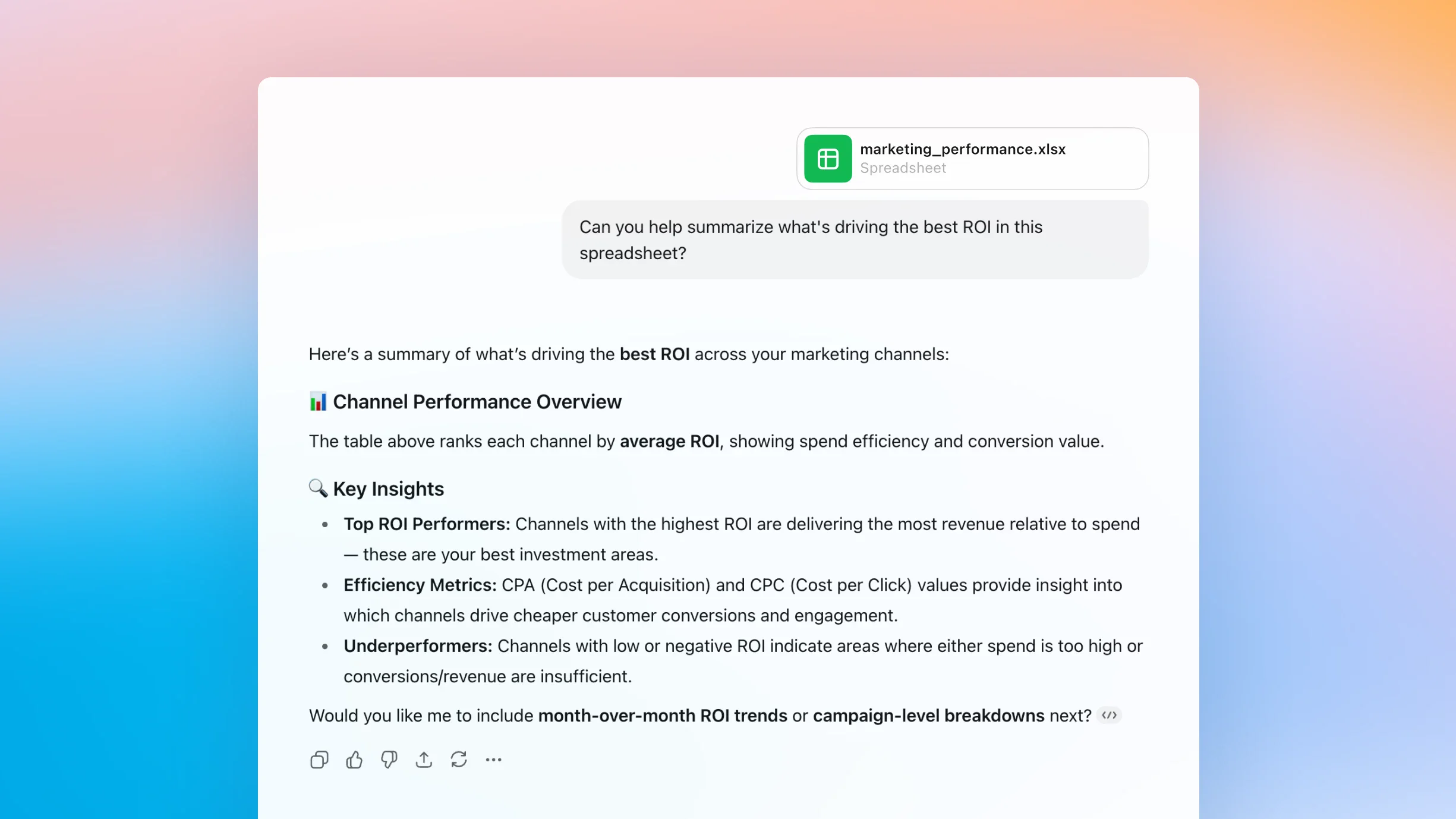
Turn questions into insights
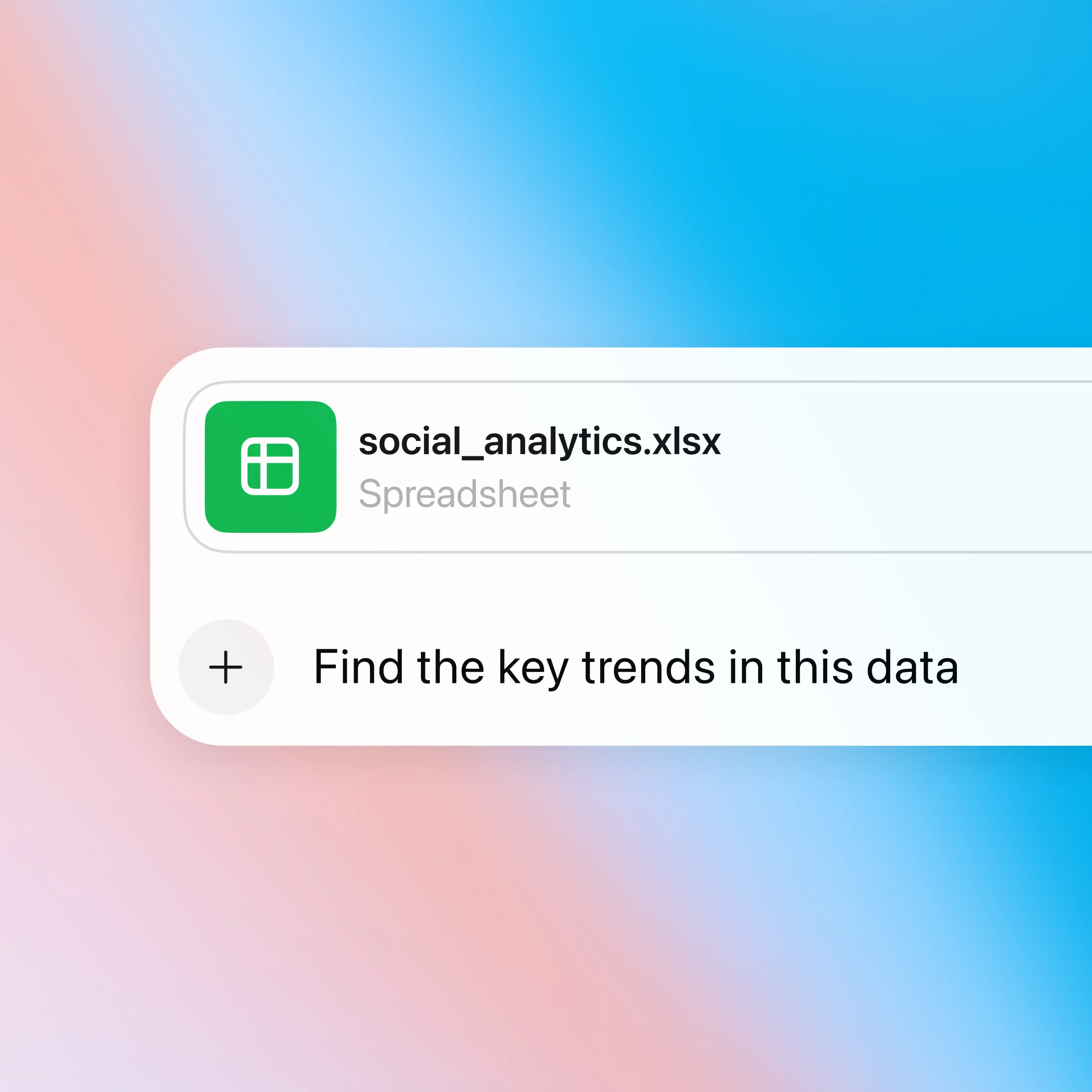
Upload your data and start asking questions—ZeroTwo helps uncover trends, spot errors, and summarize what matters in seconds.
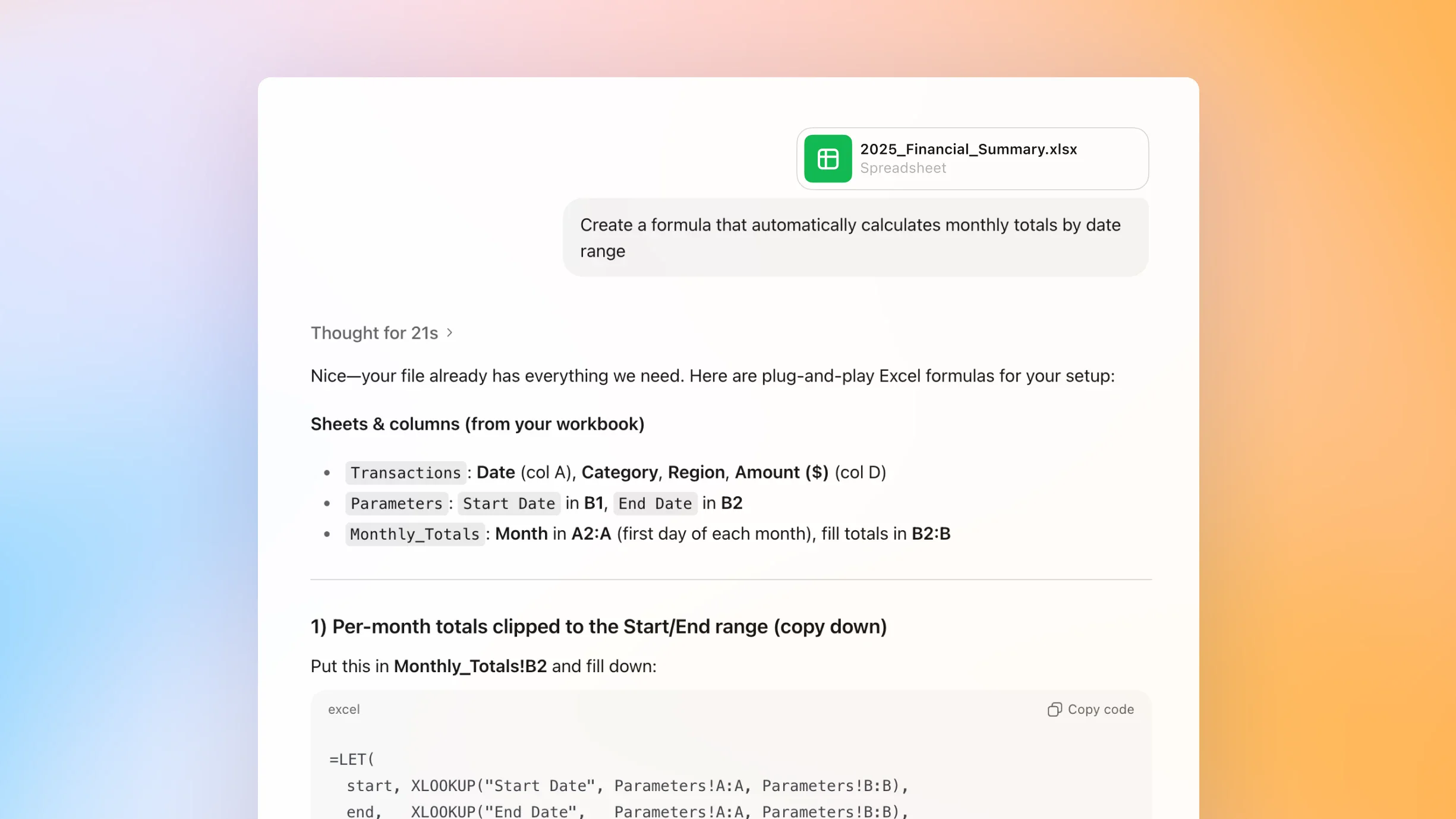
Write and fix formulas
ZeroTwo helps you learn and fix formulas as you go, turning confusing syntax into simple, clear instructions.
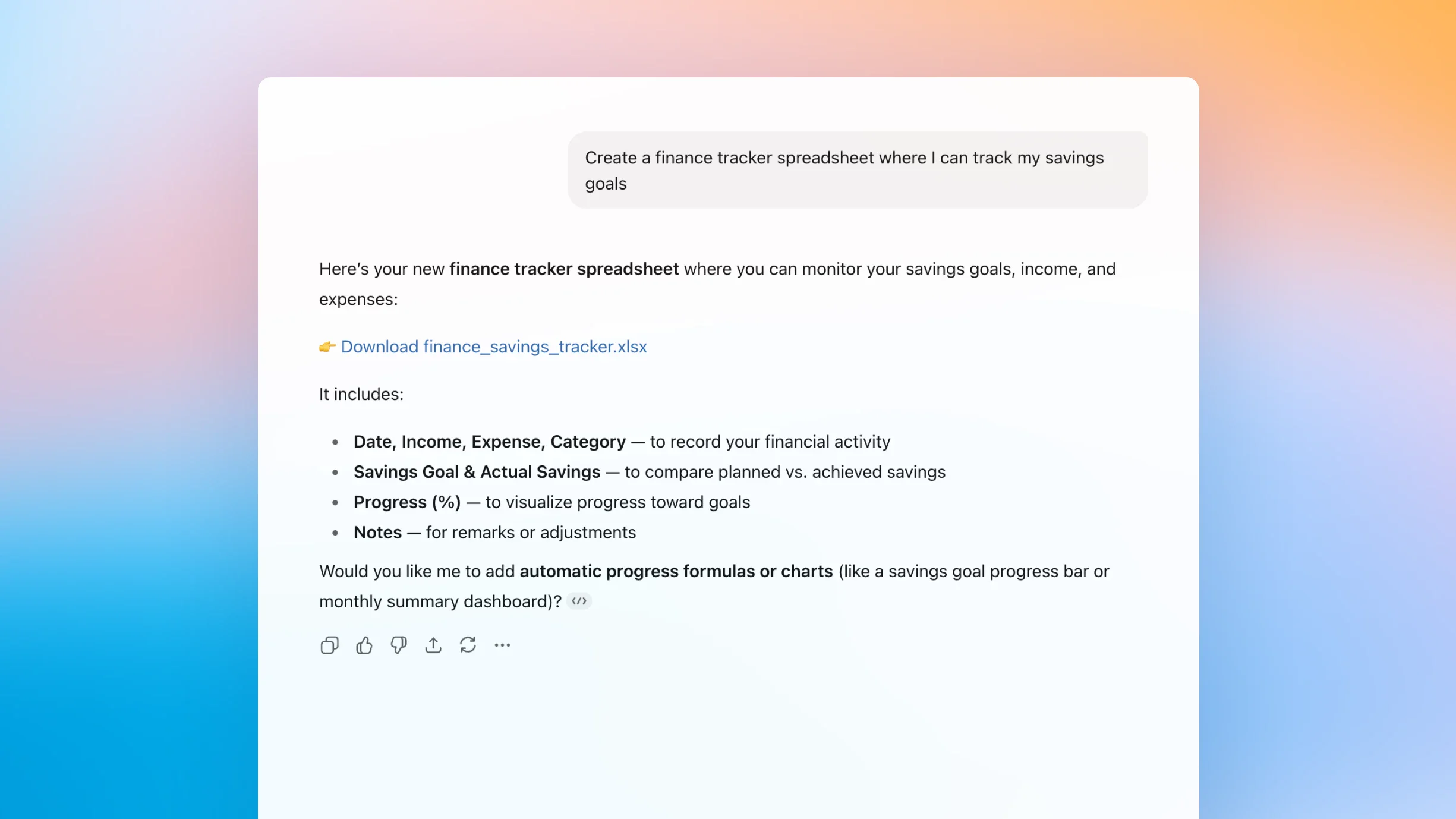
Generate useful templates
Simply describe what you need—like a budget tracker—and ZeroTwo will help generate the layout, format, and formulas.
How it works
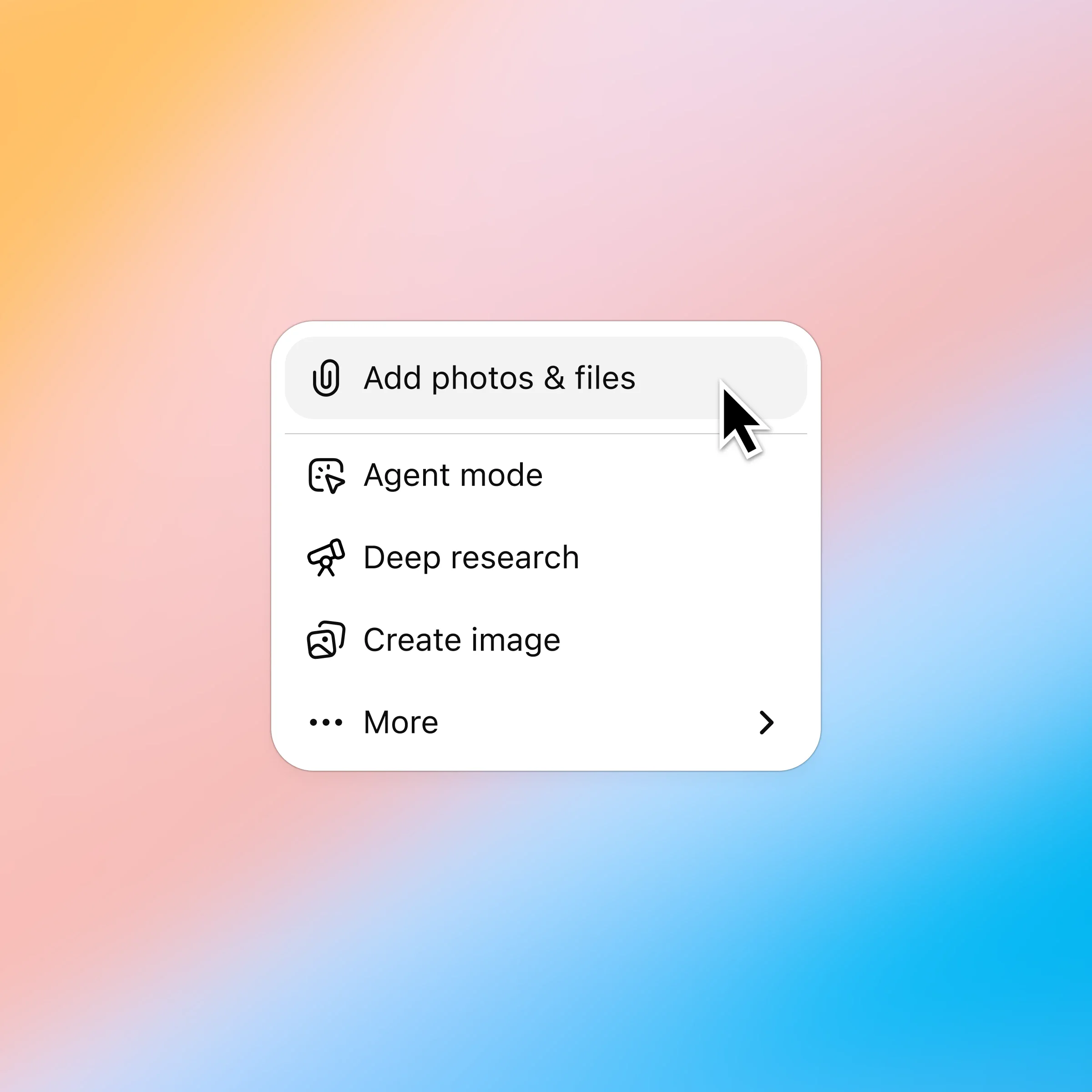
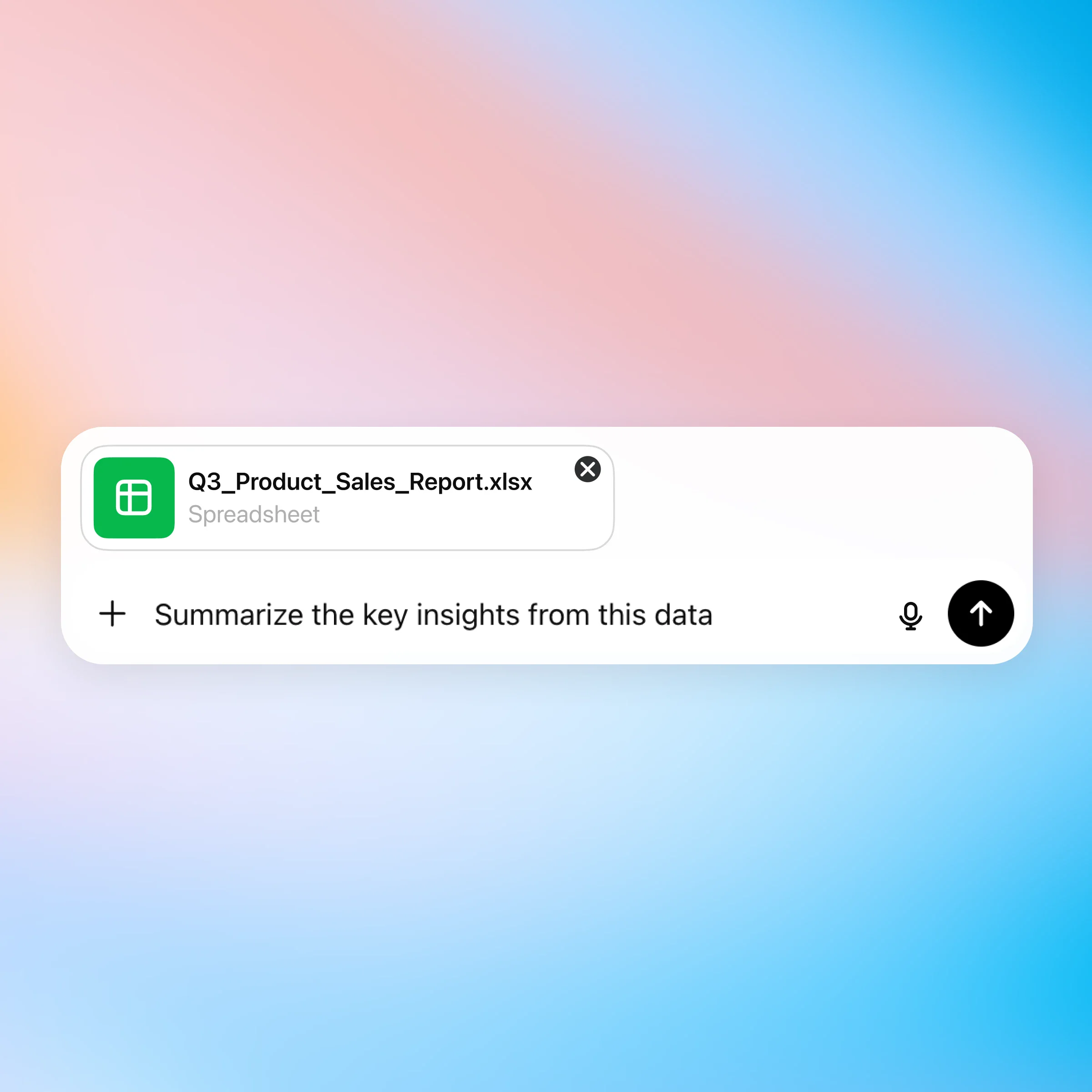
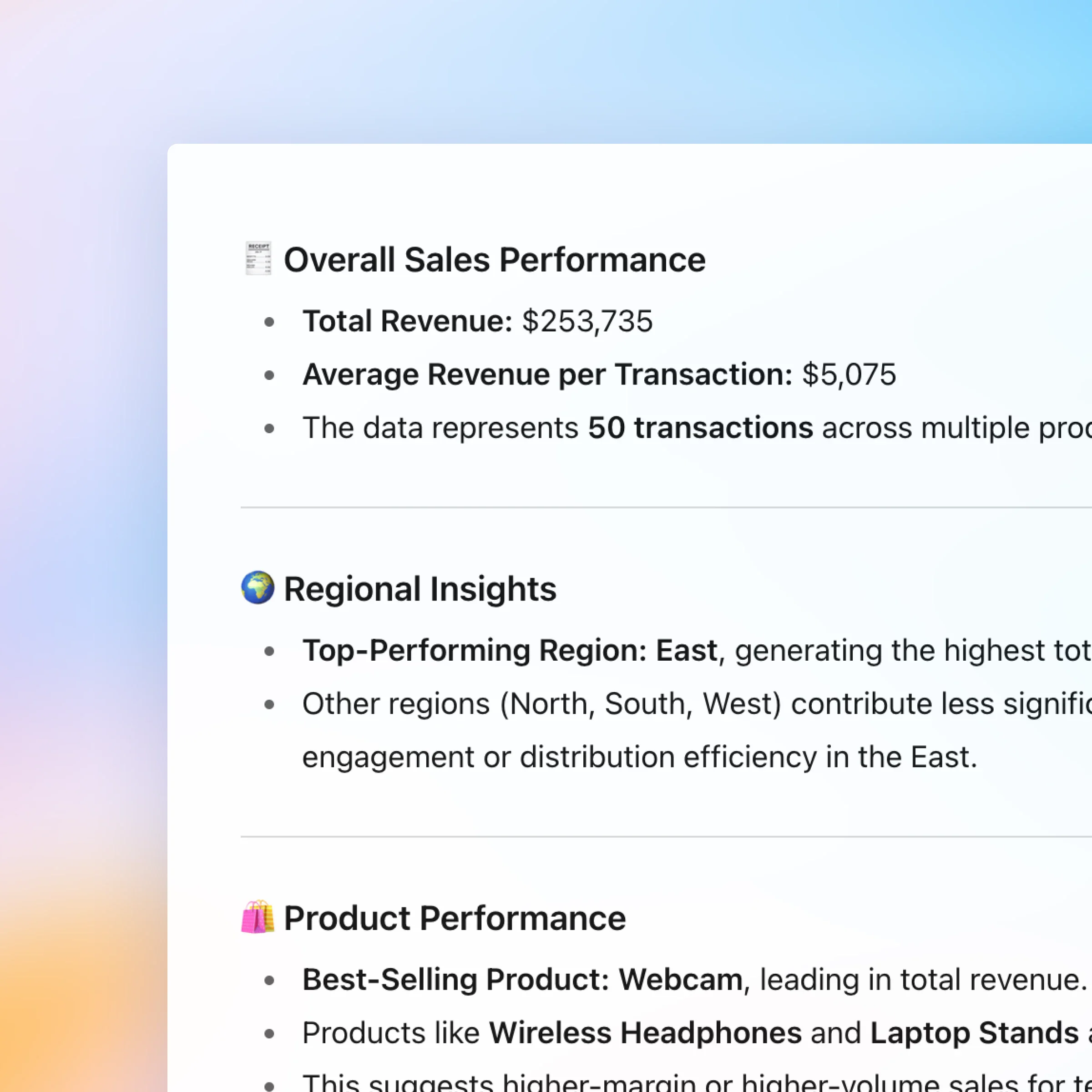
Click the '+' and select 'Add photos & files' and choose the spreadsheet you want to discuss. Plus and Pro customers can connect to Google Drive and Microsoft Teams to pull in existing files. Browse connectors.
More ways to use ZeroTwo
- Chat with presentations
Learn how to connect Spotify to ZeroTwo so you can ask for songs, get personalized playlists, and discover music without leaving the chat.
- Chat with PDFs
Upload your PDFs to ZeroTwo and get help analyzing and summarizing big documents, so you can get the information you need quickly.
- Image inspiration
Use ZeroTwo to spark creative ideas and generate images without leaving chat.