Connectors in ZeroTwo
Connect ZeroTwo to everyday tools like Google Drive, SharePoint, Microsoft Teams, Notion, and GitHub to personalize its responses to your work and life, so you can streamline your workflow and move from idea to execution in minutes.
Available in all ZeroTwo plans
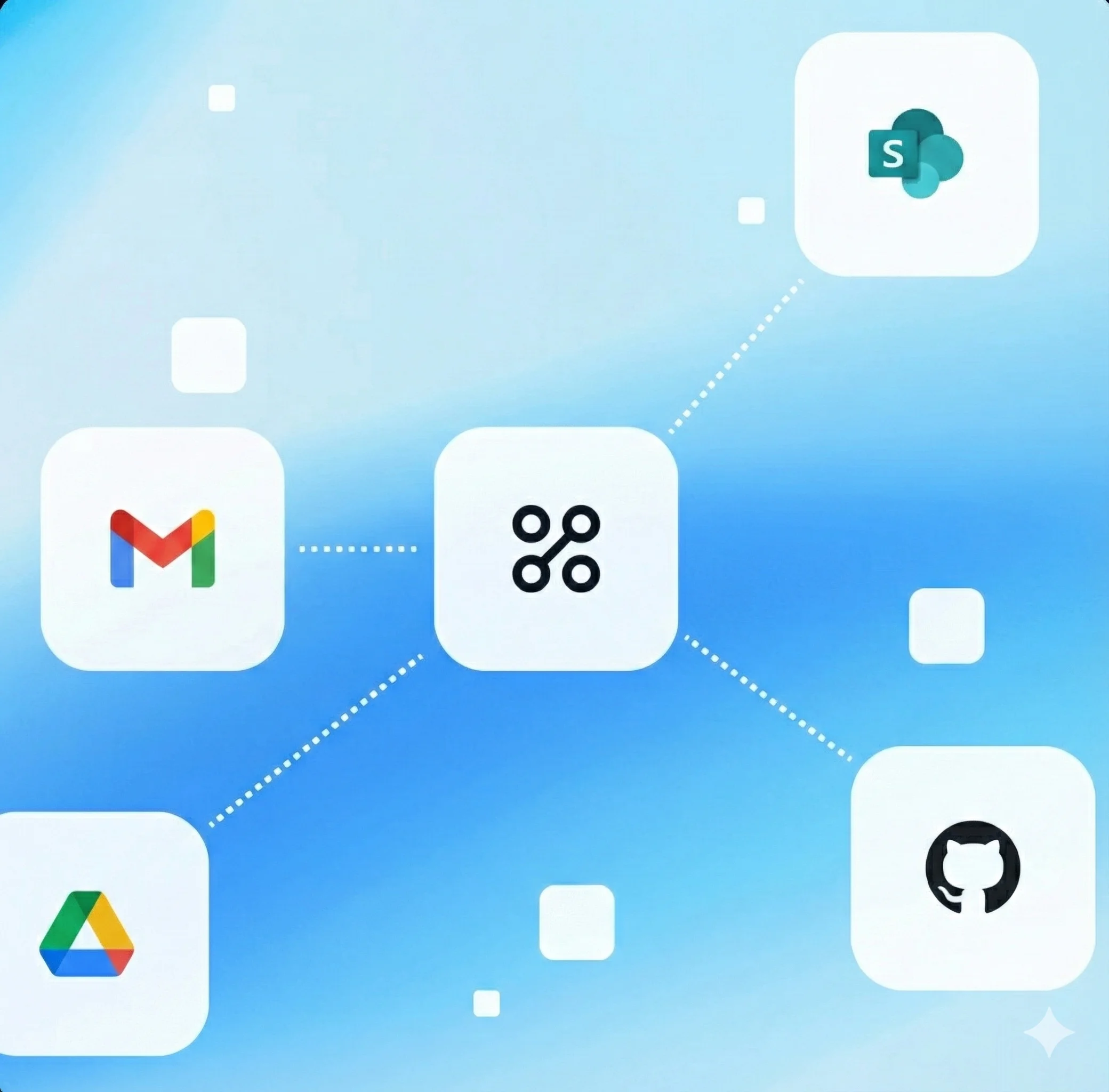
Connectors make ZeroTwo even more useful
Create better first drafts
Pull in data, templates, and past work to create solid first drafts faster.
Get answers and find files fast
Find hard-to-locate files and get answers from your personal files or company data so you can stay productive.
Catch up on shared documents
Get up to speed on a topic, project, or new team so you can hit the ground running.
Get insights across different data sources
Quickly analyze data across spreadsheets, documents, and reports to distill key learnings.
Create reports using internal and external sources
Get well-cited reports on competitors, market trends, and more, without spending hours on research.
Stay on top of your email and calendar
Connect to Outlook, Google Calendar, and Gmail to surface urgent emails and meetings, and pull project details from different threads.
Available connectors
- Airtable
- Asana
- Atlassian
- Booking.com
- Box
- Canva
- ClickUp
- Coursera
- DeepWiki
- Dify
- Dropbox
- Expedia
- Figma
- Fireflies.ai
- GitHub
- Gmail
- GoDaddy

- Google Ads
- Google Calendar
- Google Contacts
- Google Drive
- HubSpot
- Hugging Face
- Hume AI
- Linear
- Make
- Mermaid Chart

- Metabase

- Monday.com
- Microsoft Teams
- n8n

- Neon
- Netlify

- Notion
- Outlook Calendar
- Outlook Email
- PayPal
- PostgreSQL
- PostHog
- PopHive

- Prisma Postgres

- Salesforce
- Sentry
- SharePoint
- Snowflake
- Spotify
- Square
- Stripe
- Supabase
- tl;dv
- Todoist

- Vercel

- Wix

- Xero
- Zapier
- Zillow
Security and controls
Data privacy: ZeroTwo can only see what you can see in your connected apps. On ZeroTwo Business, Enterprise, and Edu plans, we never train on your business data by default, including anything shared through connectors. Plus and Pro users can control whether they want to improve the model for everyone in their settings.
User controls: To connect an app, just sign in with your own credentials. You'll see exactly what ZeroTwo can access before you grant permission.
Admin controls: On Business, Enterprise, and Edu plans, admins decide which connectors are turned on for their workspace.
Frequently asked questions
Workspace owners and admins manage availability in Settings → Connectors.
Explore more
- Chat with PDFs
Upload your PDFs to ZeroTwo and get help analyzing and summarizing big documents, so you can get the information you need quickly.
- Chat with spreadsheets
Learn how you can use ZeroTwo to chat with your spreadsheets to understand data faster, fix formulas confidently, and turn raw numbers into clear insights and templates.
- Create with Canva in ZeroTwo
Create, preview, and edit Canva designs directly in your ZeroTwo conversations. Go from an idea to a ready-to-share presentation or post — all in one flow.