For owners and lean teams
Use AI for one small-business task at a time
Start with a recurring task that uses information you already have: drafting a customer reply, preparing a weekly summary or turning service details into a proposal. Choose a tool that fits the task, check its output and keep a person responsible for customer promises and business decisions.
Free plan: 100 credits to start, no card required. The Work agent is listed on Plus and above, from $14.99/mo. See plans and usage.
- 100 credits
- To start on the Free plan, plus 20 bonus credits each day you log in. One file upload per message, limited models and tools, no card required.
- $14.99/mo
- Plus, the first plan that lists the Work agent for multi-step tasks. Free does not.
- You decide
- Customer promises, prices, payments and anything regulated stay with the owner.
1. Choose the task
Pick a useful first task
Ordered from the easiest first job to the hardest. Setup effort is our editorial judgement, not a measurement, and there are no time-saving estimates here.
| First task | You provide | You get | Setup | You check | Not suitable when |
|---|---|---|---|---|---|
| Customer reply | The customer's message and your policy text for the question | A draft reply in your voice, with open questions listed | Low | Dates, prices, promises and tone before sending | The message is a complaint with legal or safety implications |
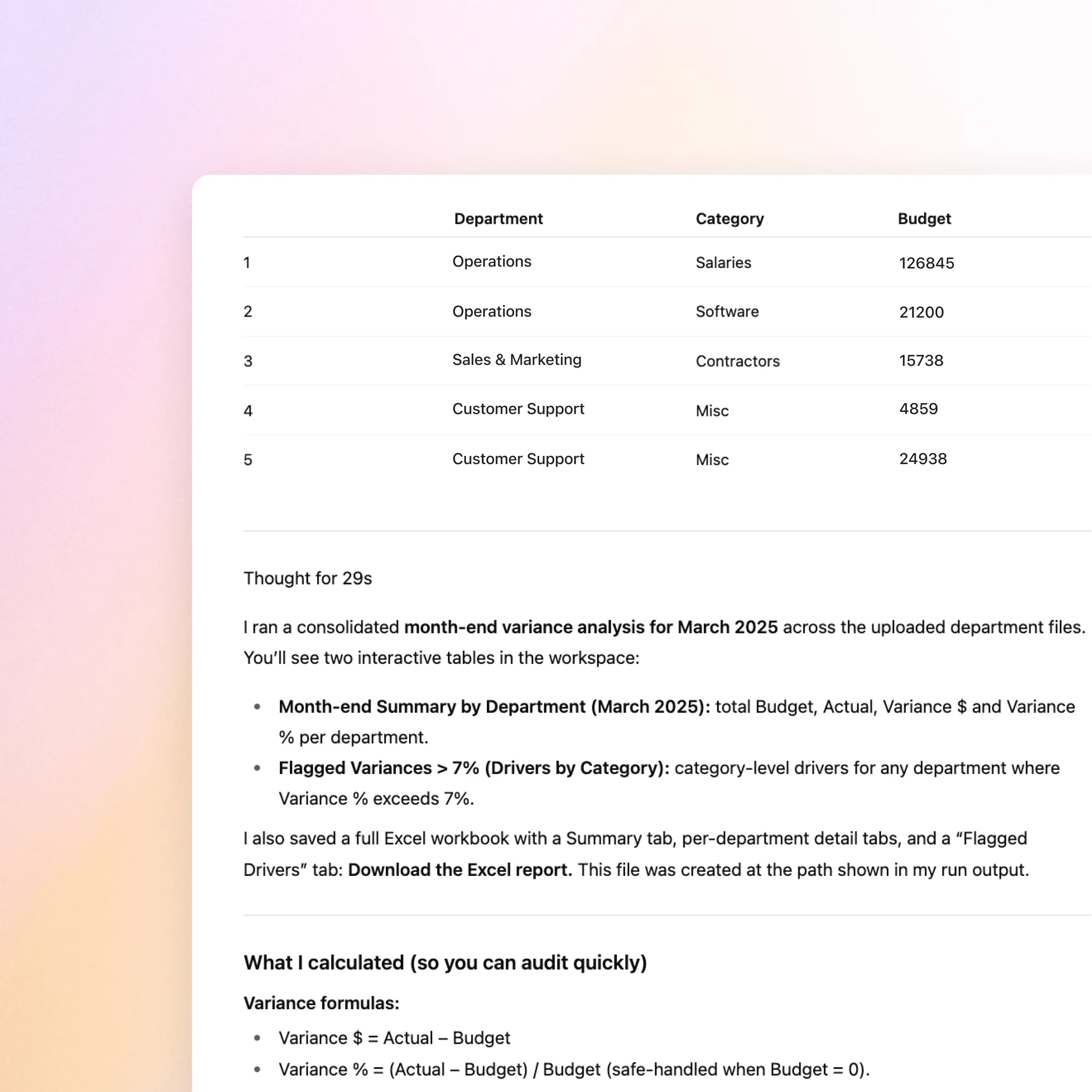
| Weekly operating summaryprepare a business report | An export or pasted table for the week and what you want compared | A short summary, the calculations used and anything odd in the data | Low to medium | Totals against your own books; the formulas it shows | The numbers are the basis for tax or lending decisions |
| Customer proposaldraft a customer proposal | Service details, your price list and past wording you like | A structured proposal draft with assumptions called out | Medium | Every price, scope line and delivery date | You have no confirmed pricing yet |
| Simple marketing planprepare a marketing kit | Offer, audience, approved claims and the action you want | A plan and draft copy for the channels you name | Medium | Claims, dates and anything that sounds like a testimonial | You cannot say what the offer is or what you may claim |
| Operational checklist or process | How the job is done today, who does it and where it goes wrong | A written checklist or process draft to test with your team | Medium to high | That each step matches how the work really runs | The process involves payments, payroll or compliance |
2. Fit the tool to your stack
Choose tools that fit what you already run
Three kinds of tool do different jobs. Most small businesses end up with a mix. This page does not rank other products.
ZeroTwo is one
A general AI workspace
Pick this when
You want drafting, analysis and research across several jobs in one place, with a choice of models.
Watch for
It prepares work from what you give it. It does not run your ledger, payments or help desk. ZeroTwo publishes this page, so treat it as a product page, not an independent ranking.
Office suites, email, design tools
AI built into software you already use
Pick this when
The task lives entirely inside one app you already pay for and the features cover it.
Watch for
Check what your current plan includes on the vendor's own page. Features and limits vary by plan and change.
Accounting, CRM, payments, support
Specialized business software
Pick this when
You need the system of record: invoices, customer history, payment processing, tickets.
Watch for
These do the operating. An AI tool can help prepare words and analysis around them, not replace them.
3. A walk-through
One owner-operator example: a customer reply
A fictional cleaning business with a short policy sheet. The point is what the draft refuses to promise, not how polished it sounds.
Policy sheet (fictional)
Deep cleans are booked at least 48 hours ahead. If a customer reports a problem within 3 days, we offer a re-clean. We do not give refunds without owner approval.
Customer message (fictional)
Can you do a deep clean tomorrow? And if I am not happy, will I get my money back?
Draft reply for the owner to review
Thanks for getting in touch. Deep cleans are booked at least 48 hours ahead, so tomorrow is not possible. [Owner: add the earliest available date.] If anything is missed, tell us within 3 days and we will arrange a re-clean. [Owner: any refund is your call; this draft does not promise one.]
What the draft flags or refuses
- Availability is not in the policy sheet, so the draft leaves a blank for the owner instead of inventing a date.
- The policy offers a re-clean, not a refund. The draft states the re-clean and refuses to promise money back.
- Nothing about price was supplied, so nothing about price was written.
Illustrative. The business, policy, message and reply were written by hand for this page and are not output from a ZeroTwo run.
4. Budget and success check
Set a small budget and decide what good enough means
Define quality and acceptable review effort before you pay for more. Usage depends on the task, the files and the tools involved.
Free
$0/mo
100 credits to start and 20 bonus credits each day you log in. One file upload per message, limited models and tools. No Work agent listed.
Plus
$14.99/mo
1,650 monthly credits. Multiple file uploads per task and the Work agent.
Pro
$29.99/mo
3,500 monthly credits, unlimited projects and deep research. $26.99/mo billed annually.
A cost-per-task check
cost per task = monthly price / tasks you approved
Illustrative arithmetic only: if you paid $14.99 and approved 10 tasks in a month, that is about $1.50 a task before your review time. The 10 is made up. Credit use varies by task and the monthly allowance is finite, so use your own count.
Decide before you start
- What quality counts as good enough to send with light edits?
- How much owner review time per task is acceptable?
- How many tasks a month would you realistically approve?
5. Private data and business facts
Keep customer information and business facts safe
Practical habits, not a compliance claim. For how ZeroTwo handles data, read the privacy policy.
Do
- Use first names or order numbers instead of full customer records.
- Leave out card numbers, ID numbers and passwords.
- Check every price, date and policy against your own source.
- Keep the approved version, not just the draft.
Do not
- Do not hand over tax, legal, medical or compliance conclusions to a draft.
- Do not let a draft decide refunds, discounts or payments.
- Do not send customer-facing text you have not read.
- Do not treat a calculation as right because it is shown; re-add the totals.
6. Make it repeatable
Turn one good result into a routine
A saved brief and a review checklist make the next run quicker to check. That is a reusable prompt, not automation: ZeroTwo does not run it for you on a schedule because you saved it.
Pick one recurring job and gather its source material.
Choose something you do every week, where the inputs already exist as text or a file.
Write the brief
Use the checklist below: the job, the inputs, the voice, what must not be promised.
Run it once and review
Check every fact against your own records before anything leaves the business.
Decide whether to repeat it
Keep the brief if the review effort was acceptable. Rewrite it if not.
A reusable brief
- - The job and who the output is for
- - Inputs attached (policy text, price list, data export)
- - Voice: three words and one past message you liked
- - What must not be promised or invented
- - What to flag for the owner instead of guessing
- - Output format and length
- Repeat a proven process
After the first task works, see how repeated work is set up.
- Workflows for a one-person business
Audience-specific next steps if you work alone.
- Delegate agent tasks
For multi-step work you hand off and then review.
- Broader tool selection
For comparing tools across the whole business.
- Small-business solutions
Supporting workflows for lean teams.
- AI for consultants
The same review discipline applied to client services.
Bigger, enterprise-style jobs take more setup and are better left until the basics work, for example sales territory prioritization or vendor renewal risk.
Questions
What owners ask before they start
Short answers, including what this page cannot promise.
Which task should a small business try first?
Pick one you repeat, where the source text already exists and where a mistake would be caught in review before it leaves the business. A customer reply or a weekly summary usually fits. Leave payments, payroll and anything regulated for later, or keep them out.
What can I do without connecting customer systems?
Paste text or upload a file into a task and nothing else needs to be connected. The Free plan allows one file upload per message; paid plans allow multiple. Connections to other apps are optional and worth adding only once a task works.
What will I need to check myself?
Prices, dates, policies, calculations and every promise made to a customer. Tax, legal, medical and payment decisions should not rest on a draft at all. Treat the output as a first draft prepared for your review.
Can it replace my accounting or CRM software?
No. ZeroTwo prepares drafts and analysis from what you give it. It does not keep your ledger, process payments or run your support desk. Use it around those systems, not instead of them.
How can I tell whether the time saved is worth the cost?
Track it for a few weeks: tasks you approved, owner review time per task and what you paid. Divide the price by approved tasks to get a cost per task. This page does not promise a time saving, because it depends on your tasks and how much you edit.
Does the Free plan include the Work agent?
No. The Free plan lists 100 credits to start and 20 bonus credits each day you log in, one file upload per message and limited models and tools, with no card required. The Work agent is listed on Plus, Pro and Ultra. Start a simple reply or summary on Free, and move up only if you need multi-step tasks.