Generate and Edit Images with Multiple AI Models in ZeroTwo

Reed Vogt
CEO and Head Engineer
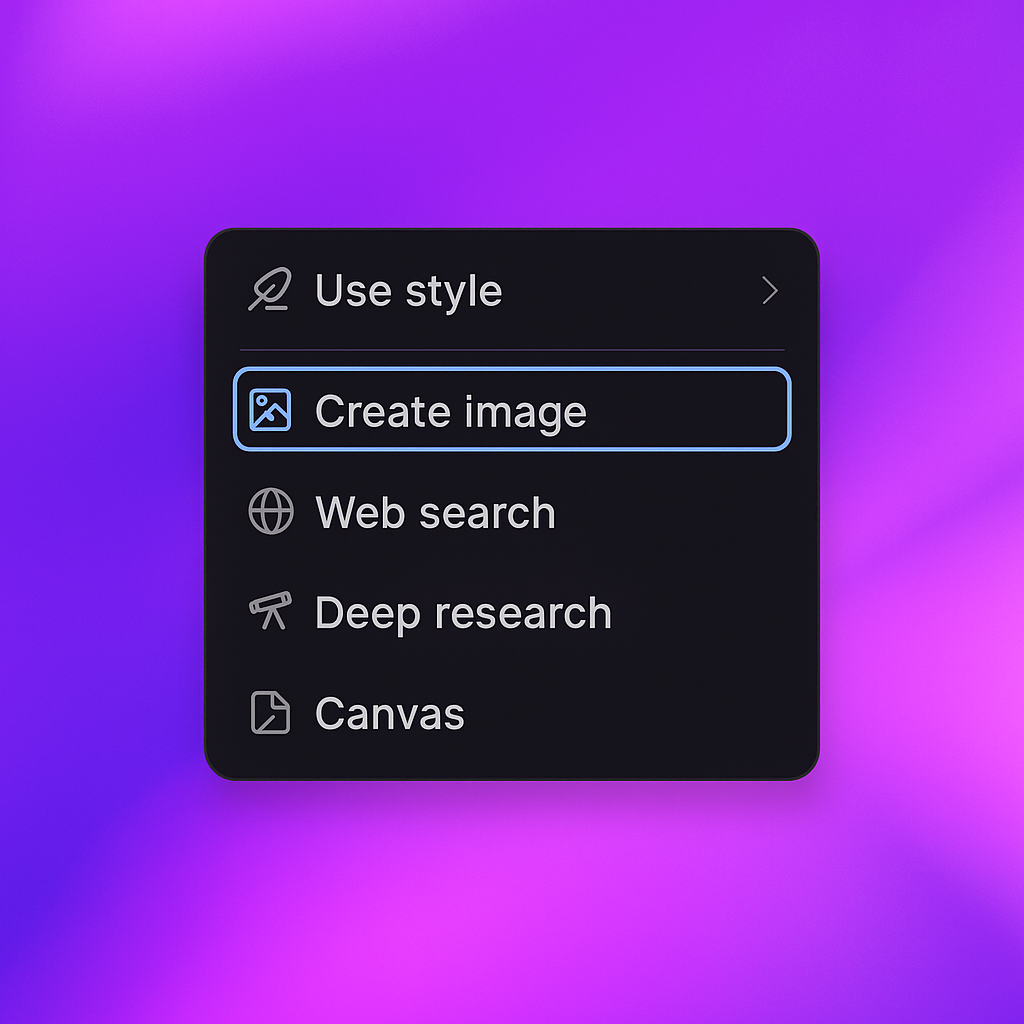
You can generate images with ZeroTwo by simply asking the AI to create an image with the details you want, or by selecting the 'Tools' dropdown beside the message input, and then selecting the 'Create image' option. ZeroTwo's unified workspace brings together multiple AI models and image generation capabilities in one seamless interface.

Access ZeroTwo's image generation through the chat input
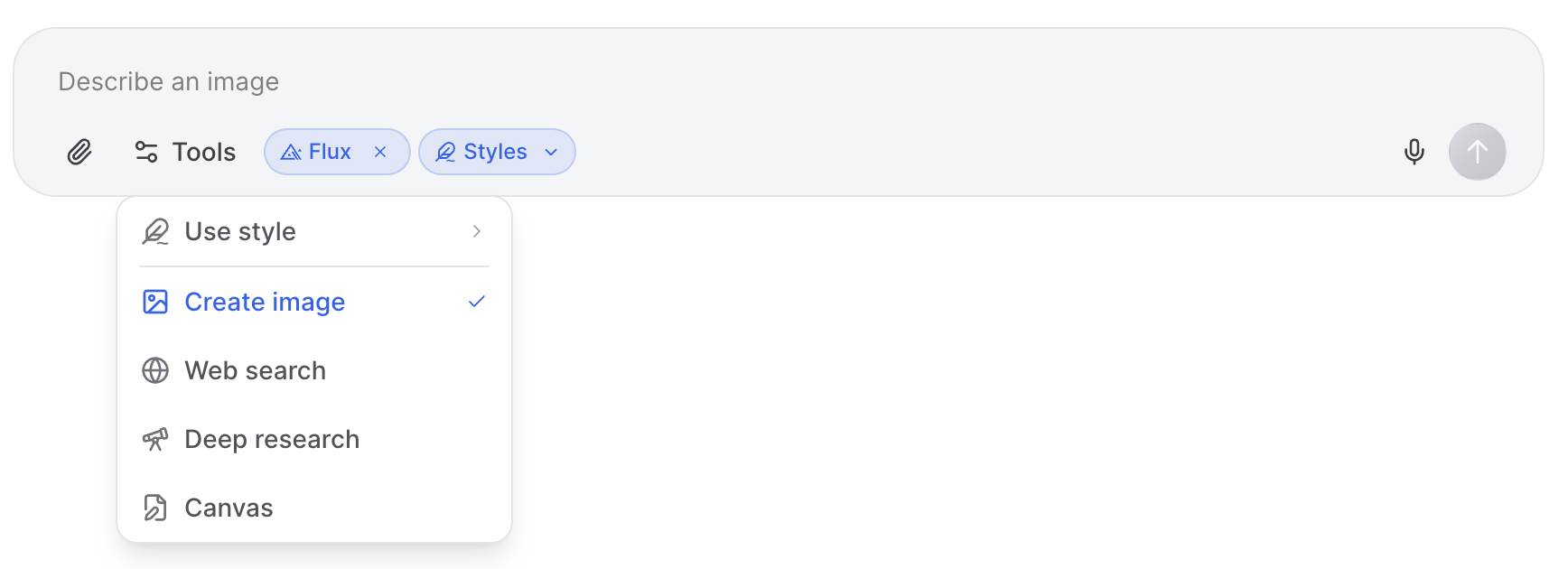
Use the Tools dropdown to access specialized image generation features
Once you enter your prompt, ZeroTwo's image generation will create the image as you've described it. Depending on the complexity of your instructions, ZeroTwo may take up to two minutes to generate an image. The platform offers multiple model options including GPT Image 1, Flux Pro v1.1, Imagen 4, Imagen 3, Gemini Image and Grok 2 Image, each with unique strengths for different creative needs.
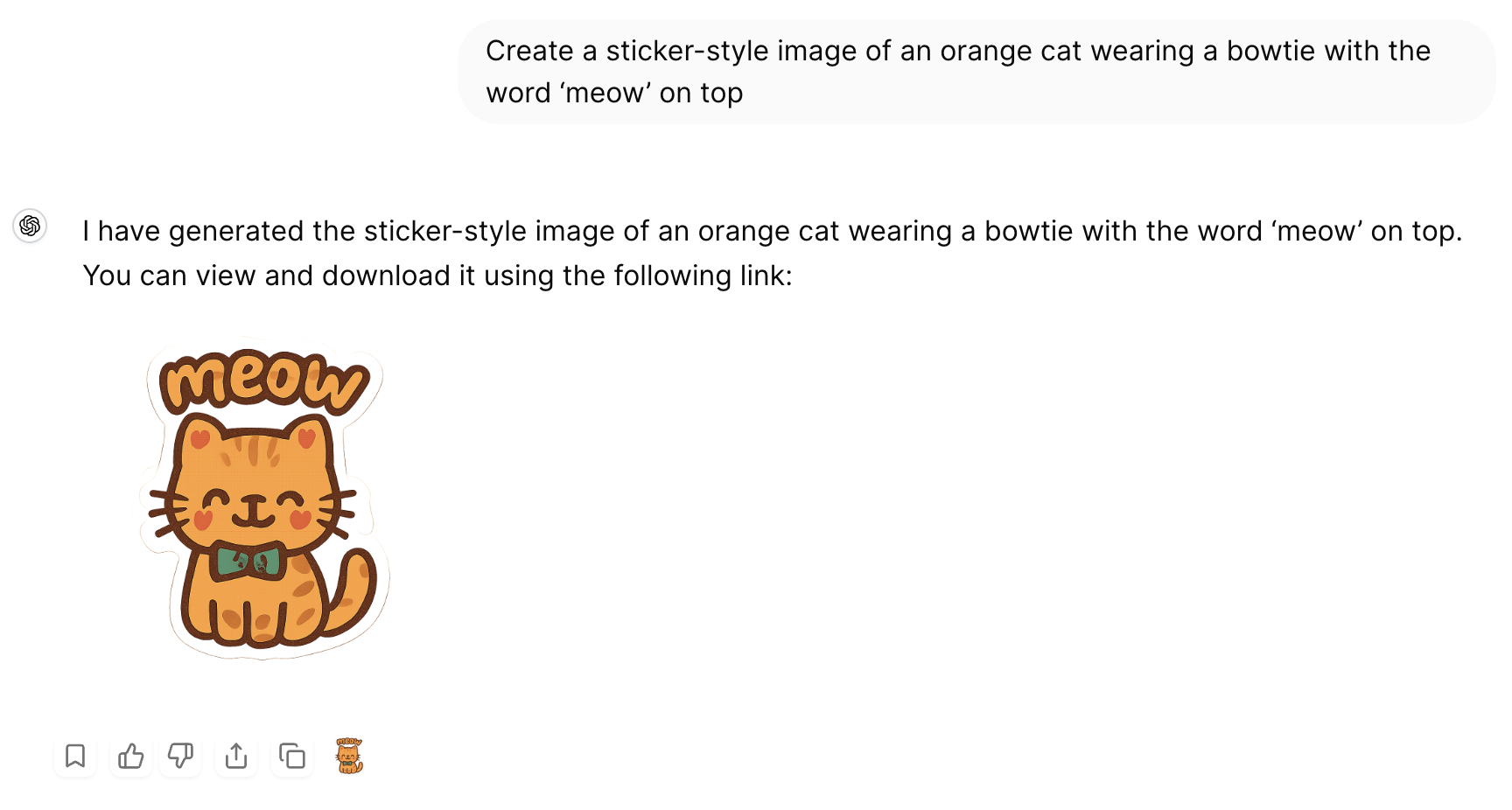
View your generated images directly in the ZeroTwo interface
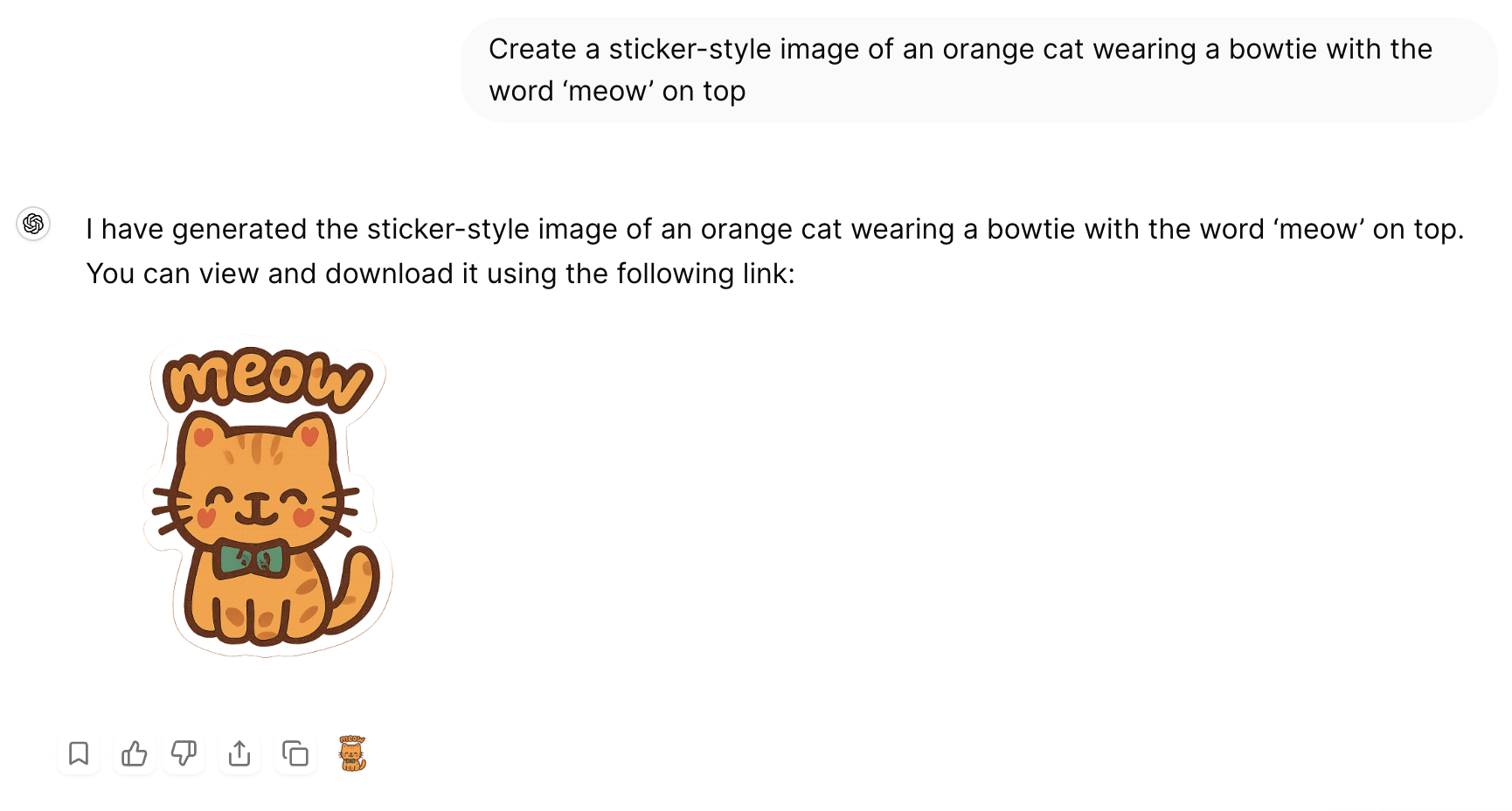
Choose from multiple AI models and style options for your images
Editing Images in ZeroTwo
You can also use ZeroTwo to make updates or iterations on image concepts. Simply describe the changes you want, and the AI will generate new variations based on your feedback. This iterative process makes it easy to refine your visuals until they perfectly match your vision.
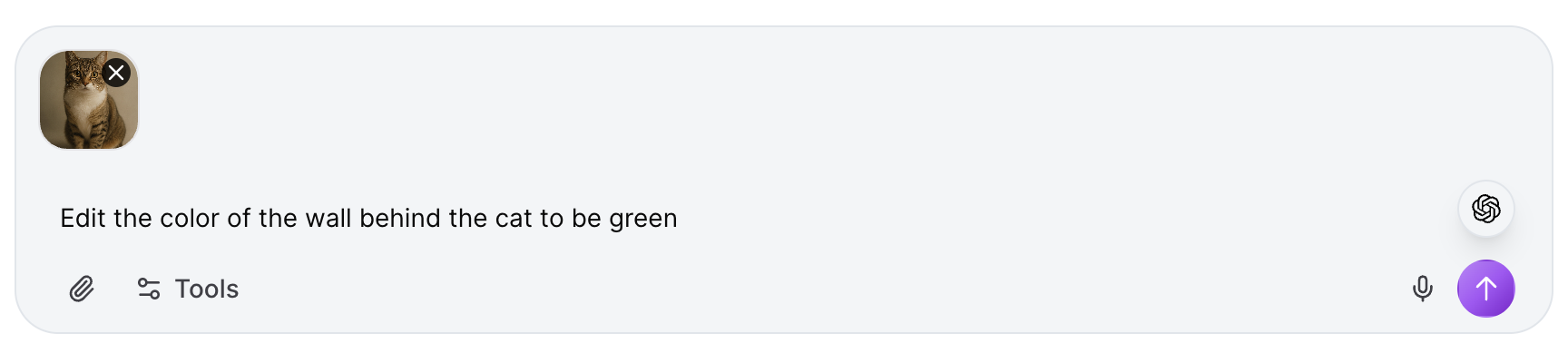
Upload and edit existing images by describing the changes you want
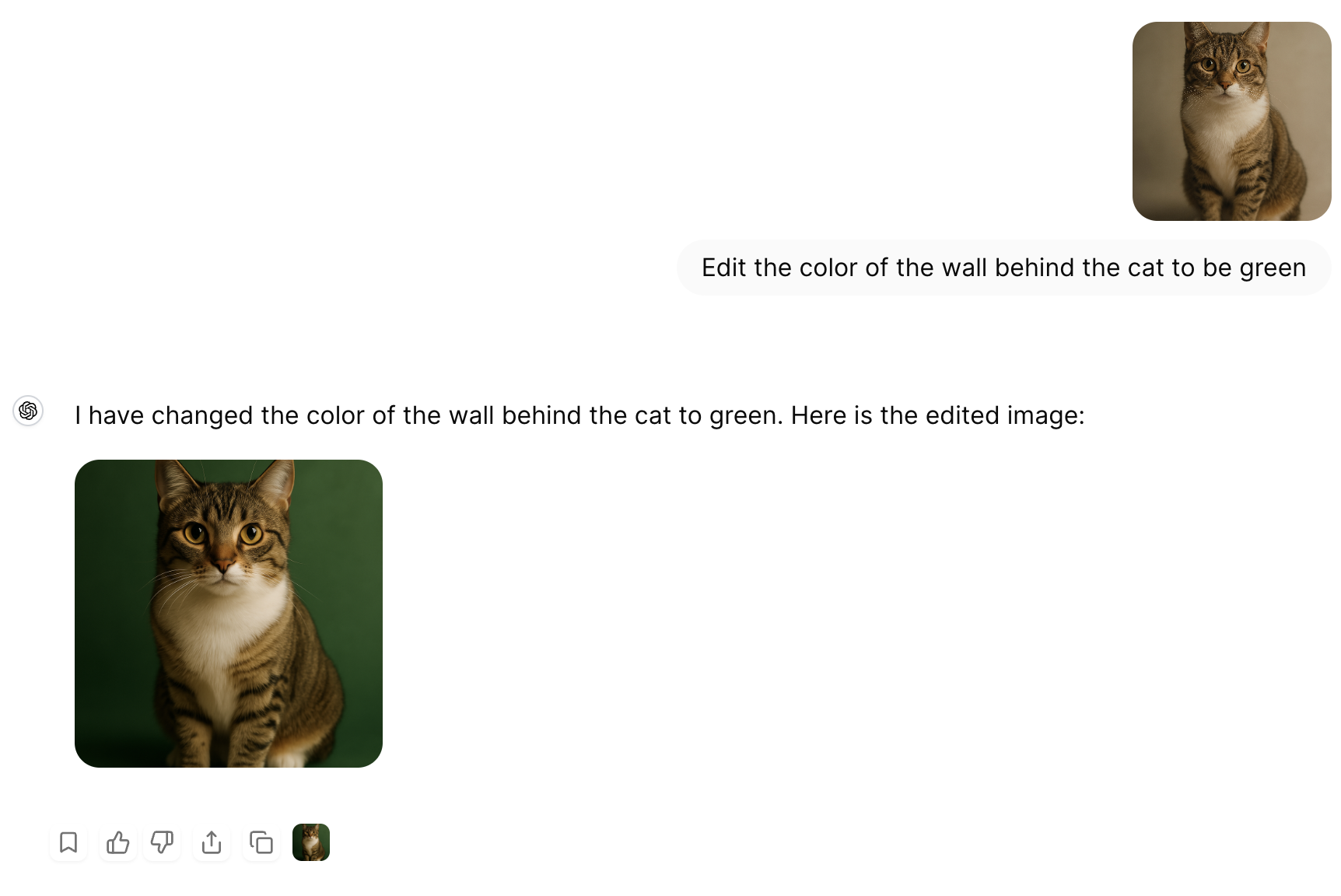
See the results of your image edits instantly in ZeroTwo
ZeroTwo's image generation capabilities provide a powerful, integrated solution for creating and editing visual content. Whether you're generating new images from scratch or modifying existing ones, ZeroTwo's unified workspace keeps everything organized and accessible within your creative workflow.
Related Articles
Introducing ZeroTwo Realtime: Revolutionary Voice Conversations with AI
Experience the future of AI interaction with ZeroTwo's new realtime voice feature. From OpenAI's GPT-4o Realtime to ElevenLabs' expressive voices, discover how to have natural conversations with AI using advanced models, web search capabilities, and intuitive voice selection.
Introducing YouTube Analyzer: Extract, Analyze, and Transform Video Content with AI
ZeroTwo's new YouTube Analyzer tool revolutionizes video content analysis by extracting metadata, transcripts, and comments in seconds. Transform any YouTube video into structured XML data for research, content creation, and AI training.