Memory

Reed Vogt
CRO
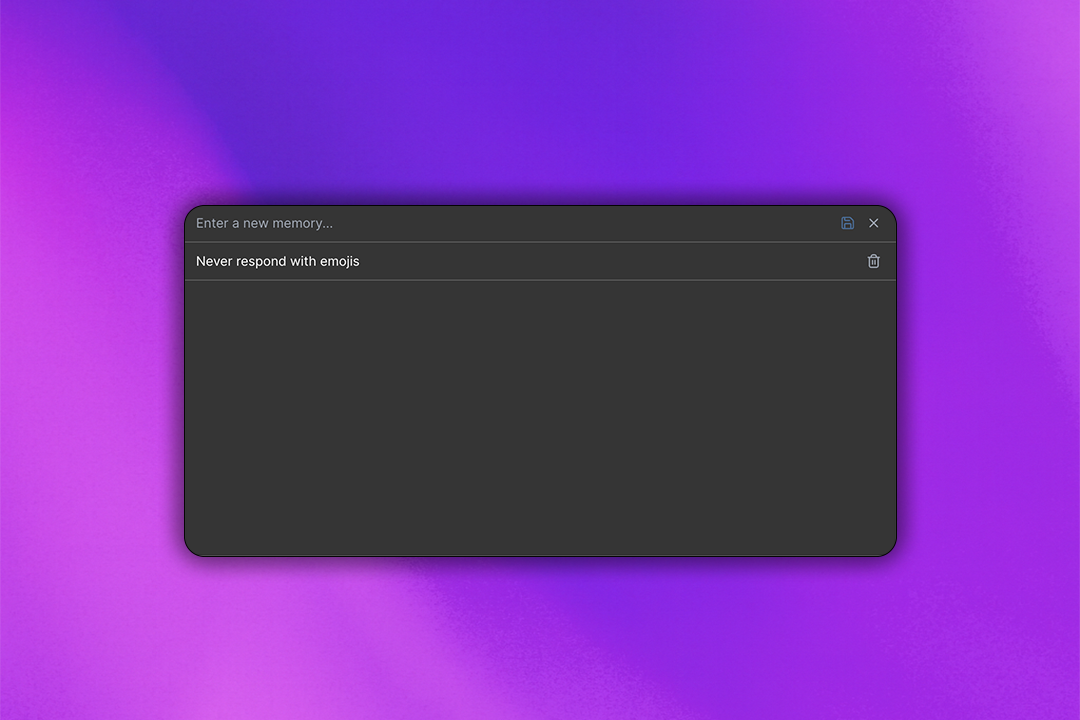
ZeroTwo can remember useful details between chats, making its responses more personalized and relevant. As you chat with ZeroTwo, it can remember helpful context from earlier conversations, such as your preferences and interests.
How do I enable or disable saved memories?
You can turn saved memories on or off anytime under your profile picture > Settings > Personalization. Note that these settings may vary slightly depending on your plan.
Access memory settings through your profile settings under Personalization
How do I enable or disable Reference Chat History?
You can turn "Reference chat history" on or off anytime in Settings > Personalization. Note that these settings may vary slightly depending on your plan.
Configure how ZeroTwo references your chat history in personalization settings
The more you use ZeroTwo, the more useful it becomes. You'll start to notice improvements over time as it builds a better understanding of what works best for you.
Can I disable memories for my ZeroTwo Enterprise workspace?
Enterprise workspace owners can control memory settings for all users
Related Articles

Introducing ZeroTwo Realtime: Revolutionary Voice Conversations with AI
Experience the future of AI interaction with ZeroTwo's new realtime voice feature. From OpenAI's GPT-4o Realtime to ElevenLabs' expressive voices, discover how to have natural conversations with AI using advanced models, web search capabilities, and intuitive voice selection.

Introducing YouTube Analyzer: Extract, Analyze, and Transform Video Content with AI
ZeroTwo's new YouTube Analyzer tool revolutionizes video content analysis by extracting metadata, transcripts, and comments in seconds. Transform any YouTube video into structured XML data for research, content creation, and AI training.