MarkdownIt: Build Better AI Context

Reed Vogt
CEO and Head Engineer
In the rapidly evolving landscape of AI-powered productivity tools, the ability to efficiently provide context to large language models (LLMs) has become crucial for maximizing their effectiveness. Today, we're exploring how the MarkdownIt Chrome extension can revolutionize your workflow by seamlessly converting web content into structured markdown format and integrating it directly into ZeroTwo's powerful file upload system.
Why Context Matters for AI Assistants
The quality of output from AI assistants like those in ZeroTwo is directly proportional to the quality and structure of the input context provided. Raw web content often contains formatting noise, advertisements, and irrelevant navigation elements that can dilute the signal-to-noise ratio for LLMs.
Markdown format solves this problem by providing a clean, structured representation of content that AI models can easily parse and understand, leading to more accurate and contextually relevant responses.
Introducing MarkdownIt: Your AI Context Building Tool
The MarkdownIt Chrome extension is a powerful web clipper that converts any web page into clean, structured markdown format. Unlike traditional copy-paste methods that lose formatting and structure, MarkdownIt preserves the logical hierarchy of content while removing visual clutter.
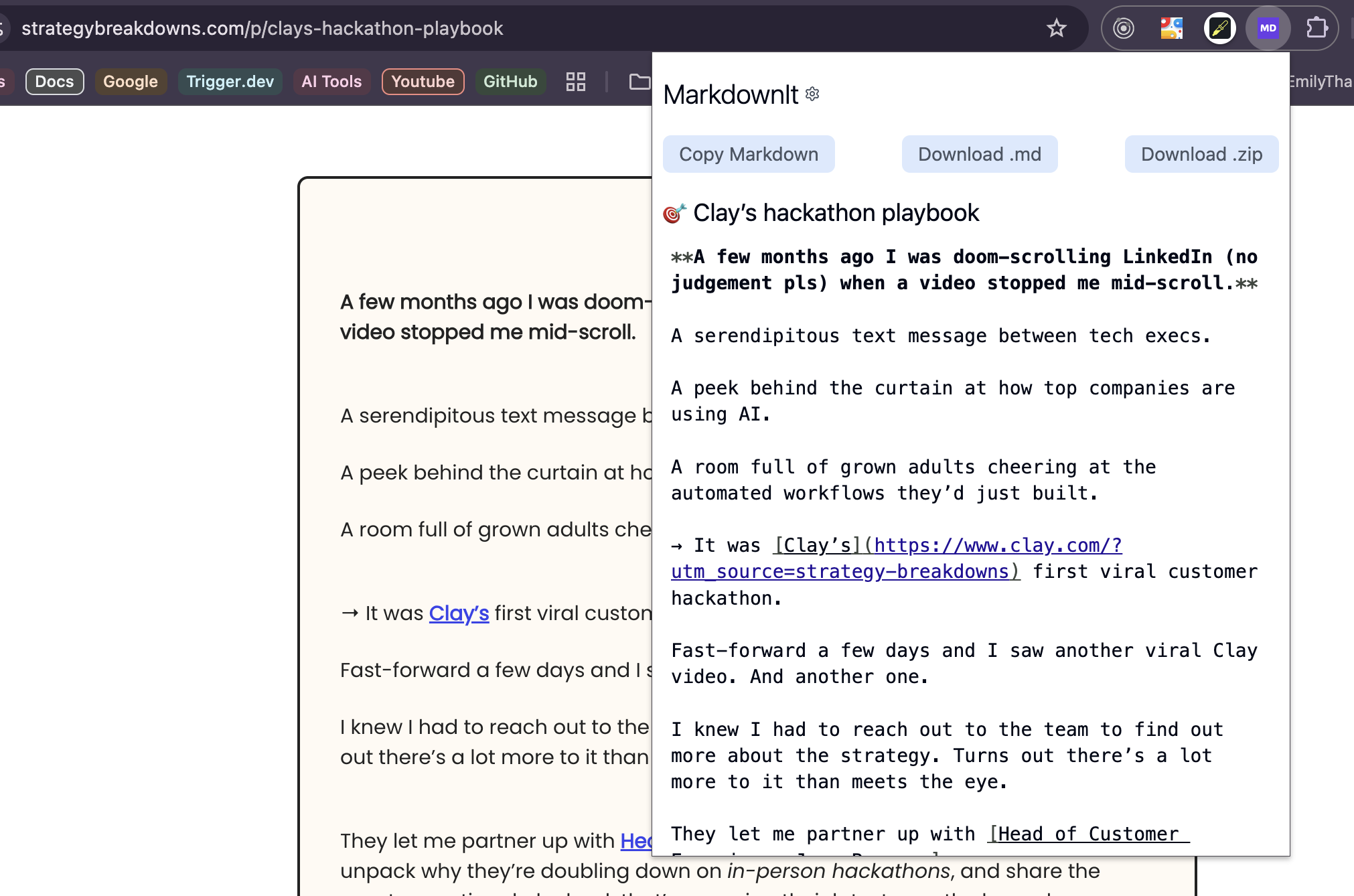
MarkdownIt extension in action, converting web content to clean markdown format
Step-by-Step Integration with ZeroTwo
Step 1: Installing MarkdownIt
- Navigate to the Chrome Web Store
- Search for "MarkdownIt - Markdown Web Clipper"
- Click "Add to Chrome" to install the extension
- Pin the extension to your toolbar for easy access
Step 2: Converting Web Content
Once you've found content you want to use as context for your AI assistant:
- Navigate to the desired web page
- Click the MarkdownIt extension icon in your Chrome toolbar
- The extension will automatically process the page content
- Copy the generated markdown to your clipboard
Step 3: Integrating with ZeroTwo's File Upload System
ZeroTwo's file upload system includes a powerful "Paste Text Content" feature that's perfect for markdown integration:
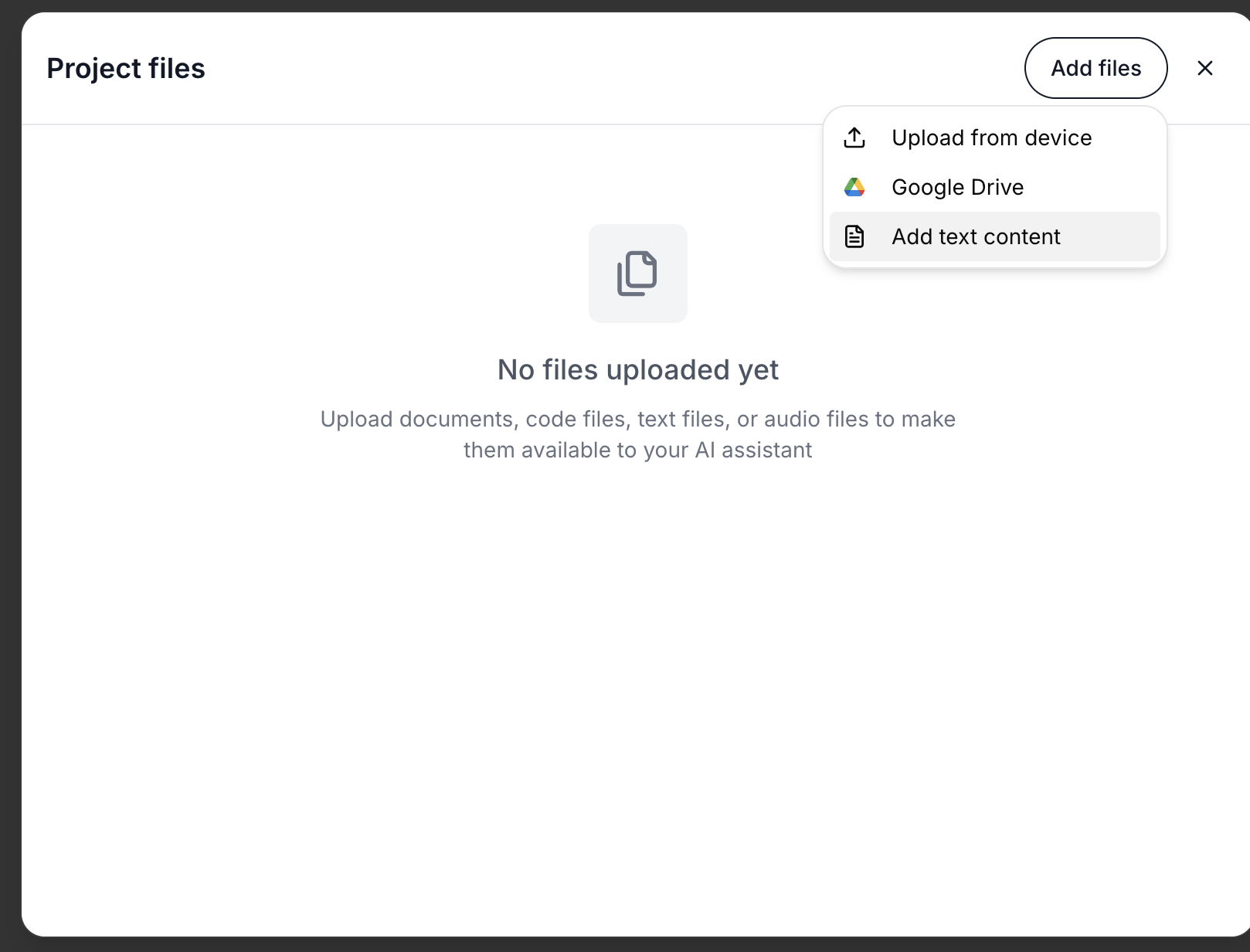
ZeroTwo's file upload interface highlighting the Paste Text Content option
- Open your ZeroTwo project workspace
- Navigate to the file upload section
- Select the "Paste Text Content" option
- Paste your copied markdown content into the text area
- Give your content a descriptive name for future reference
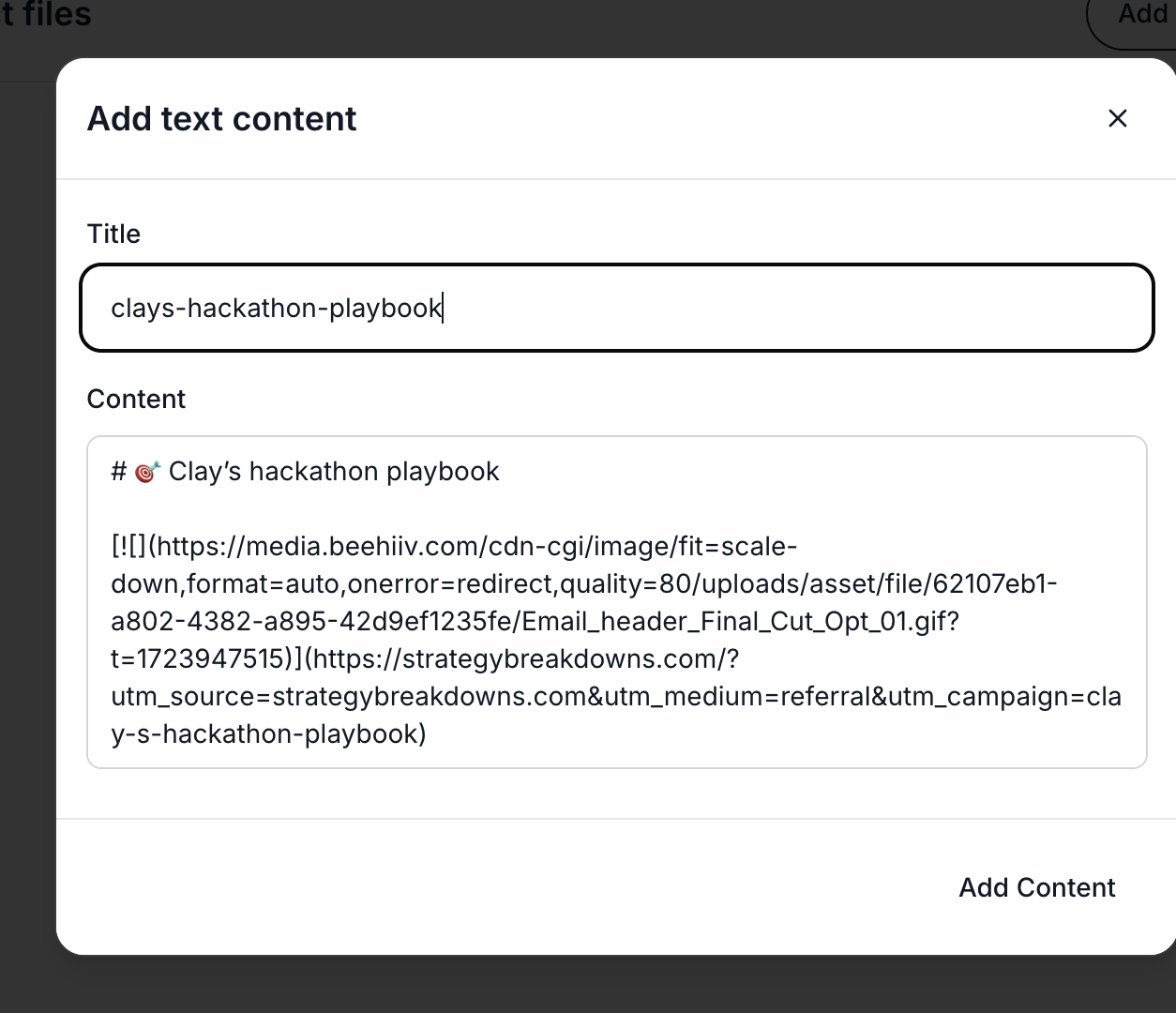
Markdown content successfully pasted into ZeroTwo's text content area
The Power of Structured Context
Once your markdown content is integrated into ZeroTwo, you'll immediately notice the difference in AI assistant responses. The structured format allows the AI to:
- Better understand content hierarchy through proper heading structures
- Preserve formatting context including code blocks, lists, and emphasis
- Focus on relevant information without getting distracted by web page noise
- Maintain logical relationships between different sections of content
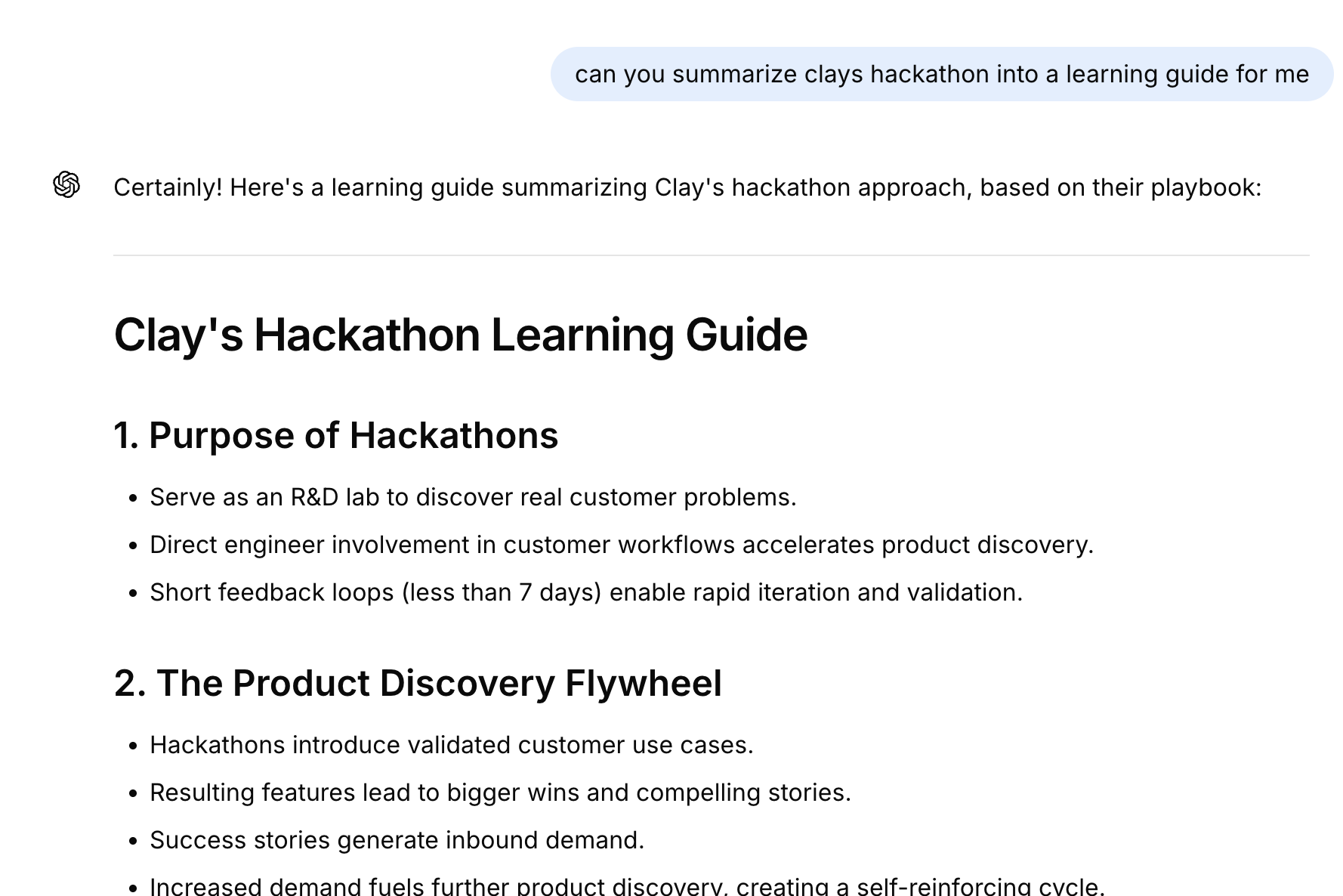
AI assistant providing a contextually rich response based on the structured markdown input
Best Practices for Maximum Effectiveness
ℹ️ INFO
Pro Tip
Always review the generated markdown before pasting it into ZeroTwo. While MarkdownIt does an excellent job of content conversion, occasionally you may want to clean up or reorganize sections for optimal AI comprehension.
- Curate your content: Focus on pages with substantial, relevant information rather than navigation-heavy sites
- Organize by topic: Group related markdown files in your ZeroTwo workspace for easy reference
- Update regularly: Refresh your context files when source content changes significantly
- Test and iterate: Experiment with different content structures to see what works best for your specific use cases
Advanced Workflow Integration
For power users, consider creating a systematic approach to context building:
- Create content libraries: Organize markdown files by project, topic, or research area
- Establish naming conventions: Use descriptive filenames that make content easy to find later
- Build context hierarchies: Start with broad overviews, then add specific technical details
- Leverage version control: Keep track of content updates and changes over time
The Future of AI-Powered Productivity
As AI assistants become more sophisticated, the importance of high-quality context will only grow. Tools like MarkdownIt represent a crucial bridge between the vast information available on the web and the structured input that AI models need to provide maximum value.
By integrating MarkdownIt with ZeroTwo's powerful file upload system, you're not just improving your current workflow – you're building a foundation for more effective AI collaboration that will serve you well as these technologies continue to evolve.
Get Started Today
Ready to supercharge your AI workflow? Install the MarkdownIt Chrome extension today and start experiencing the difference that well-structured context can make in your ZeroTwo projects. Your AI assistants – and your productivity – will thank you.
✅ SUCCESS
Key Takeaway
Remember, the goal isn't just to provide more information to your AI assistant, but to provide better information. Quality context leads to quality output, and MarkdownIt helps ensure you're always providing the highest quality input possible.
Related Articles
Ultimate Prompt Engineering Resources
Discover the top 10 prompt engineering resources from OpenAI, Anthropic, Google, and X.AI to master AI interactions and maximize model performance in 2025.
Vibe Prompting
Discover 7 advanced prompt engineering techniques from Cursor AI's leaked system prompt that transform how you interact with AI coding assistants. Learn to code like a pro with these insider strategies.