Canvas Mode

Reed Vogt
CEO and Head Engineer
Canvas is a new interface for working with ZeroTwo on writing and coding projects that require editing and revisions. Canvas provides a collaborative workspace where you can directly edit content while receiving AI assistance and suggestions.
What is Canvas Mode?
Canvas is a revolutionary interface designed for complex writing and coding projects. With Canvas, ZeroTwo can better understand the context of what you're trying to accomplish. You can highlight specific sections to indicate exactly what you want ZeroTwo to focus on.

Start a Canvas project by asking ZeroTwo to create content in the chat interface
How to Access Canvas
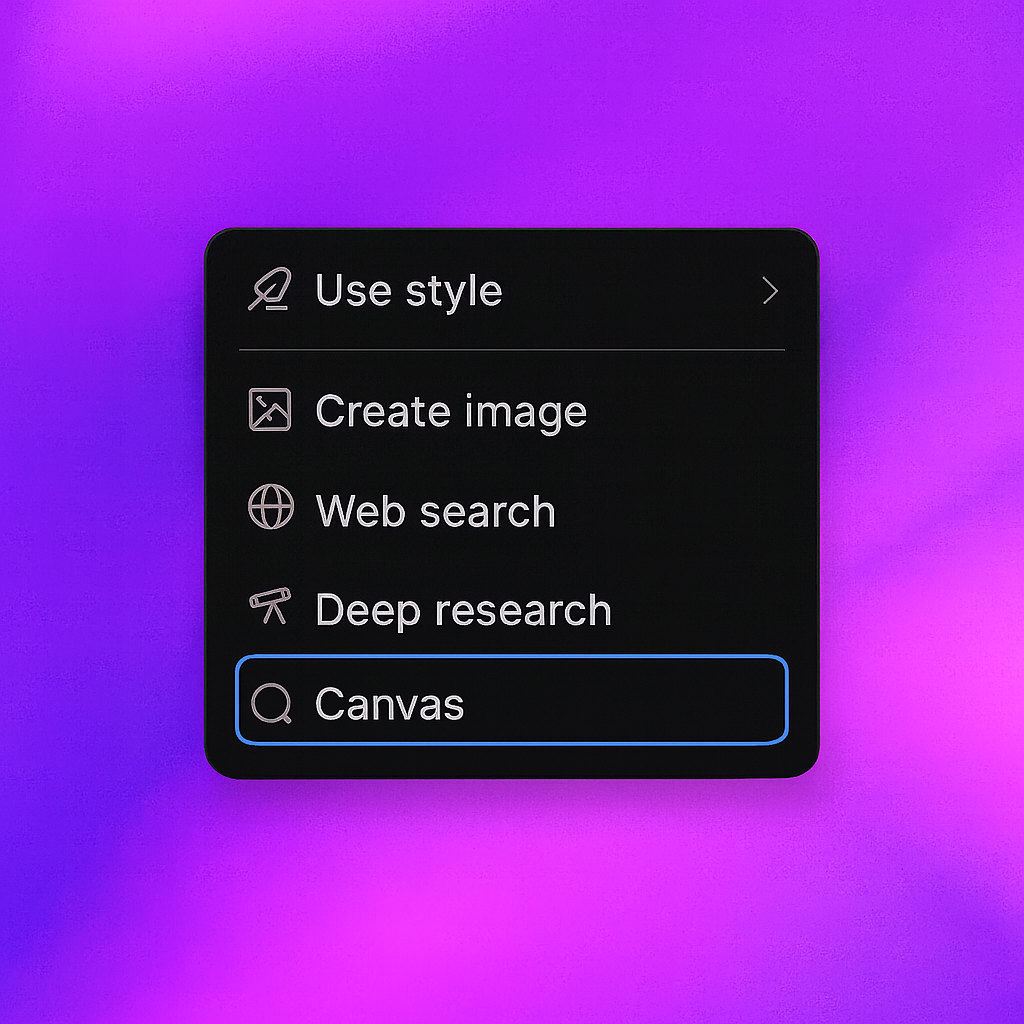
You can access Canvas through the tools selector in ZeroTwo's chat interface, or Canvas may open automatically when ZeroTwo detects you're working on a writing or coding project that would benefit from the enhanced editing interface.
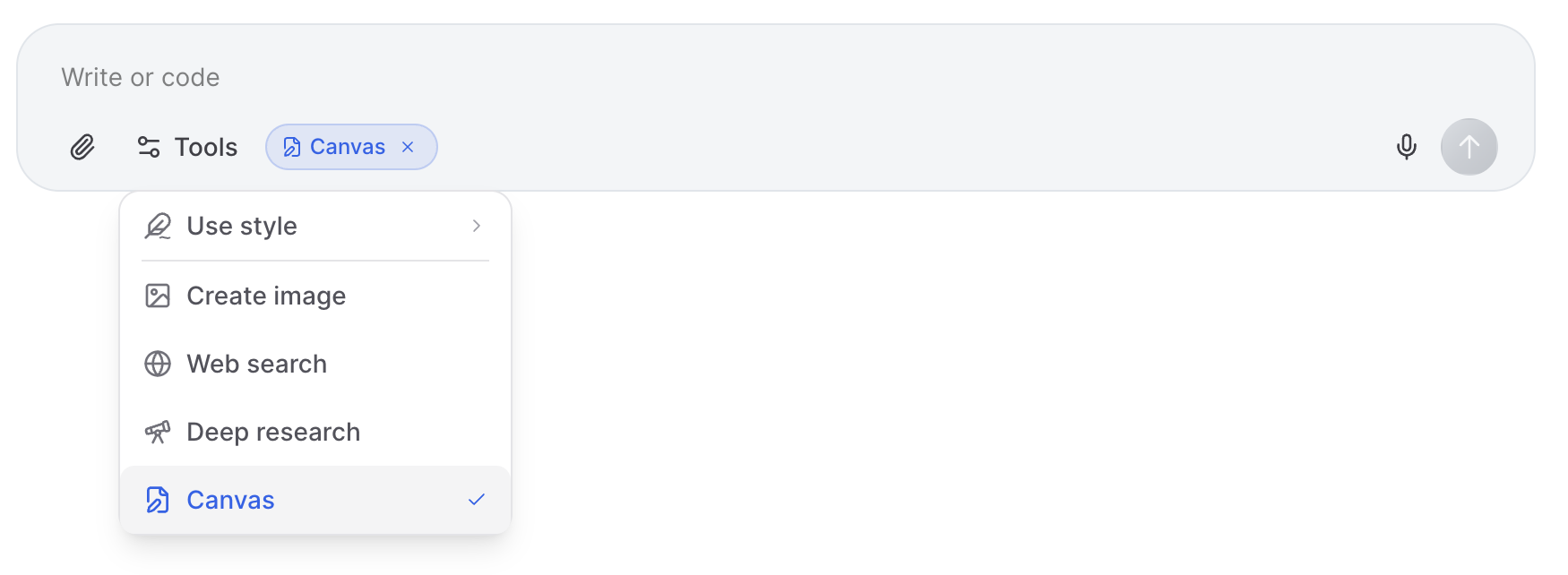
Access Canvas through the tool selector dropdown in ZeroTwo's chat input
When you create Canvas content, it will automatically open on the right-hand side of your screen, providing a dedicated workspace for editing and collaboration.

Canvas responses automatically open on the right-hand side for easy editing
Editing Your Project with Canvas
You can make edits with Canvas by simply asking for them in the chat, or by selecting specific sections and providing targeted feedback. Canvas enables collaborative editing with AI assistance.
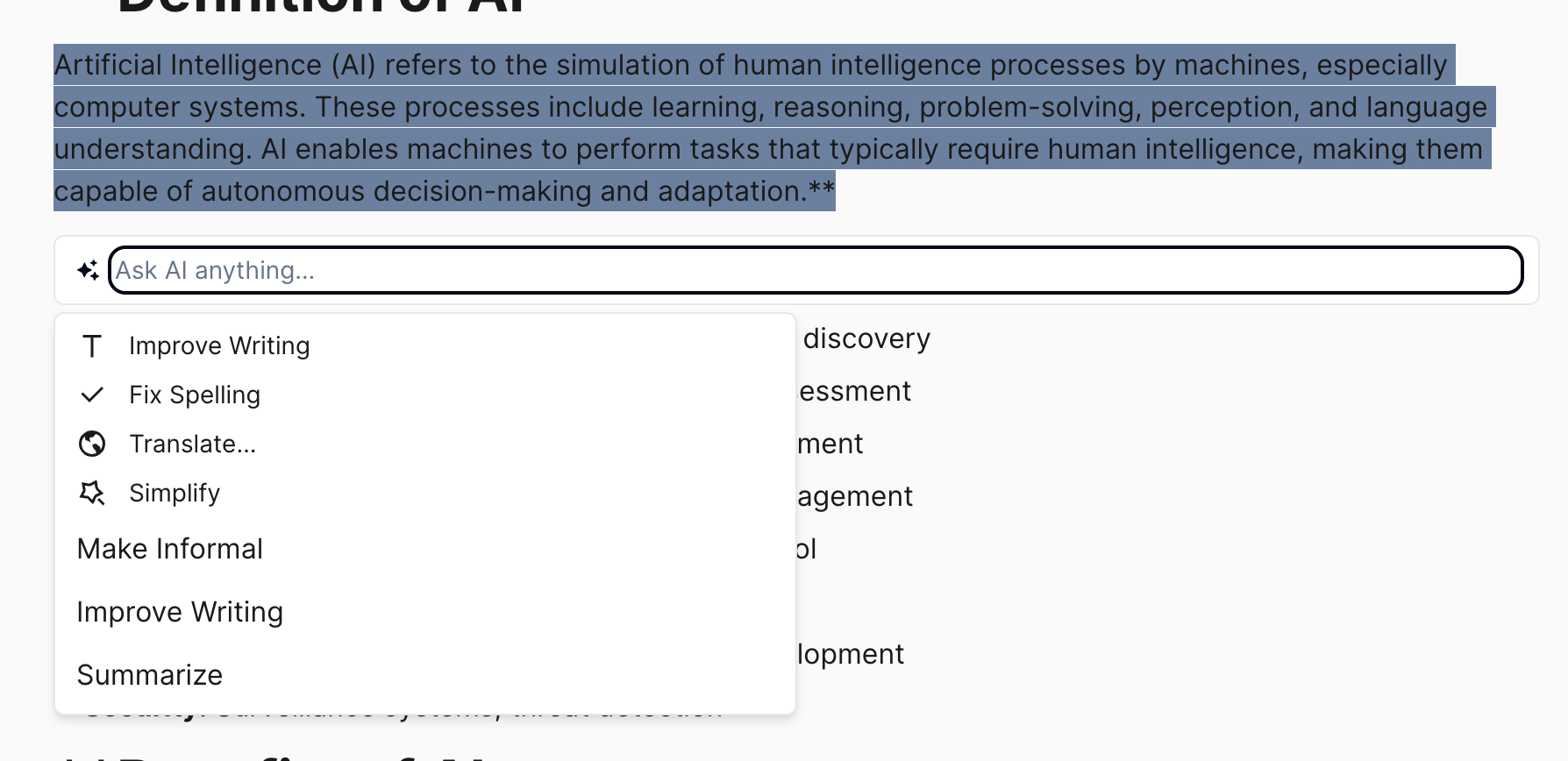
Edit Canvas content with AI assistance by selecting sections and providing instructions
Canvas Shortcuts
Canvas provides powerful shortcuts for both writing and coding projects, allowing you to quickly perform common tasks like adjusting length, adding comments, fixing bugs, and more.
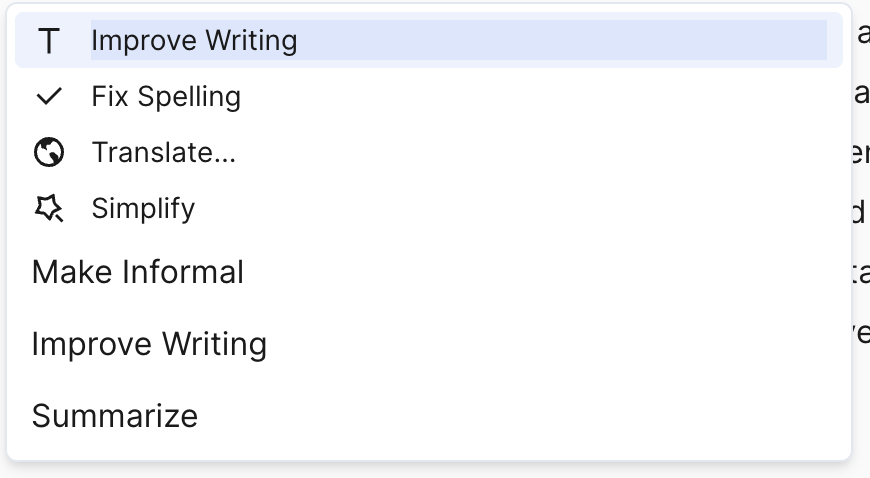
Use Canvas shortcuts for quick actions like editing, debugging, and formatting
Version Control and History
Canvas includes built-in version control, allowing you to navigate through different versions of your document or code and restore previous versions if needed.
Track changes and manage versions with Canvas's built-in version control system
Canvas represents the future of collaborative AI-powered content creation, making it easier than ever to iterate on complex writing and coding projects with intelligent assistance. Whether you're drafting documents, writing code, or creating interactive content, Canvas provides the tools you need for efficient, collaborative work.
Related Articles
Introducing ZeroTwo Realtime: Revolutionary Voice Conversations with AI
Experience the future of AI interaction with ZeroTwo's new realtime voice feature. From OpenAI's GPT-4o Realtime to ElevenLabs' expressive voices, discover how to have natural conversations with AI using advanced models, web search capabilities, and intuitive voice selection.

Introducing YouTube Analyzer: Extract, Analyze, and Transform Video Content with AI
ZeroTwo's new YouTube Analyzer tool revolutionizes video content analysis by extracting metadata, transcripts, and comments in seconds. Transform any YouTube video into structured XML data for research, content creation, and AI training.