The creative workbench · 01
Creative AI.
Your direction.
From a first spark to work worth sharing. Explore ideas, make images and write the story around them—without losing the thread.
For creators, marketers and the people behind the brief.
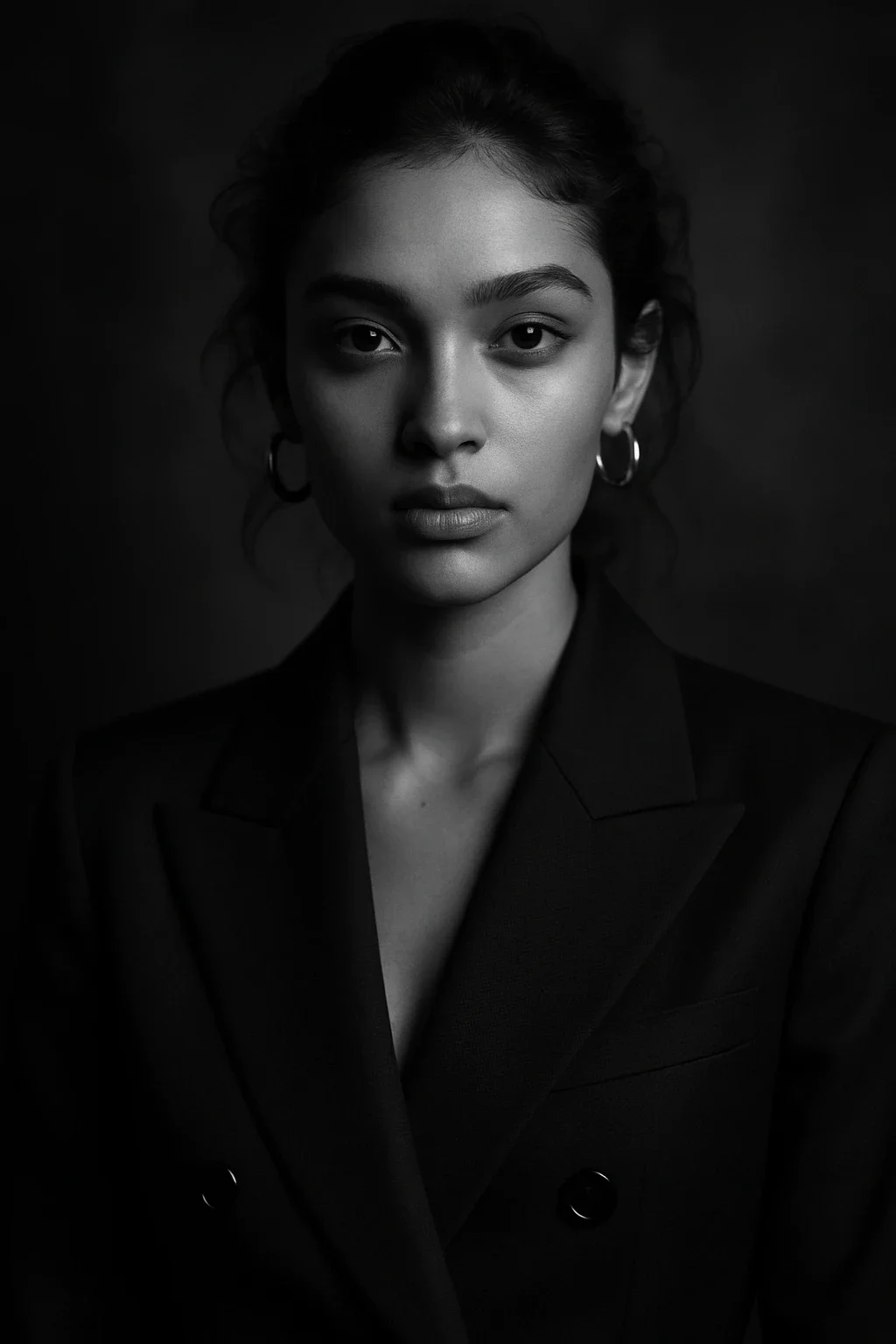

What is creative AI?
Creative AI helps creators and marketers develop ideas, draft copy, generate images and plan video. The useful starting point is a clear brief: who the work is for, what it should communicate and where it will appear. Use AI to explore directions, then use your judgment to choose and refine the work.
One brief. A connected process.
Make a direction.
Then make it real.
- 01
Find the idea
Describe the audience, message and channel. Ask for three distinct concepts with a rationale for each. Choose a direction before you make assets.
Develop ideas → - 02
Build the visual world
Turn the chosen direction into image prompts. Specify the subject, composition, palette and lighting. Change one variable at a time so you can compare the results.
Explore AI that creates images → - 03
Give it a voice
Write the headline, supporting copy and script against the same brief. Ask for alternatives, then edit for the language your audience actually uses.
Work on the words → - 04
Shape the final piece
Plan the shots, choose the production tool and assemble the work. Review the message, brand details and export requirements before sharing it.
Choose a video creation platform →
A brief you can use
A small launch.
A clear point of view.
A sample campaign for a coffee brand. Keep the audience and visual direction fixed while exploring the copy, image concepts and a short video.
Example prompt · campaign concept
Create three launch concepts for a small-batch coffee brand. Audience: people who enjoy a slower morning. Tone: warm, specific and unhurried. Visual direction: natural window light, warm paper and deep brown. For each concept, give me a headline, an image prompt and a three-shot video outline. Avoid unsupported claims about health or sustainability.
Use the result as a starting point. Choose, edit and verify.
Choose by the work
The right tool
for the next step.
| Your task | What to look for | Explore |
|---|---|---|
| Campaign concepts | Distinct directions, audience insight and useful reasoning | Marketing tools |
| Images & artwork | Reference control, editing and consistent visual style | Image generators |
| Video production | A fit for generated clips, presenters or recorded footage | Video platforms |
| A connected workspace | Model choice, retained context and transparent usage limits | All-in-one platforms |
Keep your brief, approved references and review notes together. Check ZeroTwo’s plans and credits for current access and usage limits. For a dedicated creative suite, explore Adobe Firefly’s image, video and design tools.
Before you begin
Good questions.
Useful answers.
What is creative AI?
Creative AI is the use of generative models to develop concepts and create or transform text, images, audio and video. Creators use it for mood boards, campaign ideas, scripts and visual variations. A model can supply options; a person still sets the direction, checks the result and decides what is ready to publish.
How can marketers use creative AI?
Start with one campaign brief and ask for several audience-specific concepts. Choose a direction, develop supporting copy and visual prompts, then adapt the work to each channel. Review the facts, brand voice and visual details before publishing. This keeps the campaign coherent rather than producing disconnected assets.
Can creative AI keep my brand consistent?
A reusable brief with your audience, tone, palette, visual references and exclusions makes outputs easier to compare. Repeat those constraints when you change models or formats. Consistency is still a review task: check typography, product details and style across the final assets instead of assuming every generation follows the brief.
What is the difference between creative AI and an image generator?
An image generator produces or edits visual assets. Creative AI describes a broader workflow, including research, ideation, writing, images, audio and video planning. Use an image tool when your brief is ready; use a broader workspace when you also need to develop the concept, copy and production plan.
Can I use AI-generated work commercially?
Check the specific model and platform terms for your intended use, including any uploaded reference material. A subscription alone does not establish rights to a person’s likeness, a trademark or someone else’s work. Keep records of the tools and inputs you used and review assets before putting them into a client deliverable.
How do I start using creative AI in ZeroTwo?
Bring a short brief into ZeroTwo, develop concepts and copy, then use image generation for visual exploration. Keep the chosen direction and review notes together. Start with the free tier and check the current pricing page for model access, tool availability and credit limits before choosing a paid plan.
Keep the creative thread
Bring your next brief.
Start in ZeroTwo. Explore directions, develop the copy and build the visual references in one workspace.