
The best AI for coding is the assistant that can understand the relevant part of a repository, make a scoped change, and prove that it did not break the contract. Fast code generation without a clean diff and passing tests is not productivity; it is deferred review work.
Last tested and price-checked: August 30, 2026. We checked public prices and capabilities against official vendor pages and verified the ZeroTwo workflow in the current product. We do not present an invented benchmark winner: repository language, test quality, model choice, tool permissions, and task design can change the outcome.
The short answer
| Tool | Best fit | Public price checked | Primary limitation |
|---|---|---|---|
| GitHub Copilot | Completion, chat, review, and agents close to GitHub and common IDEs | Free; Pro $10/month | Agent activity uses credits and still requires repository validation |
| Cursor | Agent-oriented editing inside a dedicated AI editor | Hobby free; Pro $20/month | Included usage depends on model cost and plan allowances |
| Claude | Long-context code reasoning and sustained implementation work | Pro $20/month | A convincing explanation is not a tested patch |
| ChatGPT | General coding help plus broad non-code tools | Plus $20/month | Context and environment access depend on the product surface used |
| Gemini Code Assist | Individuals starting free; Google Cloud-centered teams | Individual no-cost; Standard $22.80 monthly or $19 annual commitment | Enterprise features and pricing differ from the individual tier |
| ZeroTwo | Coding as one stage in research, data, and client-delivery work | Free; Plus $14.99/month; Pro $29.99/month | Not a substitute for an IDE, CI, or production observability |
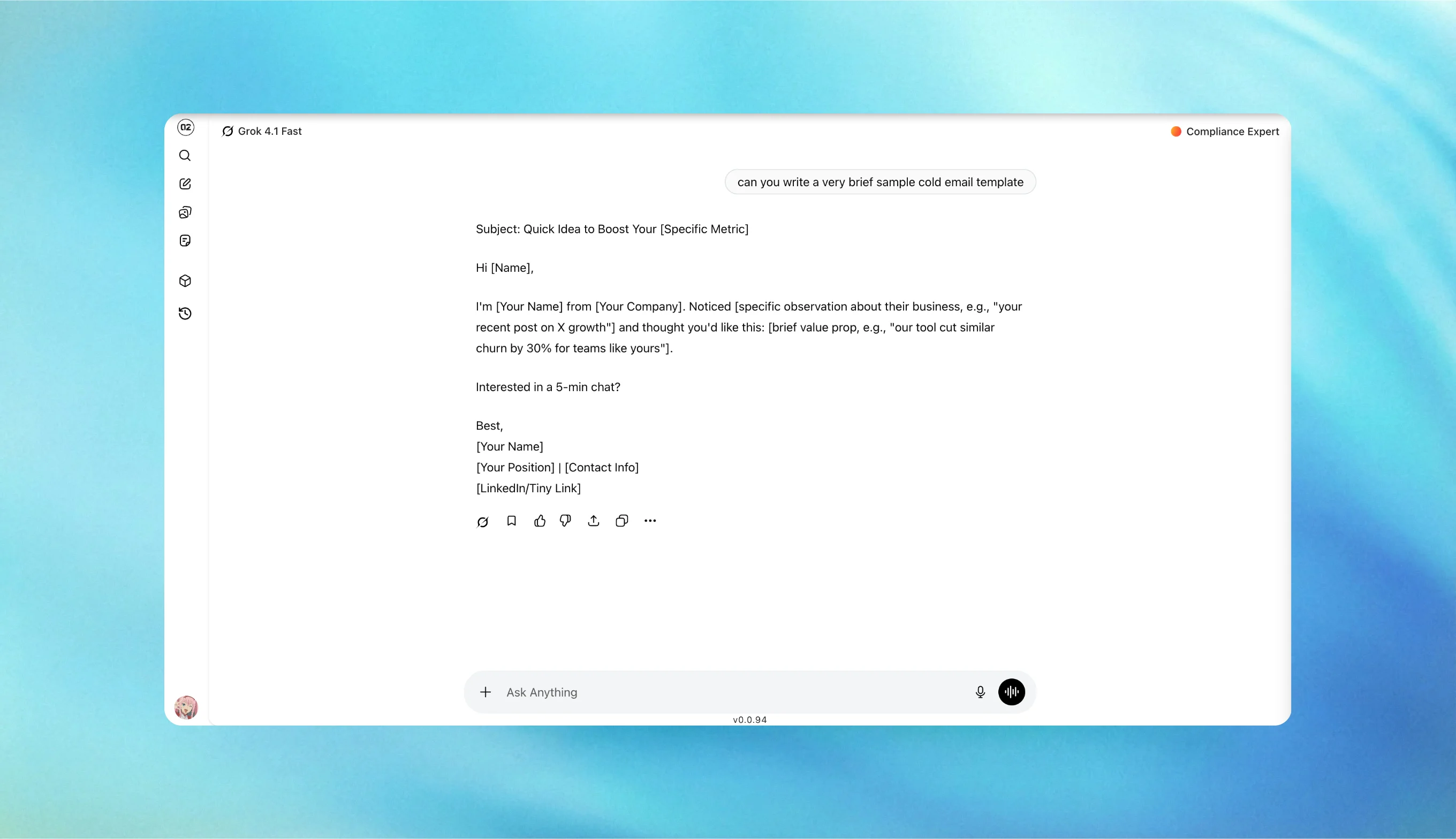
The image above is a first-party product screenshot. It shows the workspace surface; it is not a fabricated claim that ZeroTwo replaces repository-native developer tooling.
Our repeatable coding test
Use a small public fixture repository with a lockfile, focused test suite, linter, and clear contribution instructions. Give every tool the same starting commit and permissions. Save the prompt, transcript, diff, commands, and test output.
Run four tasks:
- Bug fix: “A zero-length input causes an off-by-one result. Reproduce it with a focused test, identify the root cause, make the smallest fix, and run the relevant tests.”
- Feature with validation: “Add an optional
currencyfield that accepts three-letter uppercase ISO codes. Write invalid and valid input tests before implementation. Do not refactor unrelated code.” - Cross-file explanation: “Trace how a request moves from the public handler to persistence. List exact files and functions, identify one uncertainty, and do not edit.”
- Review task: “Review this diff for correctness, security, and missing tests. Rank only actionable findings and cite the exact line.”
Score 0–2 for correct root cause, scope discipline, test quality, command accuracy, and final diff cleanliness. A task fails if tests do not pass, unrelated user changes are overwritten, or the assistant claims validation it did not run.
GitHub Copilot: strongest default for GitHub-centered teams
GitHub Copilot is a practical default when developers already live in GitHub and supported editors. GitHub’s current individual lineup includes Free, Pro at $10 per month, Pro+ at $39, and Max at $100. Paid plans include unlimited completions and next-edit suggestions; chat and agent features use GitHub AI Credits under the current billing model. Review Copilot plans and billing documentation.
Its strength is proximity to the development workflow. Its weakness is the temptation to accept a suggestion because it arrived inline. Require the same tests, review, and security checks as human-authored code.
Cursor: best when the editor is the agent surface
Cursor is designed around AI-assisted editing, background work, and model choice inside its editor. Its public pricing lists Hobby at $0 and Pro at $20 per month, with higher individual and team tiers. The plan includes usage whose effective capacity depends on the model selected. See Cursor pricing and Cursor’s pricing documentation.
Choose Cursor when the team wants the editor itself to coordinate multi-file changes. Before adoption, test repository indexing, privacy controls, usage visibility, extension compatibility, and how reliably the agent follows project instructions.
Claude: best for sustained reasoning, with a test requirement
Claude is often useful for tracing unfamiliar code, drafting a careful plan, and maintaining context across a larger change. Anthropic lists Claude Pro at $20 per month in the US, with higher-capacity Max plans. See Claude Pro pricing and the plan guide.
The required approval gate is executable evidence. Ask for the exact commands run, inspect the scoped diff, and distinguish focused test results from whole-repository health. Never accept “this should work” as a release signal.
ChatGPT: broadest companion beyond the repository
ChatGPT Plus costs $20 per month in the US and combines coding assistance with files, data analysis, images, research, and other general tools. See ChatGPT pricing and Plus details.
It fits developers who need one general assistant across code and non-code work. The exact coding experience depends on whether ChatGPT has access to the repository, a desktop integration, or only pasted snippets. State that boundary before comparing it with an IDE-native agent.
Gemini Code Assist: strongest no-cost entry for individuals
Google offers a no-cost Gemini Code Assist tier for individuals. Its business page lists Standard at $22.80 per user monthly or $19 per user monthly with an annual commitment, and Enterprise at higher prices. See the official Gemini Code Assist business page.
It is a sensible test for individual developers and teams invested in Google Cloud. Business buyers should compare administration, policy, context, and support—not assume the free individual feature set is identical to a company plan.
Where ZeroTwo fits in a coding workflow
ZeroTwo is useful when code is part of a larger client-service assignment: research an API, inspect a CSV, draft implementation notes, compare model suggestions, produce documentation, and package the finished result. Public plans are Free, Plus at $14.99 per month, and Pro at $29.99 per month, with model-dependent credit usage. See ZeroTwo pricing.
The honest limitation is that ZeroTwo does not replace a repository-native editor, CI system, code review, or observability platform. Use it to coordinate evidence and model choice, then validate the change in the actual codebase.
A safe workflow is:
- Capture the repository state and protect unrelated changes.
- Ask the assistant to reproduce the issue before editing.
- Approve the smallest implementation plan.
- Review every changed file and run focused tests.
- Run the broader build or CI gate required by the repository.
- Have a human approve the diff and any production action.
- Record deploy identity and live evidence separately from local test success.
Recommendation
- Start with GitHub Copilot Pro if the team is GitHub-centered and wants the lowest-cost paid coding-specific option.
- Choose Cursor when agentic editing is important enough to adopt its editor workflow.
- Choose Claude for sustained code reasoning, but require real repository execution.
- Choose ChatGPT when coding is one part of a broad personal assistant subscription.
- Test Gemini Code Assist first when the no-cost individual tier or Google Cloud alignment matters.
- Use ZeroTwo when the coding work must stay connected to client research, files, analysis, and final deliverables.
The winning tool is the one that produces the smallest correct diff with the strongest evidence—not the longest answer or the most confident benchmark claim.
Sources and update policy
- GitHub Copilot plans
- GitHub Copilot billing
- Cursor pricing
- Cursor pricing documentation
- Anthropic Claude Pro pricing
- OpenAI ChatGPT pricing
- Gemini Code Assist pricing
- ZeroTwo pricing
We recheck prices and named capabilities against vendor pages. Vendor documentation controls if it changes after the last-tested date.