PDFs · Page references · Limits
AI PDF summarizer: get a summary you can check page by page
Attach a PDF to a ZeroTwo chat and ask for a summary that names the page and quotes the sentence behind each point. Then open those pages. This page covers what can go wrong with PDFs (limits, scans, tables, page numbers) and a short test to run on your own file before you rely on a summary.
Free plan, no card required.
Page-cited summary format
Illustrativefictional-pilot-report.pdf
The pilot expanded from one region to two.
PDF p. 5Costs are reported without hardware.
PDF p. 9The authors list sampling bias as a limit.
PDF p. 12Adoption doubled after launch.
no page given
Fictional document, written to show the format. The last bullet has no page, so it is the one to check first. This is not model output.
- file upload per message on the Free plan
- 1
- file uploads per task on Plus and above
- Multiple
- separate checks decide whether a PDF summary holds up
- 4
Four things decide whether a PDF works
“Does it accept PDFs?” is the wrong question. A file can be attached and still summarize badly because of its context, its text layer or its layout. Check each one separately.
| Limit | What it decides | Where to check | How it fails |
|---|---|---|---|
| Upload rules | Whether the file can be attached at all: how many files, how large. | The attach step in the app. The Free plan allows 1 file upload per message, paid plans allow multiple per task. | The attachment is refused, or only some of your files go through. |
| Model context | How much text the model can read in one pass. | The model's page under the models list, because context differs by model. | The back half of a long PDF is covered thinly or not at all. |
| Text layer | Whether the PDF holds real text or only pictures of pages. | Try selecting a sentence in your PDF viewer. If you cannot, it is a scan. | Garbled names, dropped digits, missing pages. |
| Layout | Tables, multi-column pages, footnotes and figures. | Pick one table and read it against the original. | Columns shift, a row lands under the wrong heading, a footnote fuses into body text. |
This page does not print a maximum file size or page count. Caps can change by plan and over time, so confirm the current rule in the app rather than relying on a number here.
Ask for page references, then confirm them
A summary you cannot trace is a summary you have to take on faith. This prompt makes every point carry a page and a quote, and gives the model a way to say it found nothing.
Prompt to paste
Summarize the attached PDF in six bullets. After each bullet, give the page number in brackets, using the number your PDF viewer shows rather than the number printed on the page. Quote the sentence the bullet relies on. If you cannot find support for a point, write "not found in the document" instead of guessing.
Why page numbers still need a check
- Printed page numbers and viewer page numbers differ when a PDF has a cover or front matter, so a correct citation can look wrong.
- A model can attach a plausible page to a claim it paraphrased loosely. Open the page before you repeat the claim.
- Scans and multi-column layouts blur which page a sentence sits on.
Four ways a PDF summary goes wrong
These are risks to test for, not measured error rates. Each has a check you can run in a minute.
Scanned pages
With no text layer, the model has to read page images. Quality then depends on the scan, and a dropped digit looks as confident as a correct one.
Check: Compare every figure, name and date you plan to reuse with the page image.
Tables
Merged cells and wide tables can lose their column alignment.
Check: Read one row of the table against the summary.
Page offsets
A summary can cite page 3 for something on viewer page 5.
Check: Ask for viewer page numbers and spot-check three.
Long documents
If a PDF does not fit in the model's context, the summary can describe the opening well and the ending poorly.
Check: Ask what the last chapter says, then read it. Split the PDF by chapter if the answers thin out.
Test your own PDF before you rely on it
We have not published a measured result for any file, so the honest proof is the one you run yourself. Six steps, on a document you already know.
Pick a PDF you already know
Choose one where you can name five facts without looking: a number, a date, a name, a value in a table and a stated caveat.
Attach it and paste the page-reference prompt
Use the prompt above so every bullet points at a page and a quote.
Check five claims against the cited page
Open the page the summary names. Count a claim as passed only if the page says it.
Read one table against the summary
If a table is involved, compare a full row, not just the headline number.
Ask what the document does not cover
Compare the answer with the contents page. Gaps in the summary often show up here first.
Repeat on a second model if the file matters
Use the differences as a map of where to read. If steps three or four fail, split the PDF or work from the text.
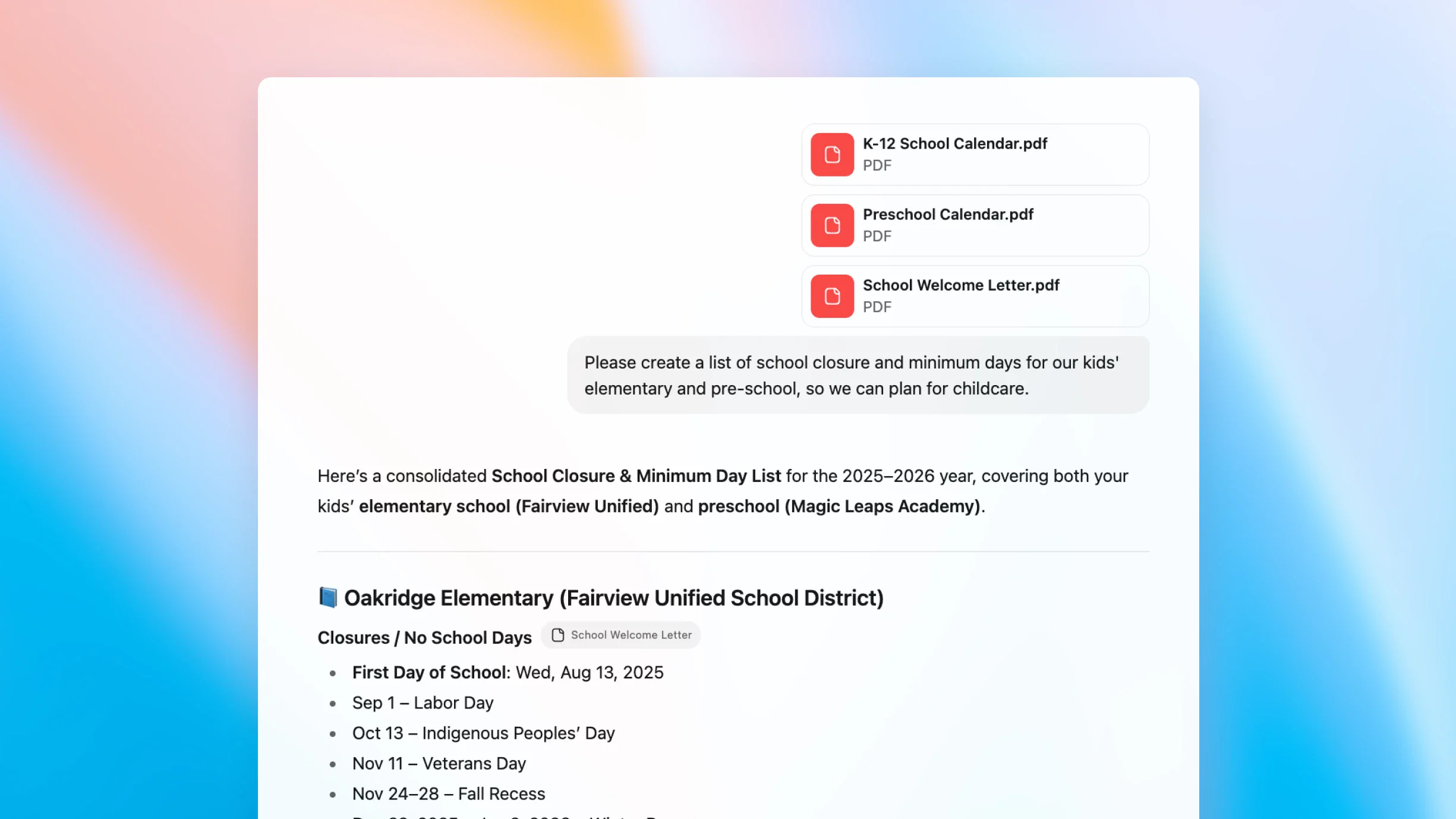
Five PDF summary formats with page references built in
Pick the shape by what you will do with the result. For length targets and formats that are not tied to a page, see the AI summarizer page.
| Format | Use it when | Prompt to paste |
|---|---|---|
| Executive TL;DR | Deciding whether anyone should read the whole file. | Read the attached PDF. Give a one-sentence TL;DR, then three bullets: finding, evidence, recommended next step. Add the page for each bullet. |
| Section outline | Navigating a long report without re-reading it. | Outline the PDF by heading. Under each, give two bullets: the main point and the supporting number or evidence. Add the page for each heading. |
| Faithful abstract | A plain version of a paper. | Write an abstract of about 250 words covering background, method, result and one stated limitation. Quote numerical results exactly and add their page. |
| Action-item table | Minutes, board packs, contracts with deadlines. | List every action item, obligation or deadline as a table with who, what, by when and page. Leave a cell empty rather than guessing. |
| Quote map | Legal, policy and compliance review. | List each binding obligation as a verbatim quote, then a one-sentence plain-English gloss. Include the page for every quote. |
What each plan means for PDFs
The difference that matters most here is how many files you can attach to one task. Allowances are shared across everything you do in ZeroTwo, not reserved for PDFs.
| Plan | Price | File uploads | Allowance |
|---|---|---|---|
| Free | $0 | +20 bonus credits every day you log in | 100 free credits to start; 1 file upload per message |
| Plus | $14.99/mo | Memory unlocked | 1,650 monthly credits; 1,000 free Auto requests / month |
| Pro | $29.99/mo ($26.99/mo billed annually) | Multiple file uploads per task | 3,500 monthly credits; 2,500 free Auto requests / month |
Source: ZeroTwo's pricing catalog. See the pricing page for the full comparison. Before you upload anything sensitive, read the Privacy Policy and make sure you are allowed to share the file.
Questions about summarizing PDFs
Can ZeroTwo summarize a PDF?
Yes. Attach a PDF to a ZeroTwo chat and ask for the summary shape you want. For anything you will rely on, ask for page references and quotes, then check them against the page, as the checklist on this page describes.
What is the maximum PDF size or page count?
Three things decide it: the upload rules for your plan, how much text the chosen model can read at once, and the PDF itself. This page does not print a fixed page or size number because caps can change by plan and over time. The Free plan allows 1 file upload per message and paid plans allow multiple per task. If a PDF is too long for one pass, summarize it chapter by chapter, then summarize the chapter summaries and check the second pass against the first.
Can it summarize scanned or image-based PDFs?
Sometimes. If a PDF has no text layer, the model has to read page images, and quality depends on the scan and on how the model handles images. Do not assume the numbers are right: check figures, names and small print against the page. If a scan is poor, a text version of the document gives the model less to get wrong.
Will the page references be correct?
Not always. A model can cite a page that looks right but is not. Page numbers printed on the page often differ from the numbers your PDF viewer shows, so ask for viewer page numbers and open the cited page before you repeat a claim.
Which model should I use for PDFs?
There is no single answer, and this page does not rank models. Check the context information on a model's page for long files, try two models on a PDF you know well, and compare where they differ. The models page lists what is available.
Is my PDF private?
An attached PDF is processed to produce the response, which can involve the model provider you choose. Read the Privacy Policy before you upload anything sensitive, and only upload documents you are allowed to share.
Can I summarize several PDFs at once?
Paid plans allow multiple file uploads per task, while the Free plan allows 1 per message. A combined summary hides disagreements between sources, so for comparing evidence across PDFs use the AI document analysis page rather than one merged summary.
What does it cost?
The Free plan is $0 and needs no card, with 100 free credits to start and 1 file upload per message. Plus is $14.99 per month and Pro is $29.99 per month ($26.99 per month billed annually). Paid plans use a monthly credit allowance and free Auto requests rather than unlimited use.
Related on ZeroTwo
- AI summarizer
Choose a summary format and length for any text, not only PDFs.
- AI document analysis
Compare evidence across multiple PDFs with citations kept attached.
- Chat with PDFs
Ask follow-up questions about a file once the summary is done.
- AI for lawyers
Contract review and case-file work, with a person making the call.
- Best AI for research
Compare models for reading-heavy research work.
- AI chat
Open a chat and attach a PDF.
Attach a PDF you know well and run the five-claim check
ZeroTwo publishes this page and is one of the tools it describes. The Free plan needs no card.