Web Search in ZeroTwo
ZeroTwo can now search the web in a much better way than before. You can get fast, timely answers with links to relevant web sources, which you would have previously needed to go to a search engine for. This blends the benefits of a natural language interface with the value of up-to-date sports scores, news, stock quotes, and more.
ZeroTwo will choose to search the web based on what you ask, or you can manually choose to search by clicking the web search icon.
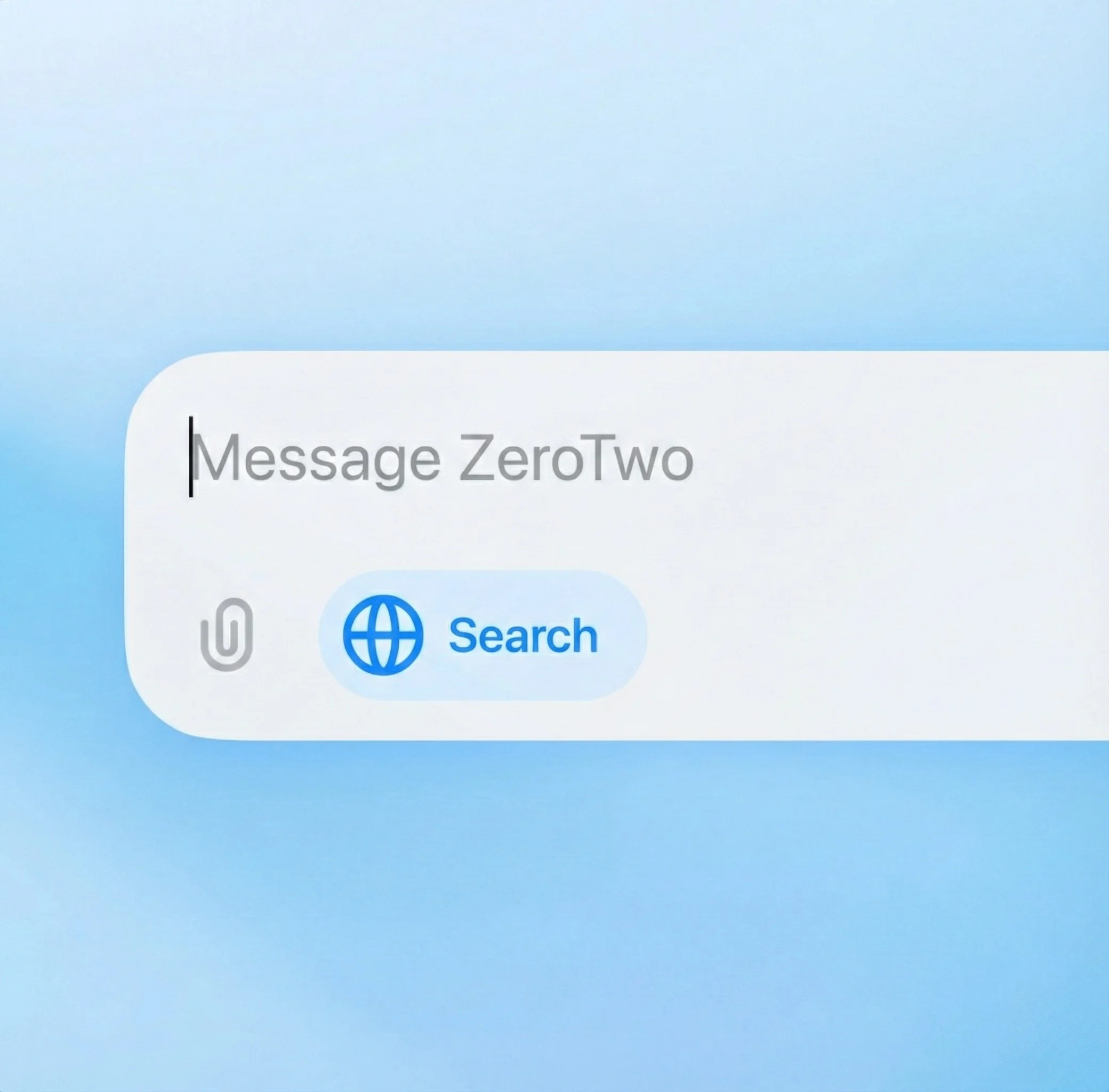
Get answers with current information
Access current information
Get answers about recent events, news, weather, stock prices, and other information that changes frequently, all in real-time.
Get cited sources
Every answer includes links to the sources used, so you can verify information and explore topics in more depth.
Stay up-to-date
Never miss the latest developments. Web search ensures you're getting the most current information available.
Research efficiently
Quickly gather information from multiple sources without leaving your conversation, saving you time and effort.
Verify information
With source citations, you can easily check the accuracy of information and dive deeper into topics that interest you.
Ask about anything
From breaking news to historical facts, sports scores to scientific discoveries, get comprehensive answers on any topic.
Designed to get you to a better answer
Getting useful answers on the web can take a lot of effort. It often requires multiple searches and digging through links to find quality sources and the right information for you.
Now, chat can get you to a better answer: Ask a question in a more natural, conversational way, and ZeroTwo can choose to respond with information from the web. Go deeper with follow-up questions, and ZeroTwo will consider the full context of your chat to get a better answer for you.
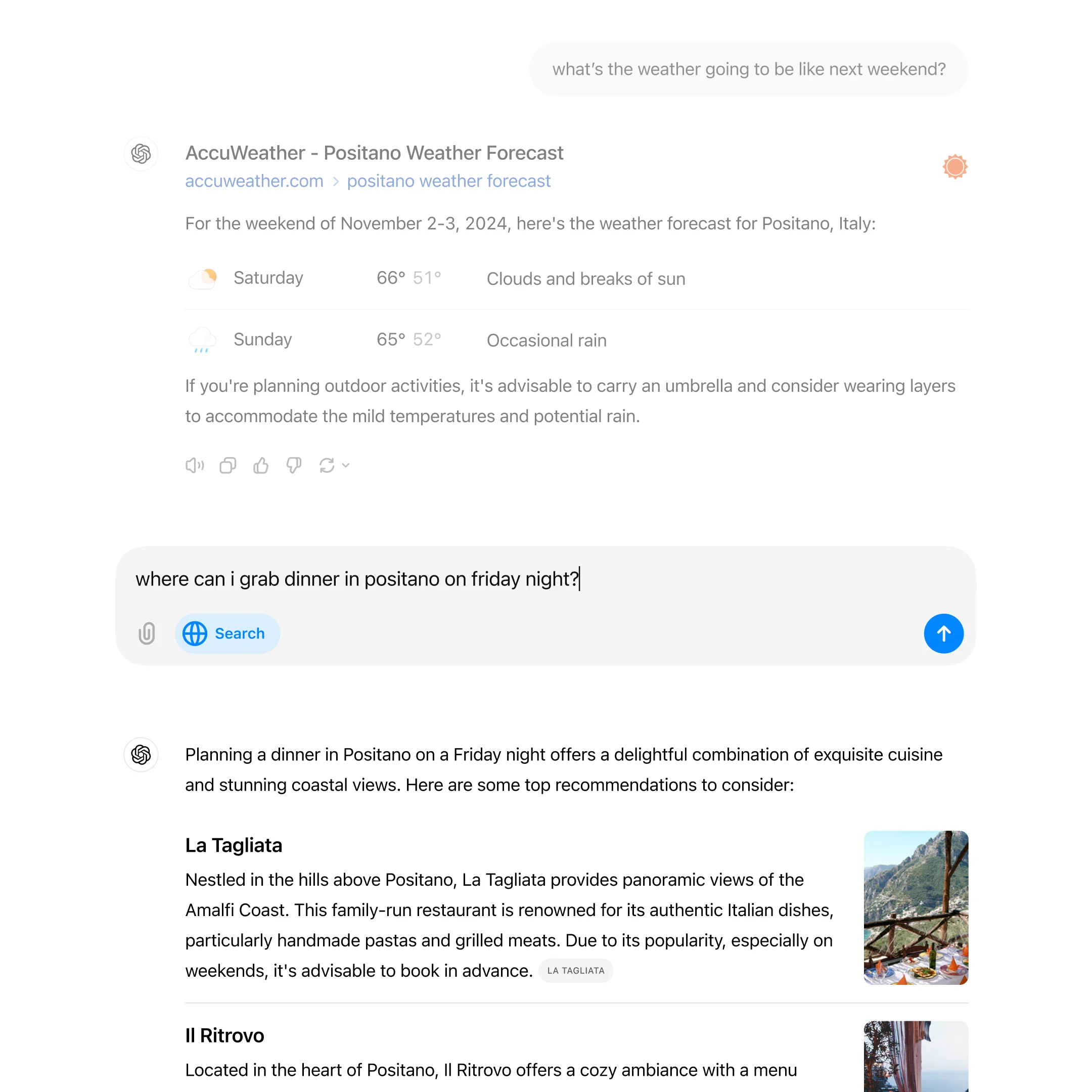
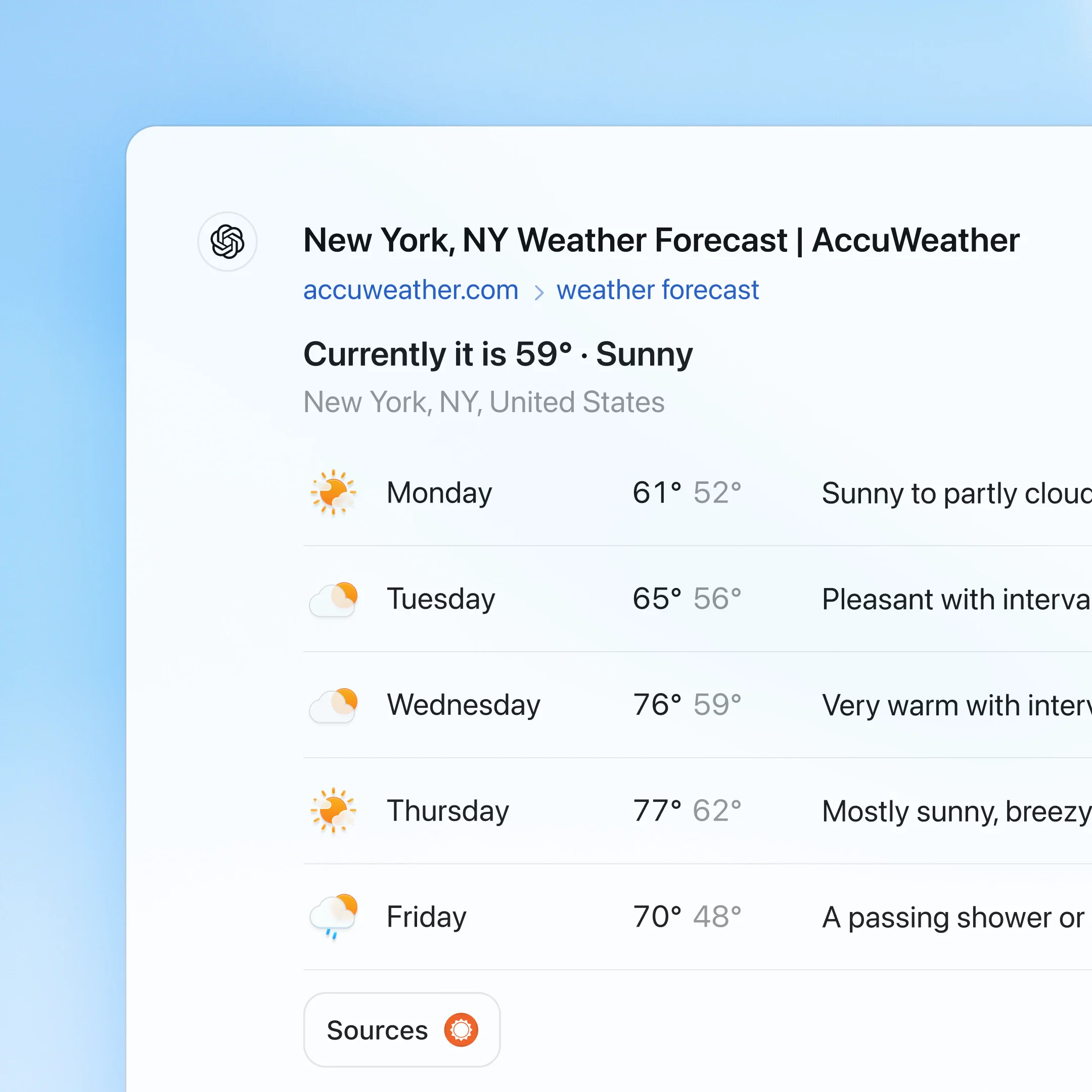
We also partnered with news and data providers to add up-to-date information and new visual designs for categories like weather, stocks, sports, news, and maps.
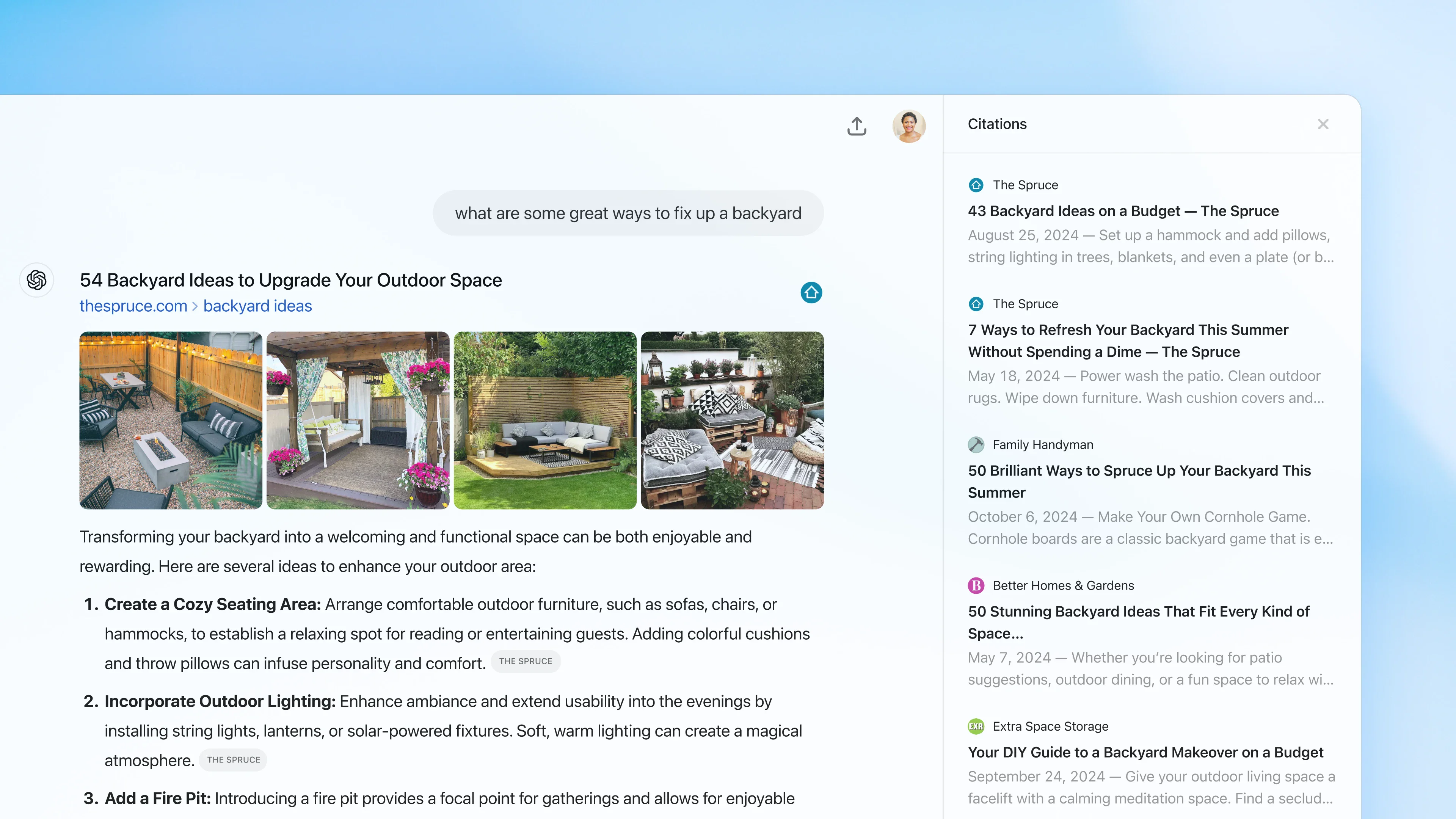
Go straight to the source
Chats now include links to sources, such as news articles and blog posts, giving you a way to learn more. Click the Sources button below the response to open a sidebar with the references.
Frequently asked questions
Web search allows ZeroTwo to access current information from the internet to provide you with up-to-date answers. Simply click the web search icon when asking questions that require recent information.
Explore more
- Deep Research
Go beyond basic web search with comprehensive research that analyzes multiple sources and provides in-depth insights on complex topics.
- Connectors
Connect ZeroTwo to everyday tools like Google Drive, SharePoint, Microsoft Teams, Notion, and GitHub to personalize its responses to your work and life.
- Chat with PDFs
Upload your PDFs to ZeroTwo and get help analyzing and summarizing big documents, so you can get the information you need quickly.